
The Quest for the 3D Soundstage
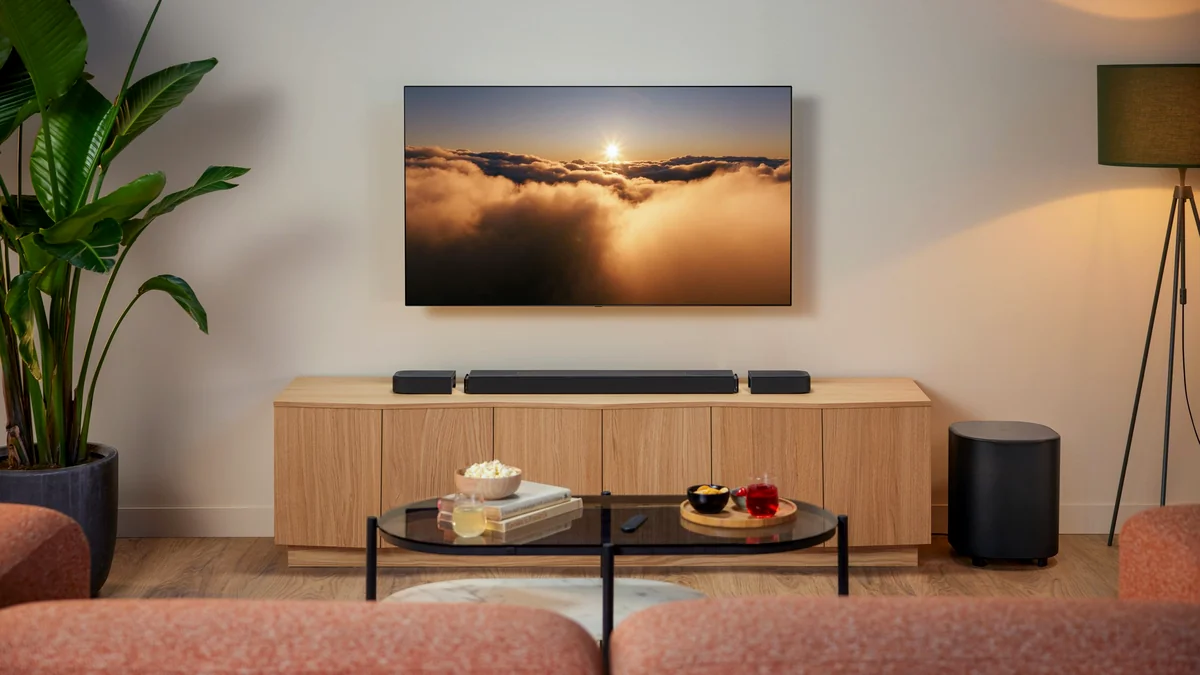
We’ve entered an era where ‘good enough’ audio no longer cuts it for the modern gamer or cinephile. Dolby Atmos, once the exclusive domain of high-end commercial theaters, has aggressively migrated into our living rooms, promising a 3D soundstage where bullets whiz past your ears and rain feels like it’s falling from your ceiling. However, this democratization has brought a wave of technical noise. For many buyers, the transition from aspiration to installation is fraught with jargon and a massive price delta that leaves them wondering: can a budget bar really deliver the same magic as a premium setup?
Key Takeaways
- Dolby Atmos requires specific HDMI eARC hardware for uncompressed 3D audio.
- Budget brands like Zebronics offer high wattage and ‘Atmos’ branding at a fraction of the cost.
- Premium brands (JBL, Sony) justify their price through proprietary signal processing and modular hardware.
- The ‘Clarity Gap’ is the biggest differentiator between entry-level and high-end systems.
The technical backbone of the Atmos experience isn’t just the speakers; it’s the pipe. HDMI technology, specifically eARC (Enhanced Audio Return Channel), is the critical link required to transmit high-bitrate, object-based audio from your TV or console to your soundbar. Without this, you’re often getting a compressed version of the dream.
The Disruptors: High-Power Budget Audio
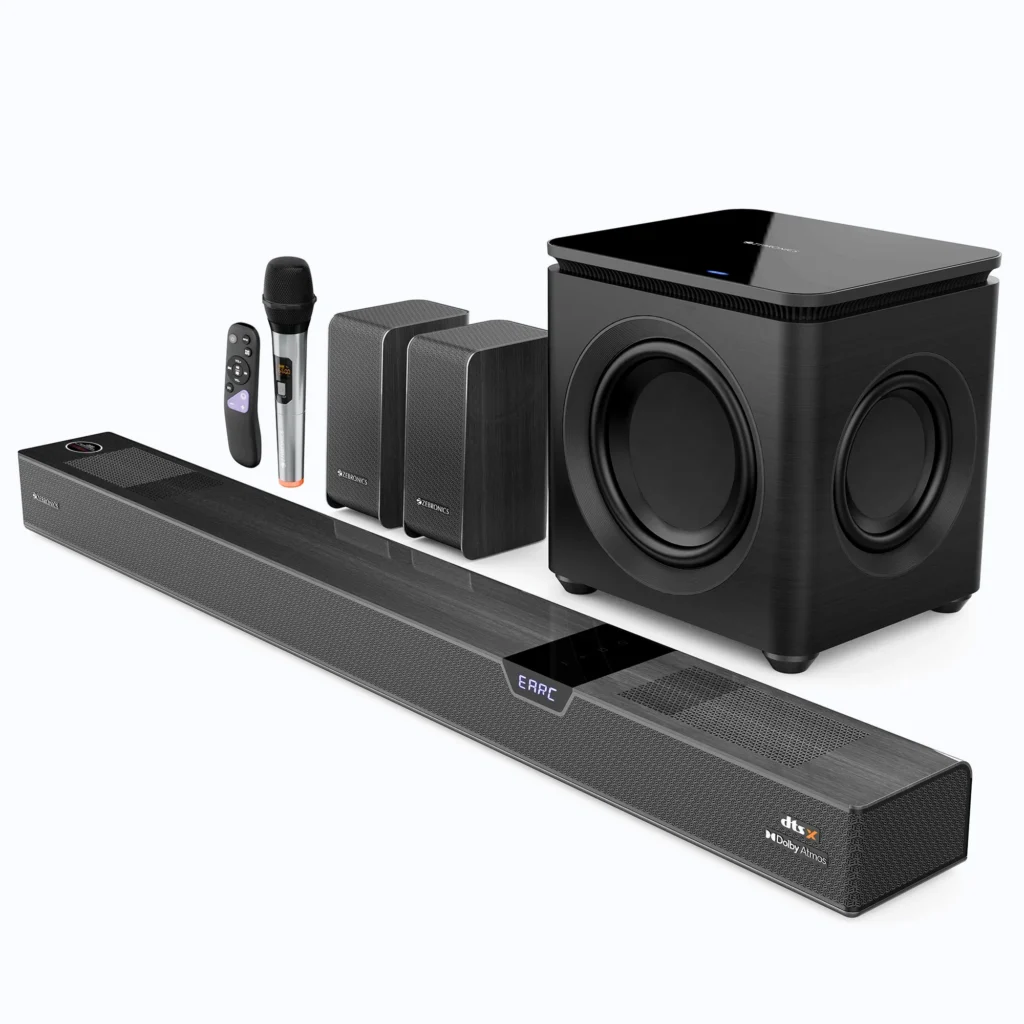
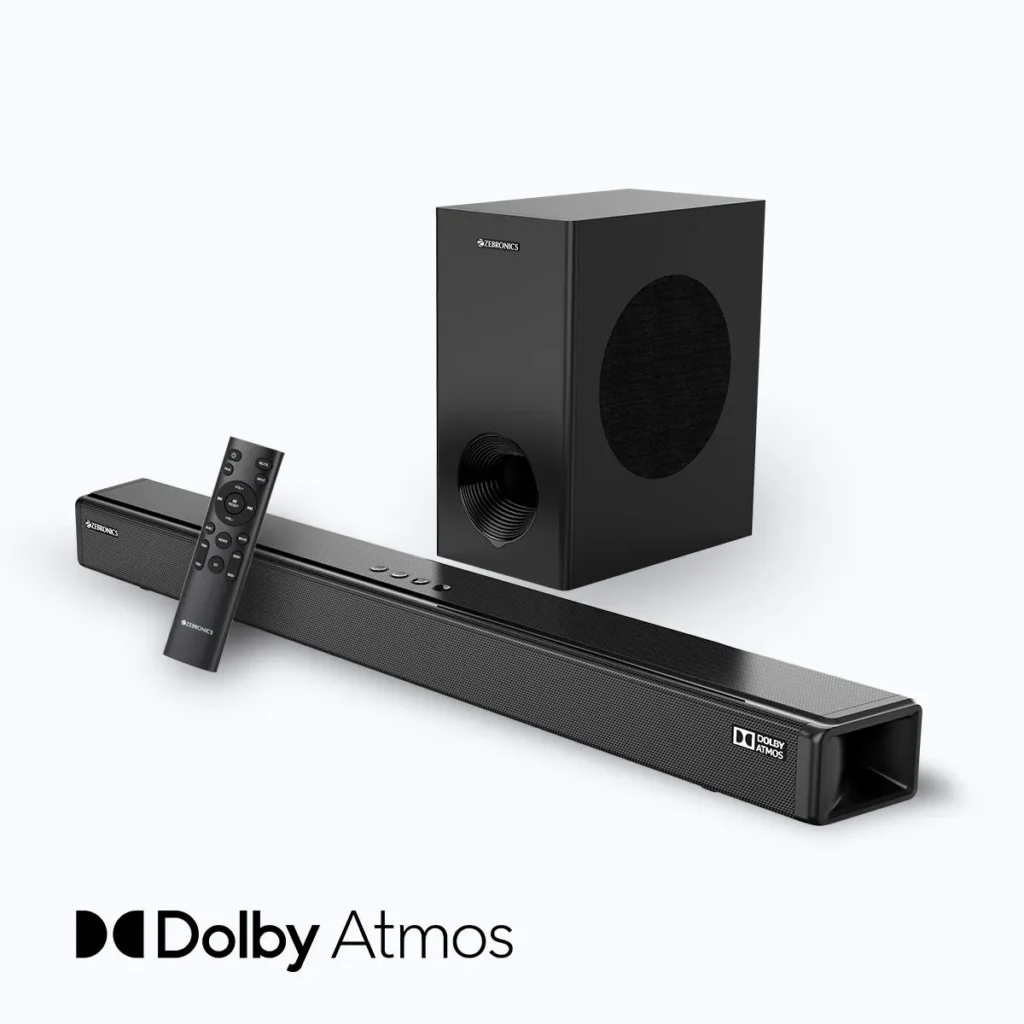
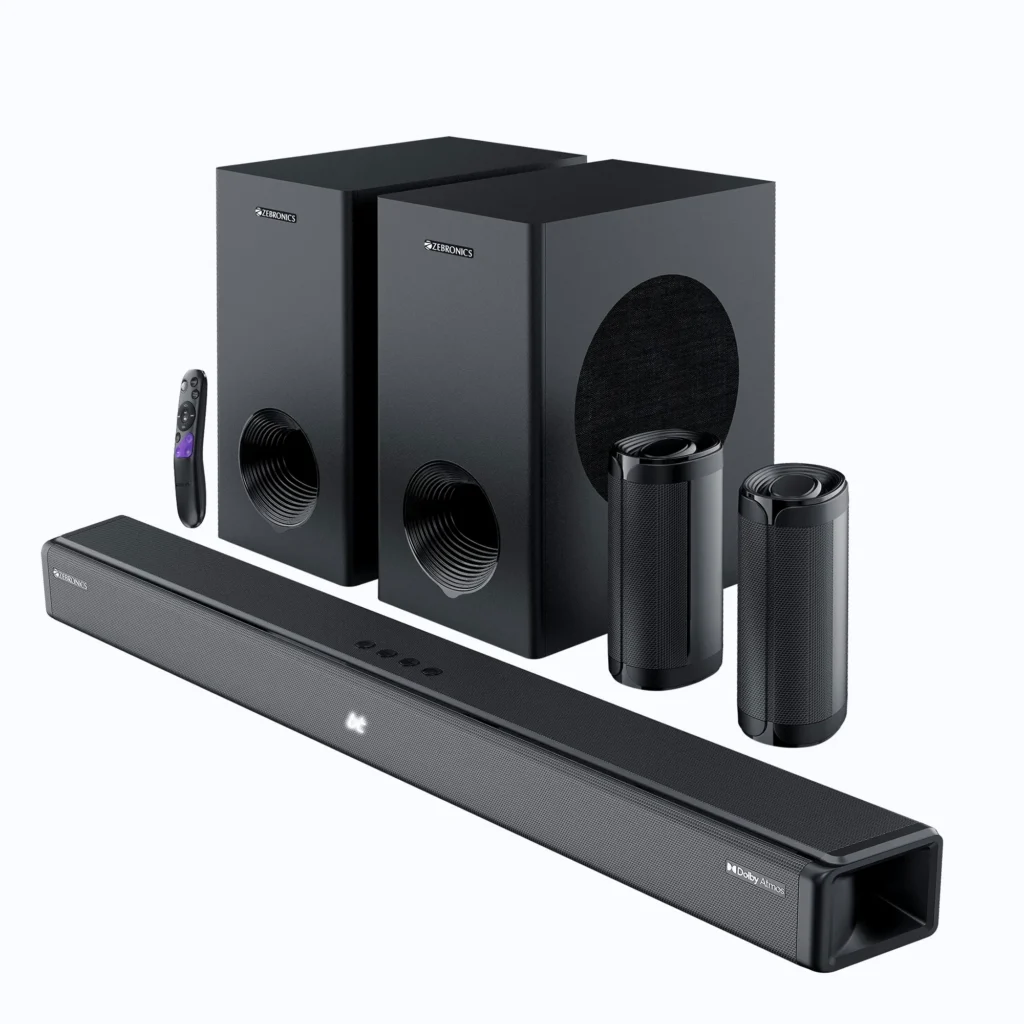
Enter the disruptors. Brands like Zebronics are aggressively rewriting the value proposition of home audio. By offering flagship models like the Juke Bar 10000—a monster 1100W system boasting a 7.2.4 configuration—they are undercutting legacy giants by thousands. These systems aren’t just loud; they lean into the gamer aesthetic with integrated RGB lighting and multiple wireless subwoofers. For the budget-conscious enthusiast, the pitch is simple: why settle for a 2.1 system from a premium brand when you can have physical rear satellites and floor-shaking wattage for a fraction of the cost?
The Engineering Giants: Why JBL and Sony Command a Premium
While budget brands compete on raw specs, the engineering giants like JBL and Sony are playing a different game entirely: the game of precision. JBL’s latest Bar Series utilizes MultiBeam 3.0 to create a surround field without the clutter, while PureVoice 2.0 uses AI to ensure dialogue isn’t drowned out by chaotic sound effects. Sony takes this further with its 360 Spatial Sound Mapping, which calibrates to your specific room geometry. For PlayStation 5 users, the integration is even deeper, offering Auto HDR Tone Mapping and VRR pass-through—features that ensure your audio hardware doesn’t become a bottleneck for your visual performance.
Budget Power vs. Premium Precision
| Feature | Zebronics Juke Bar 10000 | JBL Bar 1000MK2 | Sony HT-A5000 |
|---|---|---|---|
| Peak Power | 1100W | 960W | 450W (Base Unit) |
| Channels | 7.2.4 | 7.1.4 | 5.1.2 |
| Special Tech | Dual Wireless Subs | MultiBeam 3.0 / Detachable Speakers | 360 Spatial Sound Mapping |
| Gaming Focus | RGB Lighting | HDMI 2.1 Pass-through | PS5 Auto HDR / VRR |
Frequently Asked Questions
Can I get real Dolby Atmos for under 15k?
Technically, yes. Brands like Zebronics offer Atmos-certified hardware in this range. However, the ‘immersion’ relies heavily on your room’s acoustics and the quality of the virtual height channels.
Do I need a special HDMI cable for Atmos?
You need an ‘Ultra High Speed’ HDMI cable (HDMI 2.1) to ensure enough bandwidth for uncompressed Atmos via eARC.
Final Verdict
Choose Zebronics if you want high-volume, cinematic impact and physical surround speakers on a strict budget. Choose JBL or Sony if you value vocal clarity, software stability, and seamless integration with high-end gaming consoles.