
The Death of 1080p and the Rise of the 1440p Sweet Spot
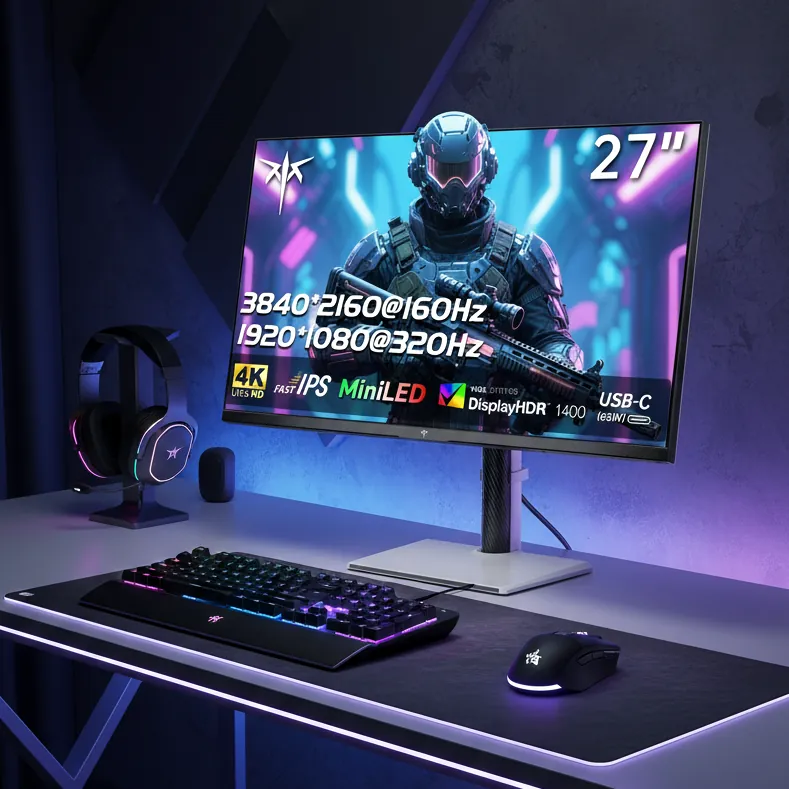
The display landscape has shifted: 144Hz is no longer a luxury but the baseline for fluid motion clarity. Transitioning from 1080p to 1440p offers a massive 78% increase in pixel real estate, providing a sharper image without the extreme hardware demands of native 4K. Meanwhile, the horizon is shifting toward 5K AI upscaling tech, promising to bridge the gap between mid-range GPUs and ultra-high-resolution panels.
The Native vs. DLSS Dilemma: Is 4K Performance Mode Better Than Native 1440p?
If you are rocking an RTX 4070, you are likely hitting a crossroads. You want a 32-inch display for that immersive field of view, but the 4070 isn’t a native 4K powerhouse. This leads to a heated debate: do you buy a native 32-inch 1440p panel, or a 4K panel and run DLSS in ‘Performance’ mode? At 32 inches, a native 1440p image has a pixel density of roughly 92 PPI, which can feel slightly soft. In contrast, 4K DLSS Performance renders internally at 1080p and upscales. While the 4K panel offers a higher physical PPI, the 1080p internal render can struggle with fine detail. For context, the jump from 1080p (78 PPI at 27″) to 1440p (108 PPI at 27″) is the gold standard for clarity that many users are trying to replicate on larger screens.
While 4K DLSS Performance can often look sharper than native 1440p due to NVIDIA’s superior temporal reconstruction, be wary of ‘shimmering’ on thin geometry. On 32-inch displays, native 1440p provides a more stable, artifact-free image during high-speed motion, even if it lacks the absolute crispness of an AI-upscaled 4K signal.
Panel Wars: IPS, VA, and the OLED ‘Endgame’
| Panel Type | Strengths | Weaknesses | Best For |
|---|---|---|---|
| IPS | Color Accuracy & Speed | Low Contrast (IPS Glow) | Competitive Gaming & Editing |
| VA | High Contrast & Value | Black Smearing / Response Time | Cinematic RPGs & Budget Builds |
| OLED | Infinite Contrast & 0.03ms Response | Burn-in Risk & High Price | The Visual ‘Endgame’ |
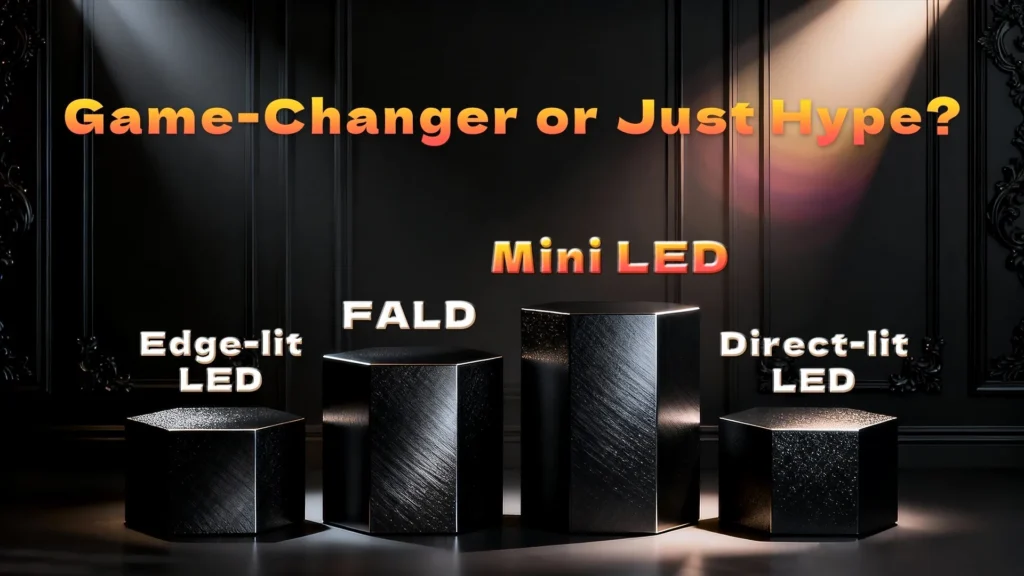
| Mini-LED | 1400 Nits Brightness & HDR | Local Dimming Blooming | HDR Enthusiasts on a Budget |
Decoding the Matrix: How to Read Monitor Model Names
- LG ‘G’ Series: The ‘GR’ denotes 2023 models, ‘GS’ represents 2024, and the new ‘GX’ series marks the 2025/2026 flagship tier.
- Model Numbers: Usually, the first two digits indicate screen size (e.g., ’27’ for 27-inch), while trailing letters often signify resolution or specific features like ‘Q’ for QHD or ‘U’ for UHD.
- Brand Tiers: In the UltraGear lineup, ‘GN’ typically refers to standard high-speed IPS, while ‘GQ’ or ‘GX’ signifies premium features like OLED or higher-resolution 4K/5K capabilities.
The 2025 Recommendation Engine: Best Picks by Category
Asus ROG Swift PG27AQDP
Alienware AW2524HF
Titan Army P2712V
CES 2026 Sneak Peek: LG UltraGear evo and the AI Revolution
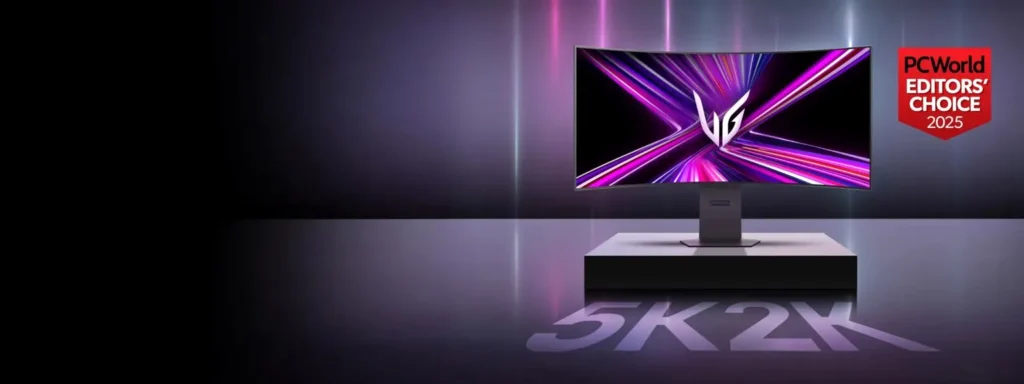
The future of displays is increasingly driven by silicon inside the monitor itself. At CES 2026, LG is set to debut the UltraGear evo lineup, headlined by the 39GX950B. This 39-inch ultrawide features the world’s first 5K AI Upscaling technology, which uses on-device processing to enhance clarity to 5K-class levels without requiring a GPU upgrade. Furthermore, LG is pushing boundaries with a 540Hz QHD OLED panel and ‘Primary RGB Tandem’ technology, which utilizes a dual-layer OLED structure to increase brightness and longevity while maintaining the 0.03ms response times enthusiasts crave.
Frequently Asked Questions
Final Verdict
For the vast majority of PC gamers in 2025, the 27-inch 1440p IPS monitor remains the logical ‘sweet spot’ for price and performance. However, if your budget allows, OLED is the undeniable endgame for motion clarity and visual depth. As you shop, keep a close eye on regional model names and availability, as global supply chains often mean the best ‘budget’ picks are the hardest to find in stock.