Key Takeaways
- Catastrophic failures of AMD Ryzen 9000 CPUs (specifically 9950X and 9800X3D) were widely reported on ASRock AM5 motherboards (B850/X870 series) due to excessive and unstable power delivery.
- The root cause was ASRock’s factory default settings for Precision Boost Overdrive (PBO), which aggressively exceeded AMD’s safe recommendations for Electrical Design Current (EDC) and Thermal Design Current (TDC).
- MANDATORY FIX: ASRock has released critical BIOS versions 3.25 and 3.40 (incorporating AGESA 1.2.0.3e Patch A) that significantly reduce these dangerous power limits and stabilize voltages.
- Users currently running affected ASRock AM5 boards must update their BIOS immediately, regardless of manual settings, to prevent irreversible and catastrophic CPU failure.
The Crisis: Ryzen 9000 CPUs Are Dying on ASRock AM5 Boards
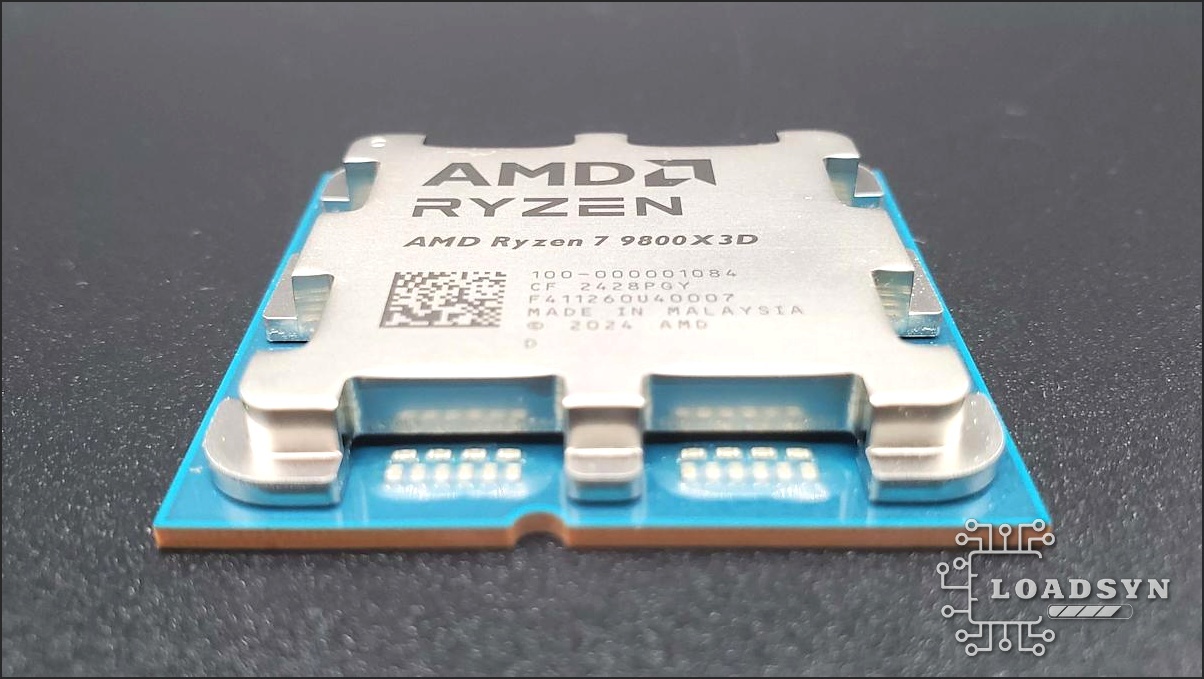
The excitement surrounding the launch of AMD’s Zen 5 Ryzen 9000 desktop CPUs—promising up to 16% IPC uplift and greater efficiency—was quickly overshadowed by catastrophic hardware failures. Reports began trickling in from enthusiast communities, primarily targeting ASRock’s B850 and X870 motherboards paired with high-end chips like the Ryzen 9 9950X and the gaming-focused Ryzen 7 9800X3D. Users reported complete system bricking, often within weeks of use, with diagnostic LEDs confirming permanent CPU damage. This was not merely a firmware glitch; this was a physical, thermal-electric failure, tragically echoing the AM5 platform’s past voltage issues at its initial launch.
The Engineering Breakdown: Aggressive PBO Limits Were the Killer
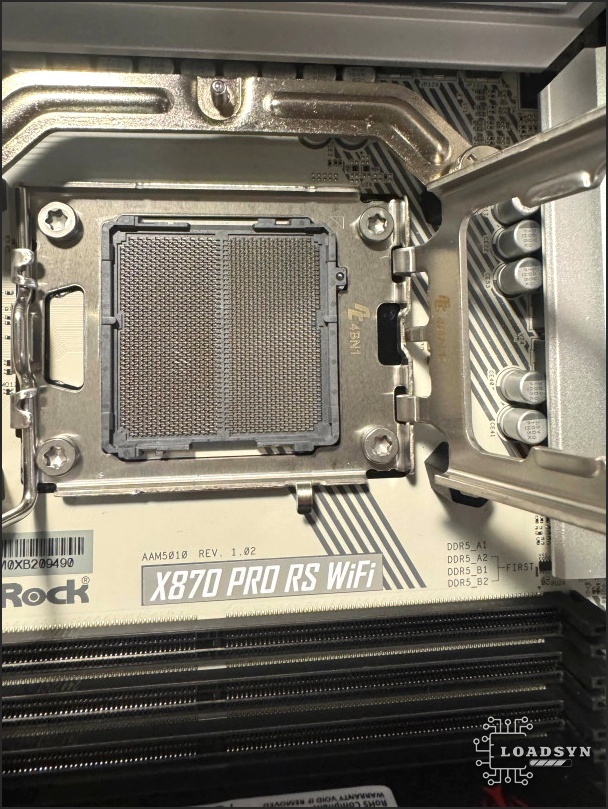
Following a joint investigation with AMD, ASRock Vice President Chris Lee confirmed that the issue was not attributable to user error but stemmed from a systemic flaw in the motherboard’s power management firmware. The core culprit was the implementation of AMD’s Precision Boost Overdrive (PBO). ASRock had factory-configured the Electrical Design Current (EDC) and Thermal Design Current (TDC) values far too high, often allowing short-term load peaks of up to 1000 Amps and 1000 Watts. While the intent was to maximize the Zen 5 processor’s performance under load, this resulting transient current spiking exceeded the physical tolerance of the silicon. This rapid, uncontrolled power delivery led to rapid degradation and eventual burnout of the Granite Ridge processors. Paradoxically, this issue was often exacerbated on high-end boards with robust Voltage Regulator Modules (VRMs) and water cooling, as they provided the thermal headroom necessary to push these fatal current limits without immediately throttling.
CRITICAL WARNING: The ‘Shadow Voltage’ Risk
Technical analysis revealed the problem was deeper than just the visible PBO limits. ASRock’s early firmware utilized dangerous ‘shadow tensions’—hidden voltage values not displayed in the UEFI—that significantly impacted the CPU’s behavior under load. These hidden tensions contributed to the dangerous voltage spiking. The new BIOS updates (v3.25/3.40) specifically target and reduce these shadow tensions, stabilizing voltage and current delivery to levels that prevent processor damage. Users must understand that they cannot assume their system is safe just because they haven’t manually enabled PBO; the factory defaults were already utilizing these aggressive hidden values.
| Parameter | ASRock Old BIOS (e.g., v3.16) | AMD Recommended Stock (Ryzen 7 9700X) | ASRock New BIOS (v3.25/3.40) |
|---|---|---|---|
| Peak EDC (Amps) | Up to 1000A | 180A | 325A (Capped) |
| Peak PPT (Watts) | Up to 1000W | 162W | 325W (Capped) |
| Continuous TDC (Amps) | Unspecified High | 120A | 235A (Continuous) |
Action Required: How to Update Your BIOS and Secure Your CPU
ASRock has made BIOS versions 3.25 and 3.40 available for all affected AM5 motherboards. Installation is not optional—it is critical for the long-term health and stability of your Ryzen 9000 CPU. Fortunately, the AM5 platform mandates BIOS Flashback support, meaning you can technically update the firmware even without a working CPU installed, mitigating some of the high anxiety surrounding the process. However, the easiest and most common method for most users is typically via the UEFI interface itself.
- Download the latest BIOS (v3.25 or later) for your specific ASRock AM5 motherboard model from the official ASRock website.
- Unzip the downloaded file and place the BIOS file onto the root directory of a USB stick formatted to FAT32.
- Reboot your system and enter the UEFI BIOS setup (usually by pressing F2 or DEL during startup).
- Navigate to the ‘Tool’ menu and select ‘Instant Flash.’ The utility will scan your USB drive.
- Select the BIOS file and confirm the update. This process takes several minutes; DO NOT interrupt power or interact with the system until it reboots automatically.
Frequently Asked Questions
If my CPU is already dead, who replaces it?
ASRock has stated they will not act as a middleman and will not replace damaged CPUs directly. Users must initiate the RMA process with their retailer (e.g., Scan.co.uk, Overclockers UK) or contact AMD directly for warranty replacement, citing the manufacturer fault. Major retailers have generally honored refunds or replacements for both the board and the dead chip.
Are other motherboard brands (MSI, ASUS, Gigabyte) affected?
While the problem was disproportionately and systemically linked to ASRock due to their aggressively misconfigured PBO defaults, initial reports did suggest a small percentage of failures occurred on other 800-series boards. However, other manufacturers quickly ensured their PBO limits were strictly within AMD specifications, making ASRock the primary source of the widespread systemic failures.
Does this issue affect Ryzen 7000 series CPUs?
No, this specific burnout issue is tied to the Ryzen 9000 series and the overly aggressive PBO settings in ASRock’s 800-series firmware. However, the AM5 platform did suffer from similar, severe voltage-related burnout issues with Ryzen 7000 at launch, caused by high EXPO/XMP memory voltages applied to the sensitive I/O die, suggesting a persistent platform sensitivity to voltage manipulation.
The Final Verdict
The Ryzen 9000 series represents a significant leap for AMD, offering impressive efficiency and IPC gains based on the Zen 5 architecture. However, this crisis serves as a stark reminder that the AM5 platform remains highly sensitive to voltage and current management. ASRock’s decision to push factory PBO limits beyond safe parameters for a marginal performance edge created a catastrophic failure point, resulting in hundreds of dollars in lost silicon. While the new BIOS updates (v3.25/3.40) provide a necessary, immediate patch, the incident has inevitably shaken user trust in certain board partners. For new builders, the platform is now safer, provided the BIOS is immediately updated upon purchase. For existing ASRock users, the fix is mandatory. The core takeaway for the industry is clear: when dealing with high-performance, cutting-edge silicon, a small performance gain is never worth the risk of a $650 burnt chip. Stability on the AM5 platform is paramount, and it relies entirely on manufacturers adhering strictly to AMD’s validated power limits.