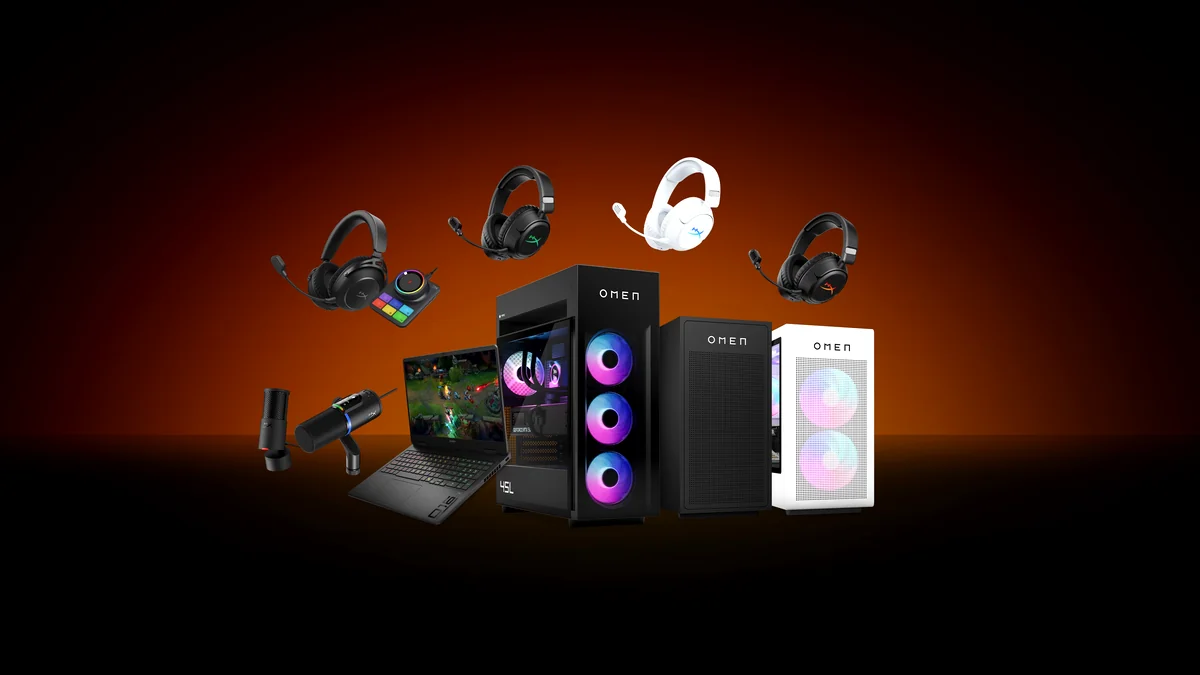

The HyperX SoloCast 2 has arrived, heralded as a highly anticipated contender in the budget gaming microphone arena. Priced at a competitive $59.99, it promises a straightforward, value-driven audio upgrade for streamers and gamers alike. HyperX positions it as a plug-and-play solution, delivering streamlined sound and compact versatility right out of the box. While it undeniably offers a significant step up from standard headset microphones, as many in the community have noted, achieving truly broadcast-quality audio demands more than just plugging it in. This condenser mic, by its very nature, is sensitive, and that sensitivity can capture more than just your voice. To truly master the SoloCast 2 and unlock its full potential for optimal streaming and gaming audio, you need precise insights. This comprehensive guide cuts through the marketing noise, providing actionable advice and verified insights to help you get the best sound possible, transforming it from a “good enough” solution into a formidable budget champion.
- Budget Champion: The SoloCast 2 offers exceptional value at its $59.99 price point, positioning it as a top contender for entry-level setups.
- Core Simplicity: Features like tap-to-mute, a built-in stand, and USB-C plug-and-play prioritize ease of use for new users.
- Sound Potential: Delivers clear, rounded vocals, but its condenser nature can pick up ambient room noise if not properly managed.
- Software Struggles: The NGENUITY Beta software is powerful but currently suffers from critical bugs, particularly with settings not saving.
- Optimization is Key: Achieving ‘studio-ready’ sound often requires external accessories (boom arm, pop filter) and software workarounds.
- Strong Upgrade Path: Compatible with mic arms, making it a scalable solution as your setup evolves.
First Impressions: Unpacking the SoloCast 2’s Design and Build
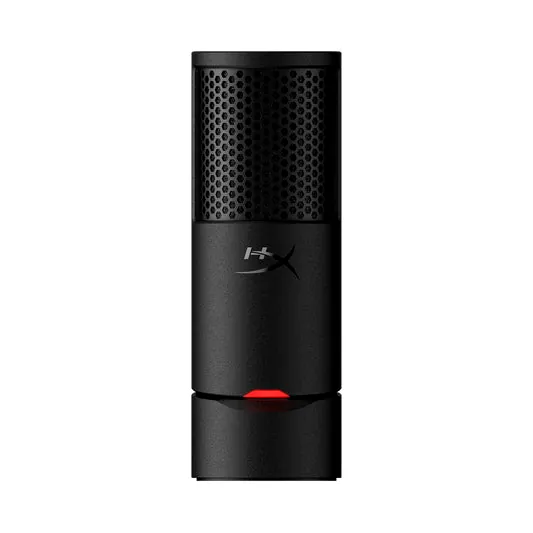
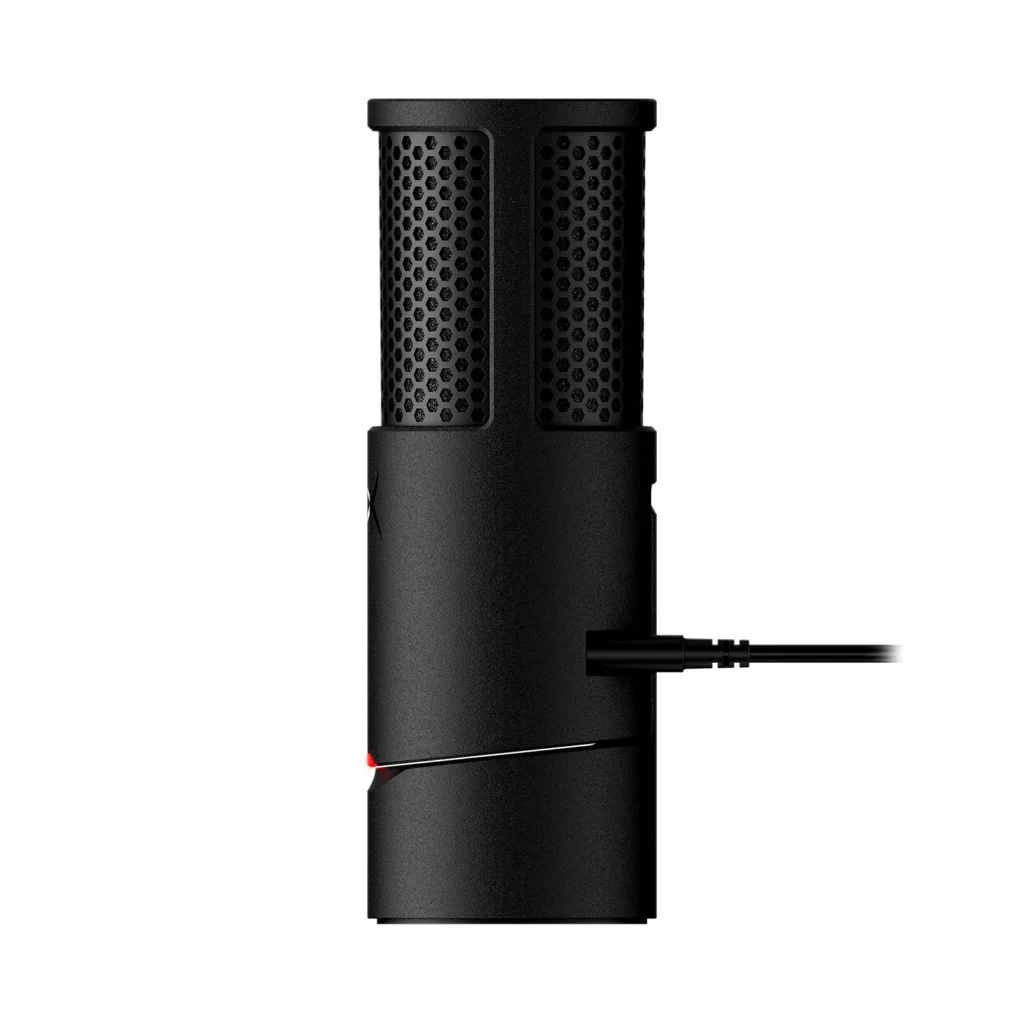
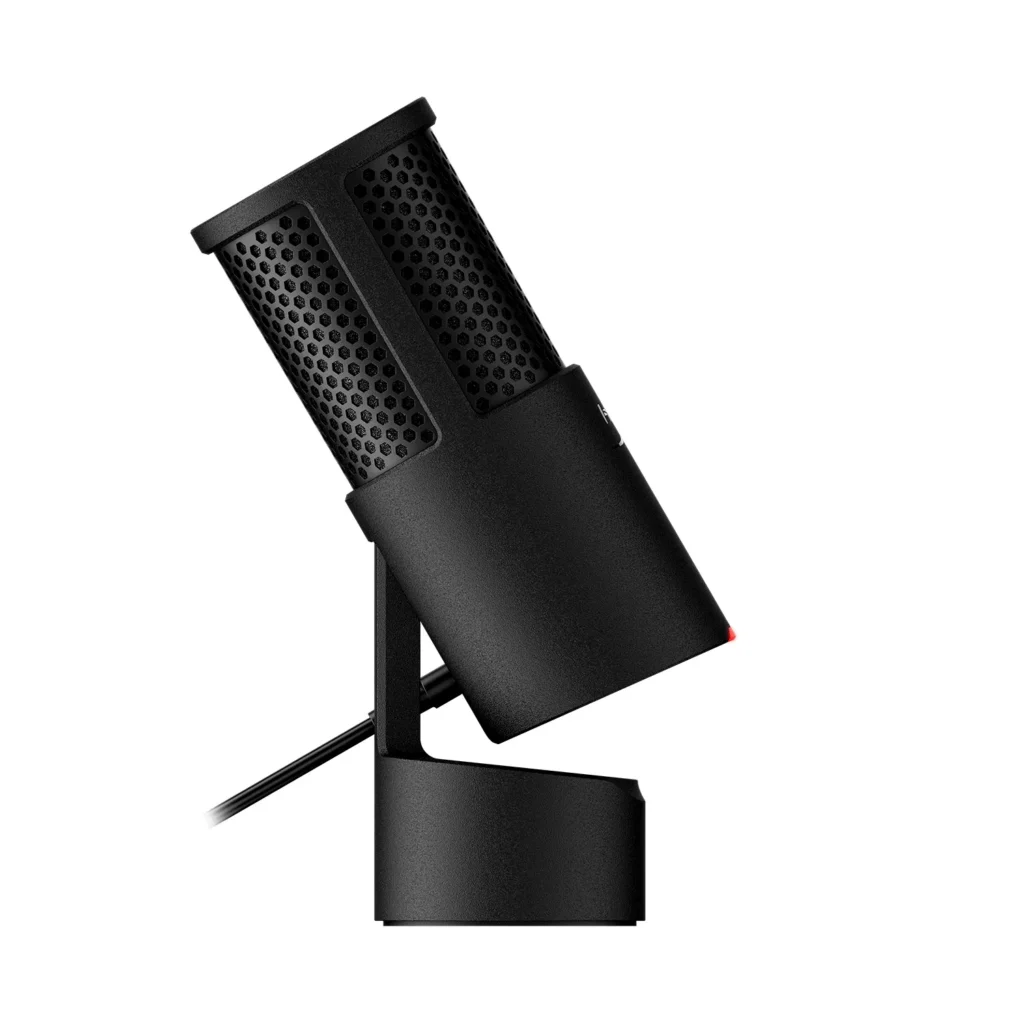
The HyperX SoloCast 2 immediately impresses with its compact form factor and sturdy build, a clear indication that it’s designed for practical, everyday use. Its sleek, minimalist aesthetic allows it to blend seamlessly into any gaming or streaming setup without drawing undue attention. The integrated desktop stand offers immediate functionality, letting you go from unboxing to recording in mere moments. Connectivity is equally hassle-free, featuring a universally compatible USB-C port for simple plug-and-play operation across various devices. This commitment to a streamlined experience is evident from the moment you take it out of the box.
Key Features at a Glance
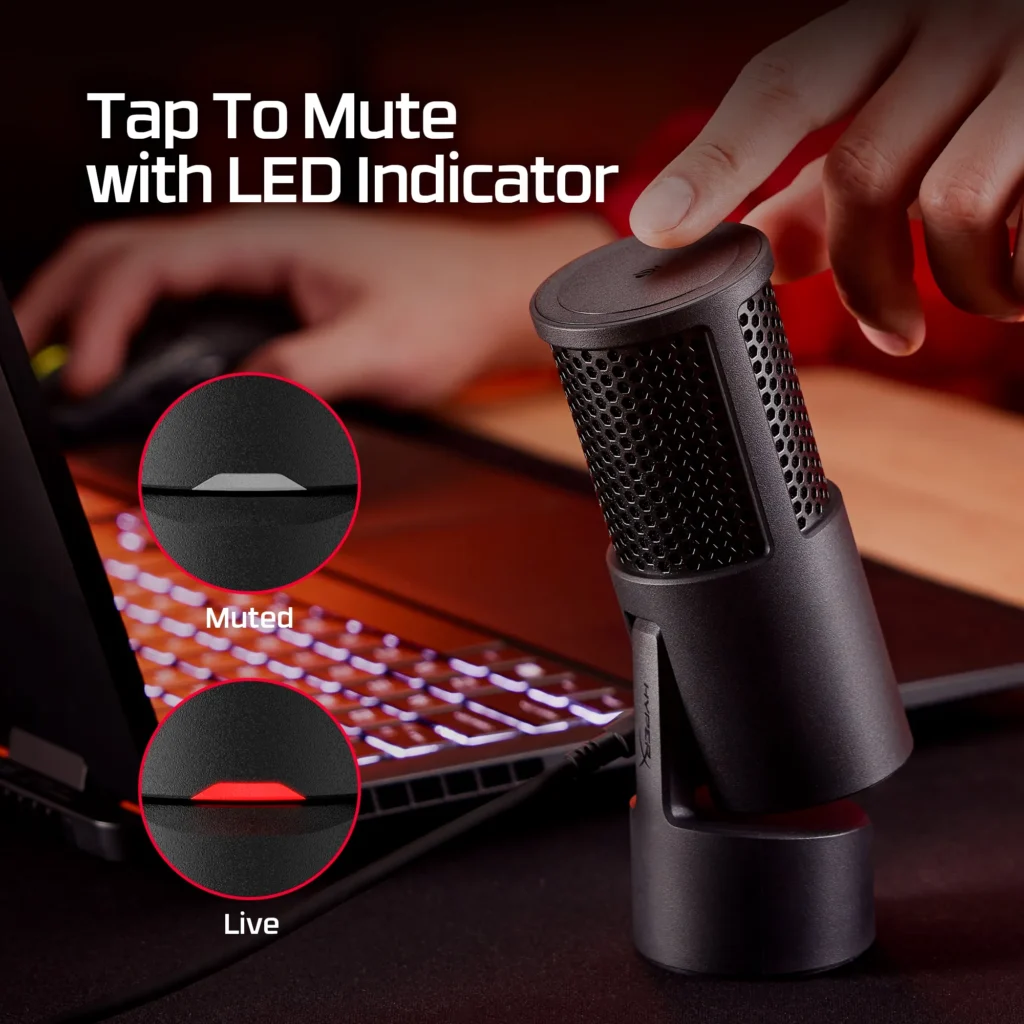
The intuitive tap-to-mute sensor with LED indicator for quick privacy during streams.
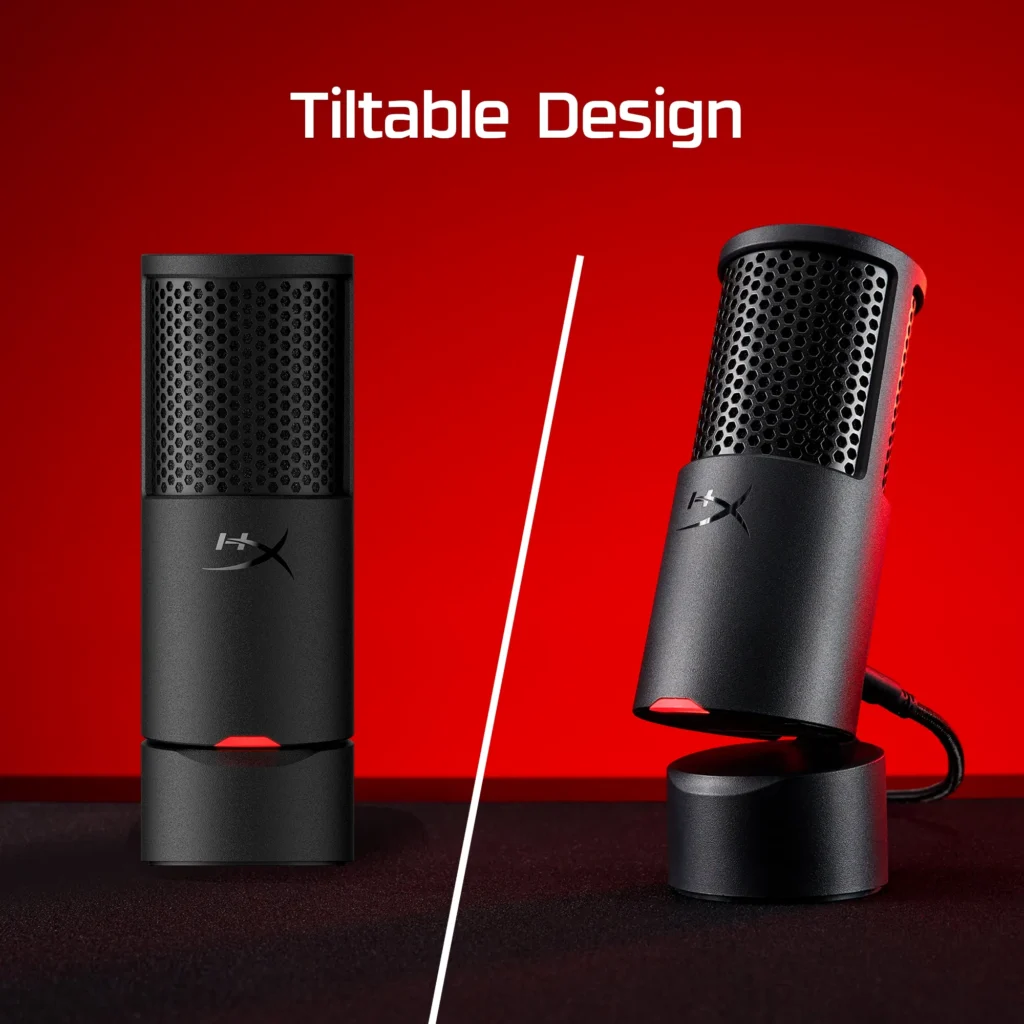
The redesigned tiltable stand offers flexibility for various desktop setups.
HyperX has clearly focused on user convenience with the SoloCast 2. It incorporates a built-in shock mount and a foam pop filter, which work in tandem to deliver cleaner audio by reducing vibrations and eliminating plosive sounds right out of the box—a welcome inclusion for a budget mic. The tap-to-mute button on top is highly intuitive, providing instant privacy with a clear LED indicator that lets you know your status at a glance. Furthermore, its versatile mounting options, featuring both 3/8-inch and 5/8-inch threads, mean it’s ready for an upgrade to a dedicated boom arm whenever your setup evolves. These thoughtful features truly enhance its plug-and-play appeal, making it an accessible choice for new users.
| Microphone Type | USB Condenser |
| Polar Pattern | Cardioid |
| Sample Rate/Bit Depth | Up to 24-bit / 96 kHz |
| Frequency Response | 20 Hz – 20 kHz (typical) |
| Connectivity | USB-C to USB-A |
| Controls | Tap-to-Mute with LED Indicator |
| Included Accessories | Built-in Stand, Integrated Pop Filter, Built-in Shock Mount |
| Mounting Compatibility | 3/8-inch and 5/8-inch threaded mic arms |
| MSRP | $59.99 USD |
Audio Performance Deconstructed: Clarity, Sensitivity, and Context
The SoloCast 2 leverages a condenser capsule combined with a cardioid polar pattern, a classic combination designed to capture your voice with impressive clarity and a full, rounded tone. Its 24-bit/96kHz recording capability is a significant upgrade at this price point, contributing to a crisper, more detailed audio signal that stands out from typical headset microphones. However, this inherent sensitivity, a hallmark of condenser mics, also means it’s prone to picking up ambient room noise, such as keyboard clicks or distant conversations. The included desktop stand, while convenient, can also transmit unwanted desk vibrations, underscoring the need for careful placement and potential acoustic treatment to achieve optimal sound.
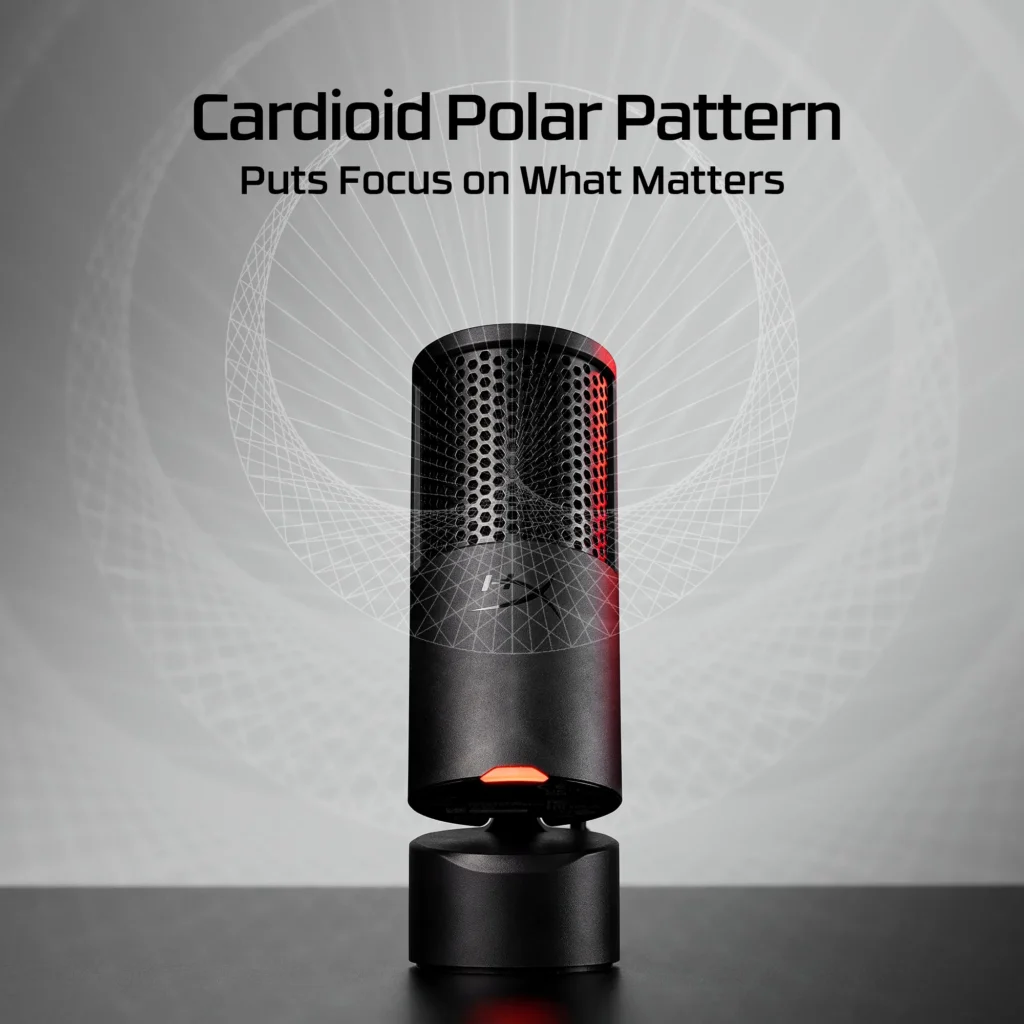
The SoloCast 2’s cardioid polar pattern focuses audio capture directly in front of the mic.
When users evaluate budget microphones, there’s often a pragmatic acceptance of trade-offs. The community notes that while the SoloCast 2 is a significant step up from headset mics, its sensitivity to ambient noise is a common observation. This isn’t necessarily a flaw, but a characteristic of a decent condenser mic at this price point, indicating a higher bar for expectations. For many, it’s a ‘good enough’ solution that still needs careful environmental management.
- Clear, Full Vocals: Delivers impressive sound quality for its price.
- Built-in Pop Filter & Shock Mount: Reduces plosives and minor vibrations.
- Compact & Sturdy Design: Easy to place and built to last.
- Convenient Tap-to-Mute: Instant privacy with a clear LED indicator.
- Boom Arm Ready: Threaded mount for easy integration.
- Sensitive to Room Noise: Can pick up ambient sounds and keyboard clicks.
- Low Desktop Stand: Can transmit desk vibrations.
- Lack of On-Mic Controls: No gain dial or headphone jack.
- NGENUITY Software Bugs: Beta software issues can hinder performance.
The NGENUITY Software Experience: Power and Persistent Quirks
HyperX’s NGENUITY Beta software is designed to be the control center for the SoloCast 2, offering essential customization options that are otherwise absent from the microphone itself. Within NGENUITY, users can fine-tune critical audio parameters such as microphone gain, activate high-pass or low-pass filters to shape their sound, and even engage AI noise reduction for clearer comms. The inclusion of a 10-band equalizer provides granular control, allowing for detailed audio sculpting. Given the SoloCast 2’s minimalist hardware, mastering this software is not just an option—it’s essential for extracting the microphone’s full potential and tailoring its sound to your unique environment and preferences.
This tutorial guides users through enabling the limiter on the HyperX SoloCast 2 using the NGENUITY Beta app.
Troubleshooting NGENUITY: Common Issues & Workarounds
- Settings Not Saving: Many users report that EQ presets, gain settings, and other adjustments do not persist. Workaround: Ensure NGENUITY is set to launch at startup and runs in the background.
- ‘No Active Input Device’ Error: Some users experience the software failing to recognize the SoloCast 2. Workaround: Try reinstalling the software or testing on a different USB port.
- AI Noise Reduction Instability: The AI noise reduction can sometimes introduce artifacts. Workaround: Experiment with intensity or consider third-party software like NVIDIA Broadcast.
As of writing, the HyperX NGENUITY software is still in beta. While it offers powerful customization, users should be aware of potential stability issues and unexpected behavior, especially regarding saved settings.
The sentiment from the community is clear: ‘bro in my app it shows no active input device it shows but when i click it it only works then’. This reflects a significant hurdle for users expecting seamless software integration.
Budget Battle: SoloCast 2 Against Its Rivals
The budget gaming microphone market is fiercely competitive. The SoloCast 2 steps into this arena where it must carve out its niche against its predecessor and popular alternatives such as the Logitech Yeti Orb.
| Feature | HyperX SoloCast 2 | Original SoloCast | Logitech Yeti Orb |
|---|---|---|---|
| Price (MSRP) | $59.99 | $59.99 (launch) | $59.99 |
| Sample Rate | 24-bit / 96 kHz | 24-bit / 48 kHz | 24-bit / 48 kHz |
| Stand | Tiltable (Shock/Pop) | Non-tiltable | Fixed |
| Software | NGENUITY Beta | N/A | Logitech G Hub |
| Pros | Improved stand, built-in filters | Compact, reliable | On-mic gain, reliable software |
Optimizing Your Setup: Achieving Studio-Ready Sound
While the SoloCast 2 delivers solid performance straight out of the box, a few strategic adjustments can dramatically elevate your audio quality.
- Invest in a Boom Arm: Positioning the microphone closer to your mouth improves your signal-to-noise ratio.
- Positioning is Paramount: Aim to speak directly into the front at a distance of 4-6 inches.
- Manage Your Environment: Minimize echo with soft furnishings and keep noisy PCs far away.
- Dial in Gain: Use NGENUITY to find the sweet spot without clipping.
- Utilize Software Filters: Use high-pass filters to cut low-frequency rumble.
- Monitor Your Audio: Actively listen to your own voice to fine-tune adjustments in real-time.
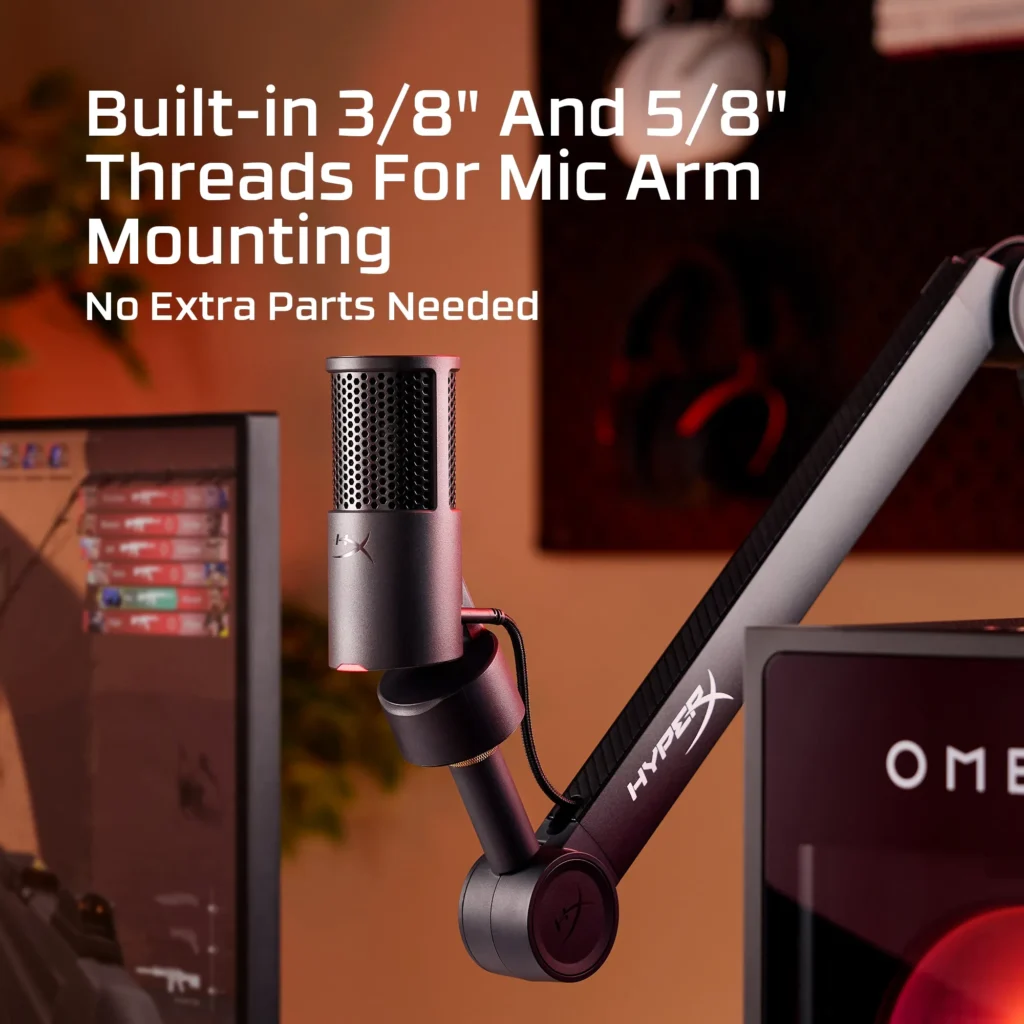
The universal mic mount threading ensures compatibility with most boom arms.
Pricing and Availability
The HyperX SoloCast 2 Microphone is set to be available for purchase on HP.com and HyperX.com, with an anticipated launch in August. Its official MSRP is $59.99, a price point that aggressively positions it as a highly competitive option within the entry-level USB microphone market.
A quick overview of the HyperX SoloCast 2, demonstrating its features and audio capture.
The HyperX SoloCast 2 makes a compelling case for itself as a top-tier budget gaming microphone. While its NGENUITY software is still a work in progress, its excellent raw audio quality, robust build, and thoughtful design features like the integrated pop filter and boom arm compatibility offer tremendous value at its price point. For new streamers or gamers looking to significantly upgrade from a headset mic without breaking the bank, the SoloCast 2 is an undeniable contender. Be prepared to invest a little time in software optimization or consider a boom arm, and you’ll be rewarded with broadcast-quality sound that punches well above its weight class.