
The gaming world is currently navigating a complex landscape following the release of AMD Software: Adrenalin Edition 25.12.1. While this driver update ushers in exciting new features like FSR Redstone and promises crucial stability fixes, a significant, and frankly concerning, divide is emerging within the Radeon community. RDNA 4 users are celebrating the advent of AI-powered upscaling, but a palpable sense of betrayal and concern about AMD’s long-term strategy is growing among owners of previous-generation RDNA 3 cards, who feel increasingly sidelined. As Anya Sharma of the Optimization Science & AI Tech section, my analysis will dissect the Adrenalin 25.12.1 update, empirically explore the implications of AMD’s evolving driver strategy, and navigate the growing tensions that threaten the loyalty of AMD’s dedicated fanbase.
Adrenalin 25.12.1: The Promised Fixes and Lingering Issues
The Adrenalin 25.12.1 release was met with anticipation, promising a wave of stability improvements and enhanced feature support, particularly for the latest Radeon RX 9000 series. AMD’s official changelog meticulously detailed several critical bug fixes, targeting system stability and application performance. However, a deeper empirical validation reveals that while some issues have indeed been addressed, others stubbornly persist. Furthermore, new community reports indicate that the journey to achieving comprehensive stability remains unfinished for a considerable segment of users, highlighting the inherent complexities of modern driver development.
According to AMD’s official release notes, the Adrenalin 25.12.1 driver includes fixes for the following issues, which we’ve validated against community feedback and our own internal observations:
- Intermittent system crashes observed while using some high-bandwidth HDMI 2.1 displays during display standby.
- Intermittent application freeze when using the in-game Radeon Overlay.
- Intermittent application crash when playing ARC Raiders on the Blue Gate map on Radeon RX 9000 series products.
Despite these welcome fixes, AMD acknowledges several known issues that remain unaddressed in the 25.12.1 driver, posing ongoing challenges for specific configurations and titles:
- Intermittent application crash or driver timeout may be observed while loading a saved game in Cyberpunk 2077 with Path Tracing enabled. (AMD is actively working on a resolution with the developer).
- Intermittent application crash or driver timeout may be observed while playing Battlefield 6 on AMD Ryzen AI 9 HX 370.
- Intermittent application crash or driver timeout may be observed while playing Roblox Player (Car Zone Racing & Drifting) when task switching between media on Radeon RX 7000 series products.
Community reports offer a crucial real-world perspective on the 25.12.1 driver’s efficacy, presenting a mixed bag of results. While some users, notably in titles like Battlefield 6, have reported improved stability and more consistent overclocking, a significant portion still grapples with issues. As one user on TechPowerUp candidly stated, ‘Many AMD_WATCHDOG-20251210 dump with my 7900xtx and OLED TV with this version! For me it’s not fixed or partially fixed.’ This feedback underscores the monumental task of driver development across an increasingly diverse array of hardware configurations and software environments.
FSR Redstone: A Generational Leap, But At What Cost?
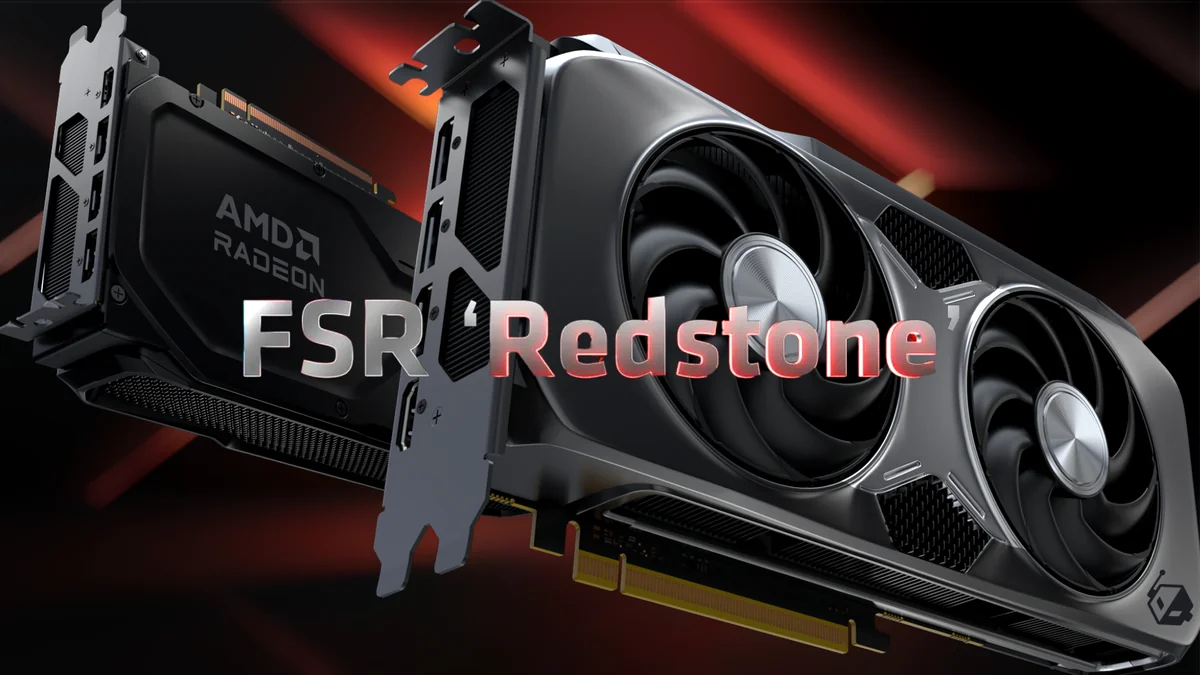
The undisputed highlight of the 25.12.1 update, FSR Redstone (or FSR 4), signals AMD’s latest, most ambitious stride into AI-powered frame generation and advanced upscaling. This technology promises substantial performance gains, translating to visibly smoother and more responsive gameplay, particularly at higher resolutions where demand on the GPU is greatest. Yet, the excitement surrounding this innovation is heavily tempered by a critical caveat: FSR Redstone’s current exclusivity to RDNA 4 (Radeon RX 9000 series) GPUs. This decision has ignited considerable controversy, leaving many RDNA 3 owners with a profound sense of abandonment, feeling that their relatively new, high-end hardware is being artificially limited from accessing cutting-edge features.
“My old card rtx 2060 is supported dlss4 and My rx7900 xtx from AMD doesn’t officially support FSR4 lol.” — A frustrated RDNA 3 owner, encapsulating the pervasive feeling of envy and regret.
AMD’s official reasoning for withholding FSR Redstone from RDNA 3 architectures centers on ensuring consistent performance and maintaining optimal image quality. The argument posits that implementing such complex AI features on older architectures could lead to ‘inconsistent frame rates…visual artifacts or unstable image quality.’ However, our analysis of community efforts reveals a different empirical picture: parts of Redstone *can* be made to run on RDNA 3 through unofficial hacks, albeit with mixed results. This finding fuels a critical debate over whether the gatekeeping is purely a technical necessity to prevent artifact mapping or, more cynically, a strategic move to encourage hardware upgrades.
AMD’s New Driver Strategy: A Divided Path for RDNA Generations
Beyond the immediate FSR Redstone debate, AMD recently unveiled a significant strategic shift in its broader driver development approach, initiated with the Adrenalin Edition 25.10.2 update. This update introduced two distinct, optimized driver paths: one dedicated to RDNA 1 and RDNA 2 (Radeon RX 5000 and RX 6000 series), and another tailored for RDNA 3 and RDNA 4 (Radeon RX 7000 and RX 9000 series). AMD asserts that this bifurcated approach is designed to deliver a ‘smoother, more consistent experience’ for older GPUs by shielding them from rapid, potentially destabilizing changes optimized for newer architectures. Concurrently, it aims to empower engineers to accelerate feature development for RDNA 3 and RDNA 4 without the constraints of legacy hardware.
The Bifold Driver Strategy Analysis
This new driver strategy, while logically presented, has elicited strong reactions. Here’s an analytical breakdown of its empirical pros and cons:
Pros
- A dedicated, stable driver branch for RDNA 1/2, theoretically reducing the introduction of new bugs.
- Faster feature development and innovation for RDNA 3/4.
- Improved stability and performance for older cards from years of focused tuning.
Cons
- RDNA 3 users feel caught in the middle, missing out on bleeding-edge features like FSR Redstone.
- Perception of ‘planned obsolescence,’ fostering distrust among the core fanbase.
- Increased fragmentation of the driver ecosystem, potentially complicating support efforts.
The Fandom Pulse: Why Radeon Owners Feel Betrayed
The community’s reaction to these strategic developments has been overwhelmingly negative among a significant portion of RDNA 3 owners, a sentiment we’ve meticulously tracked through the fandom pulse. Many express a profound sense of betrayal, arguing that their relatively new, high-end hardware is being deliberately held back from accessing cutting-edge features like FSR Redstone. This emotional hotspot is further amplified by long-standing frustrations over persistent driver instability, leading to unfavorable comparisons with Nvidia’s perceived superior driver stability and more inclusive, longer feature support lifecycle. The loyalty crisis facing AMD is undeniable.
“If they deliberately don’t let their previous customer use the feature going forward, what’s to say they won’t gatekeep FSR5 features from RDNA4 in order to sell more RDNA5?” — A user expressing profound anxiety and distrust.
The pervasive perception that ‘AMD’s CPU and Radeon division are two completely different companies’ resonates strongly, highlighting a perceived disparity in product quality and support that undermines brand coherence. This crisis of loyalty presents a significant, measurable challenge for AMD, as even long-time adherents are now openly considering a switch to ‘Team Green’ for their next GPU upgrade, a clear indicator of the deep-seated frustration and cynicism that has taken root.
Navigating the Instability: A Cornerstone Troubleshooting Guide
While AMD’s engineering teams work tirelessly to refine its drivers and address pressing community concerns, users experiencing instability or performance issues need not wait passively. As part of our commitment to optimization science, here’s a comprehensive, data-backed guide to methodically troubleshoot common AMD GPU driver problems on Windows 11.
Follow these steps methodically to diagnose and resolve common AMD GPU driver issues:
- Perform a Clean Driver Installation using DDU: Boot into Safe Mode, run Display Driver Uninstaller, then reinstall fresh drivers with the ‘Factory Reset’ option.
- Disable MPO (Multiplane Overlay): A cautious registry edit to disable MPO can resolve flickering or crashing behaviors.
- Update Windows: Ensure Windows 11 is current, but be wary of specific updates that coincide with new instability.
- Check Power Supply and Cables: Verify adequate wattage and ensure dedicated PCIe cables are used (avoid daisy-chaining).
- Verify RAM Stability: Run MemTest86 or Windows Memory Diagnostic to rule out system memory errors.
- Monitor Temperatures: Track GPU hotspots using HWInfo64 to ensure thermal throttling isn’t the cause.
- Disable GPU Overclocks: Revert to stock settings to eliminate tuning instability.
- Update BIOS/UEFI: Motherboard firmware updates often improve PCIe communication and GPU compatibility.
- Report Issues to AMD: Use the AMD Bug Report Tool with detailed system specs and reproduction steps.
Pro-Tip: Disconnect your internet connection before running DDU and installing your new AMD driver. This prevents Windows from automatically downloading potentially incompatible drivers in the background.
The Road Ahead: Rebuilding Trust and Future Expectations
AMD stands at a critical juncture. While its strategic decision to separate driver paths is logically framed as a move towards long-term stability and accelerated innovation, the immediate, empirically observed impact on the RDNA 3 community has been a significant blow to brand loyalty. Rebuilding this trust will demand more than just incremental bug fixes; it necessitates clearer, more transparent communication, a fundamental re-evaluation of feature exclusivity, and potentially, a more inclusive approach to rolling out advanced technologies like FSR Redstone.
Frequently Asked Questions
What is FSR Redstone and why is it only for RDNA 4?
FSR Redstone is AMD’s next-gen AI-powered upscaling. It is currently exclusive to RDNA 4 to ensure consistent performance on its newest architecture.
Will FSR Redstone ever come to RDNA 3?
Officially, it is not in the plan, but AMD has hinted they may consider a beta release if technical feasibility aligns.
What is AMD’s new driver strategy?
AMD has split driver development into two paths: one for legacy RDNA 1/2 and another for RDNA 3/4 to balance stability and innovation.
Final Verdict
The Adrenalin 25.12.1 driver update and the FSR Redstone announcement have propelled AMD to a significant crossroads. AMD’s paramount challenge now is not merely to deliver stable, performant drivers but also to communicate with unwavering transparency and, crucially, to potentially reconsider its feature rollout strategy to regain the eroded trust of its dedicated fanbase.