
NVIDIA DLSS 4.5: The Next Evolution of AI Upscaling Arrives
NVIDIA’s Deep Learning Super Sampling (DLSS) continues to push the boundaries of gaming performance and visual fidelity, and DLSS 4.5 marks another significant leap forward. This latest iteration introduces a second-generation transformer model for Super Resolution and groundbreaking Dynamic Multi-Frame Generation (MFG), promising smoother frame rates and enhanced image quality. However, with new presets and features come complexities and questions, especially regarding compatibility and optimal usage across the diverse landscape of NVIDIA RTX GPUs. In this definitive analysis, LoadSyn unpacks everything you need to know about DLSS 4.5, from its core technology to its real-world impact on performance, visual artifacts, and the user experience for every RTX gamer.
DLSS 4.5: Essential Insights at a Glance
- Preset M is the New Champion: Generally offers superior image quality and a better balance of clarity and performance compared to older presets, even at lower upscaling modes.
- Dynamic Multi-Frame Generation (MFG): An RTX 50-series exclusive feature that dynamically adjusts frame generation multipliers (up to 6x) to maintain target frame rates, offering unparalleled smoothness.
- Older GPUs Face Performance Hits: RTX 20 and 30 series cards may experience up to a 20% performance drop with DLSS 4.5’s Super Resolution due to increased computational demands and lack of FP8 acceleration.
- Preset L is Problematic: Often leads to excessive sharpening, ‘ringing’ artifacts, and can even result in lower FPS, making it generally not recommended.
- Configuration is Key: Optimal DLSS 4.5 performance and visual quality heavily depend on game, GPU, resolution, and careful selection of presets and modes via the NVIDIA App.
Under the Hood: DLSS 4.5’s Technical Innovations
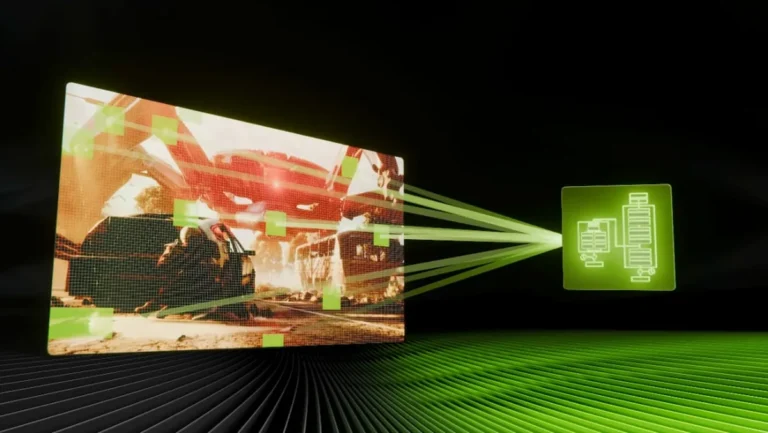
At its core, DLSS 4.5 refines NVIDIA’s AI-powered neural rendering suite through two primary advancements. Firstly, the second-generation transformer model for DLSS Super Resolution significantly enhances image quality. This advanced AI is trained on NVIDIA’s supercomputers to improve temporal stability, reduce anti-aliasing issues, and boost overall visual clarity, particularly in motion. Unlike previous convolutional neural network (CNN) models, the transformer architecture is more adept at understanding and reconstructing complex scenes. Secondly, Dynamic Multi-Frame Generation (MFG) revolutionizes how frames are created. Building upon the success of earlier Frame Generation, Dynamic MFG can now generate up to five additional frames per rendered frame, dynamically adjusting its multiplier (from 2X to an unprecedented 6X) on the fly. This intelligent scaling aims to consistently hit a user-defined target frame rate, typically matching the monitor’s refresh rate, ensuring maximum smoothness without manual intervention. It’s important to note that the optimal performance of these new models, especially the computational intensity of the 2nd Gen Transformer, heavily relies on FP8 data formats, which are natively supported and accelerated by NVIDIA’s latest RTX 40 and 50 series GPUs.
NVIDIA DLSS Evolution: Key Features by Version
| DLSS Version | Release Date | Key Highlights |
|---|---|---|
| 1.0 | Feb 2019 | Spatial upscaler, game-specific training, initial RTX 20 series feature. |
| 2.0 | Apr 2020 | Temporal AA Upsampling (TAAU), generic training, significantly improved image quality. |
| 3.0 | Sep 2022 | Frame Generation (OFA), RTX 40 series exclusive, one generated frame per rendered frame. |
| 3.5 | Sep 2023 | Ray Reconstruction, AI-trained denoiser for all RTX GPUs, enhanced ray tracing quality. |
| 4.0 | Jan 2025 | Multi Frame Generation (up to 4x), 1st Gen Transformer model, RTX 50 series exclusive for M.F.G. |
| 4.5 | Jan 2026 | Dynamic Multi Frame Generation (up to 6x), 2nd Gen Transformer model, FP8 acceleration for RTX 40/50. |
Decoding the Presets: K, L, and M Explained
With DLSS 4.5, NVIDIA introduces new ‘model presets’ that offer different characteristics for image reconstruction and performance. While Preset K represents the first-generation transformer model from DLSS 4.0, offering a balanced approach, the real story lies with the new 4.5 presets: L and M. Preset L is designed for extreme upscaling scenarios, typically Ultra Performance or DLAA modes at 4K and above. Its aggressive algorithm attempts to extract maximum detail from very low input resolutions, but often at the cost of excessive sharpening, ‘ringing’ artifacts, and a noticeable performance overhead, making it a questionable choice in most real-world scenarios. In contrast, Preset M emerges as the standout performer. Optimized for lower upscaling ratios (Performance, Balanced, Quality modes), Preset M delivers a significantly cleaner reconstruction of fine details, text, and thin lines. It avoids the oversharpening of Preset L while maintaining superior temporal stability and often providing a ‘quality shift’ where lower upscaling modes visually rival higher ones from previous DLSS versions. For most gamers, Preset M will be the go-to choice for balancing visual quality and performance.
DLSS 4.5 Presets: K vs. L vs. M
| Preset | Goal | Typical Usage | Pros | Cons |
|---|---|---|---|---|
| K | Balanced | General use | Good baseline, less artifacts | Softer than M |
| L | Max Detail | 4K+ Ultra Perf | Resolves minute details | Ringing, high cost |
| M | Clean Reconstruction | Quality/Balanced | Superior clarity, stable | Cost on older GPUs |
Performance Unpacked: DLSS 4.5 Across RTX Generations
The computational demands of DLSS 4.5’s advanced AI models are not uniform across all RTX generations. While NVIDIA’s latest RTX 40 and 50 series GPUs are designed with specialized hardware to accelerate FP8 data formats, allowing them to leverage the new 2nd Gen Transformer model with minimal overhead, older RTX 20 and 30 series cards tell a different story. These older architectures lack native FP8 support, forcing them to fall back to slower datapaths. Consequently, users with RTX 20 and 30 series GPUs may experience a noticeable performance hit—reports indicate up to a 20% drop in frame rates when using DLSS 4.5’s Super Resolution compared to DLSS 4.0. This generational disparity means that while newer GPUs enjoy an enhanced visual experience with stable performance, older cards may need to carefully weigh the visual improvements against the performance cost.
DLSS 4.5 Super Resolution: Performance Impact by RTX Generation
*Relative to DLSS 4.0 Preset K. Lower % indicates performance loss.
Important for RTX 20/30 Series Users!
If you’re running an RTX 20 or 30 series GPU, exercise caution with DLSS 4.5’s Super Resolution. While Preset M offers visual improvements, the underlying computational cost can lead to a noticeable FPS drop compared to DLSS 4.0. We highly recommend testing both DLSS 4.0 (Preset K) and DLSS 4.5 (Preset M) in your favorite games.
Dynamic Multi-Frame Generation: The Next Leap for RTX 50 Series
Dynamic Multi-Frame Generation (MFG) is a standout feature of DLSS 4.5, exclusively available to NVIDIA’s latest RTX 50 series GPUs. This technology moves beyond static frame generation multipliers by intelligently adjusting the number of generated frames (up to five additional frames, for a total of 6x output frames) on the fly. The goal is to consistently match your game’s output frame rate to your monitor’s refresh rate, even in highly variable workloads. This dynamic adjustment ensures unparalleled smoothness and responsiveness, minimizing stutters and hitches that can occur when static frame generation modes don’t perfectly align with game demands.
MFG Pros
- Dynamically adjusts multipliers for optimal smoothness.
- Targets peak refresh rate automatically.
- Perceived performance boost up to 6X.
- Minimal latency increase with NVIDIA Reflex.
MFG Cons
- Exclusively for RTX 50 series GPUs.
- Minor artifacts on UI/2D elements.
- Requires high baseline FPS for best results.
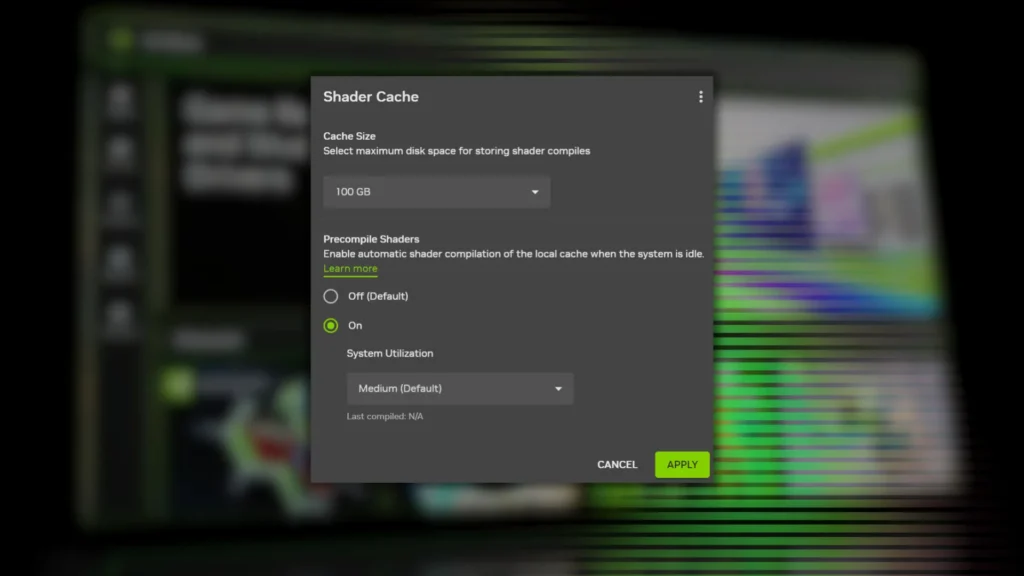
Visual Fidelity Under the Microscope
DLSS 4.5, particularly through its Preset M, brings noticeable and welcome improvements to visual fidelity. Across a range of rasterized titles, we observed reduced pixel crawling, less shimmering on thin elements, and overall better temporal stability compared to DLSS 4.0 Preset K. However, no upscaling technology is perfect. Preset L frequently introduces ‘halos’ or ‘ringing’ artifacts around high-contrast edges. Furthermore, while generally improved, some specific artifacting can still occur with Multi-Frame Generation, especially with flat 2D elements within games.
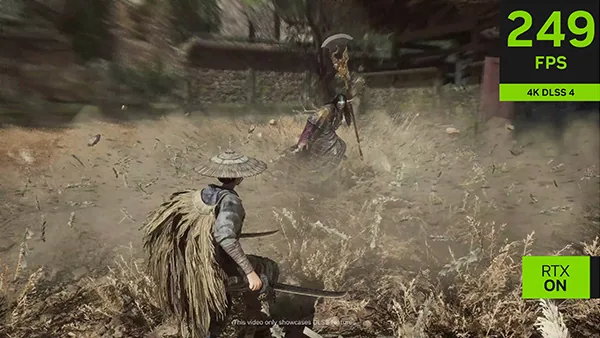 WUCHANG: Fallen Feathers
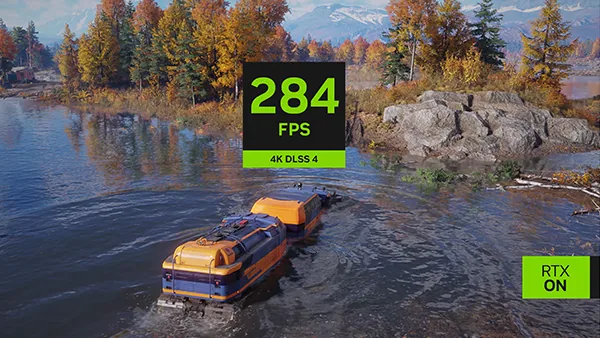 RoadCraft
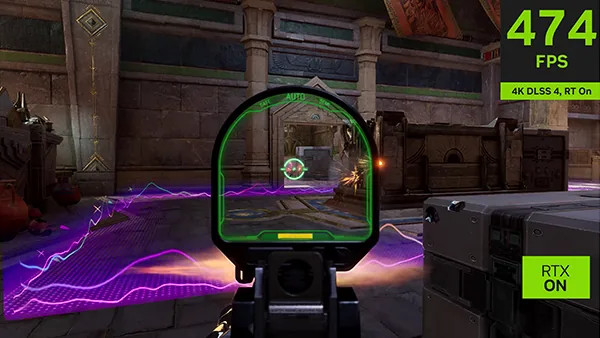 FragPunk
Examining side-by-side comparisons reveals the nuanced visual differences and improvements offered by DLSS 4.5.
Community Consensus
“I think the main question… is it better to use Preset K Balanced or Preset L Performance… Preset M Quality is just going to oversharpen image and drop FPS on top of that for older cards…”
— Reddit User, Fandom Pulse Analysis
The gaming community’s reception to DLSS 4.5 is a blend of cautious optimism and palpable frustration. Many appreciate the added options, recognizing it as a necessary evolution. However, this appreciation is tempered by significant confusion over which presets and modes are ‘best’ for different scenarios, leading to extensive tweaking.
How to Enable and Optimize DLSS 4.5
- Update Your Drivers: Ensure you have GeForce Game Ready drivers version 591.74 WHQL or newer.
- Install NVIDIA App: Use the latest NVIDIA App to manage DLSS overrides.
- Access Overrides: Navigate to ‘Graphics’ > [Game] > ‘DLSS Override – Model Presets’.
- Select Preset M: We recommend ‘Model M’ for the best balance of quality and performance.
- Enable Dynamic MFG: For RTX 50 owners, set Frame Generation Mode to ‘Dynamic’.
- Monitor Performance: Use Alt+Z overlay to verify FPS gains and visual stability.
- Ray Reconstruction: Test Preset M vs. Ray Reconstruction manually as overrides might conflict.
Pro-Tip: Experimentation is Your Best Tool!
The ‘best’ DLSS 4.5 configuration is highly situational. What works wonders in Cyberpunk 2077 might be less optimal in Death Stranding 2. Your eyes and frame rate counter are the ultimate arbiters.
LoadSyn’s Final Verdict
A Significant Step Forward, But Not Without Nuance
NVIDIA DLSS 4.5 is undoubtedly a compelling evolution in AI upscaling. For owners of RTX 40 and especially RTX 50 series GPUs, the improvements are substantial. However, the story is more complex for older RTX 20 and 30 series cards, which face performance penalties. Ultimately, DLSS 4.5 isn’t a universal panacea, but rather a powerful tool that, when understood and correctly configured, can significantly enhance the gaming experience.
The Good
- Superior Image Quality with Preset M.
- Dynamic MFG is a game-changer for high-refresh rates.
- Enhanced temporal stability in motion.
- Cleaner anti-aliasing.
The Bad
- Up to 20% performance hit on older RTX cards.
- Preset L causes ringing artifacts.
- Dynamic MFG locked to RTX 50 series.
- Increased settings complexity.