
The Unseen Engineering Behind Your PC’s Airflow
For many, a PC fan is merely a spinning blade, an unremarkable component relegated to the background of a high-performance system. Yet, to the discerning eye of an engineer, these ubiquitous devices are intricate marvels of aerodynamic design and material science. Modern PC cooling demands a delicate, often conflicting, balance: raw thermal performance, whisper-quiet acoustics, and the vibrant, customizable aesthetics that define contemporary gaming rigs. This guide delves beyond the superficial, exploring the profound engineering and design philosophies that transform simple air movers into critical components of a finely tuned machine.
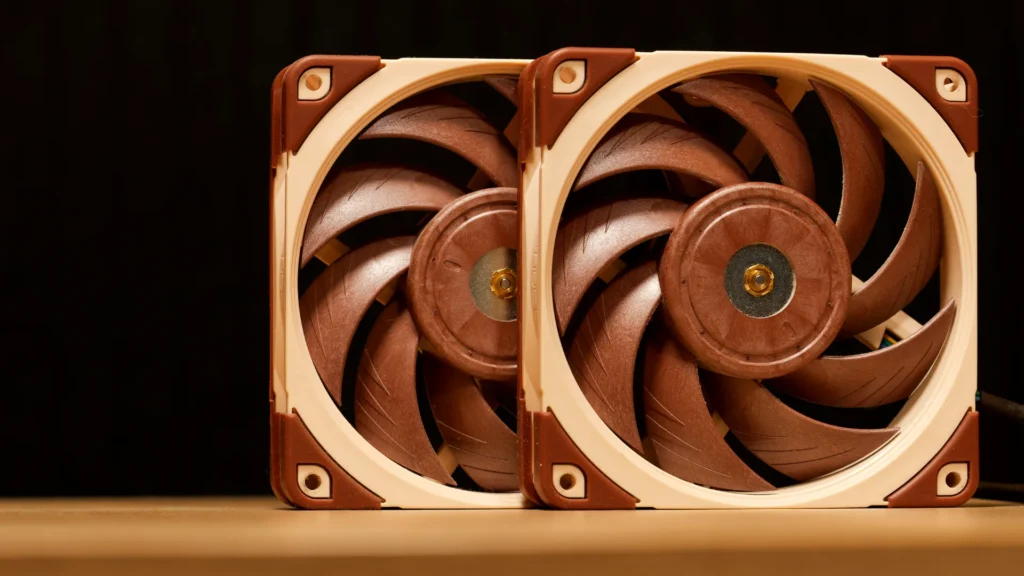
Noctua’s Quiet Revolution: Two Decades of Airflow Innovation
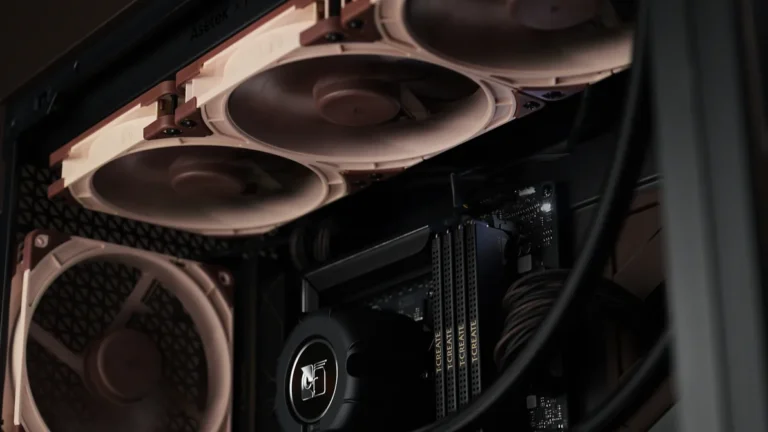
Noctua, a name synonymous with premium quiet cooling, is not a singular entity but a strategic partnership formed in 2005 between Austrian firm Rascom and Taiwanese manufacturer Kolink. Their journey began with products like the NH-U12 heatsink, but it was their bold aesthetic choice that truly set them apart. In an era dominated by nascent PC modding culture, where flashy RGB and aggressive colors reigned supreme, Noctua made a deliberate statement. They embraced a distinctive palette of earth tones – the now-iconic beige and brown – a decision that visually communicated their unwavering focus on performance and acoustics over transient trends. This unique branding, inspired by Italian coffee culture, was not merely a stylistic whim; it was a foundational declaration of their engineering-first philosophy, making Noctua fans instantly recognizable, if sometimes polarizing.
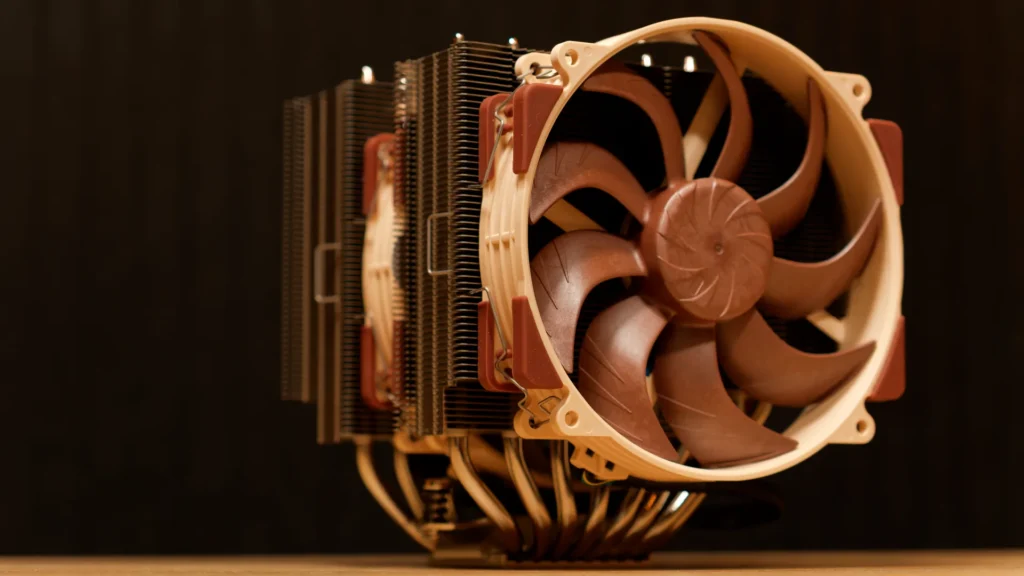
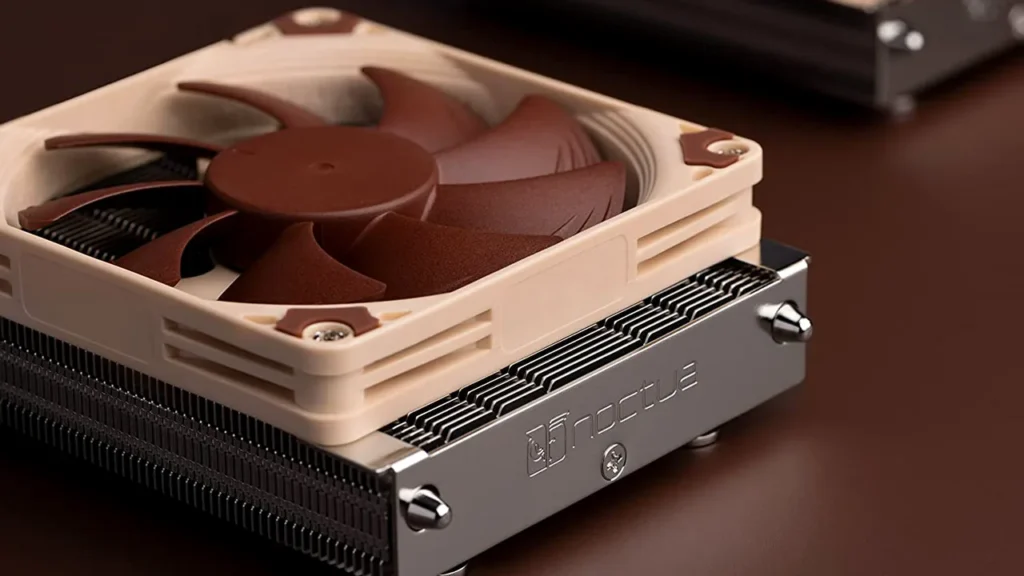
The Sterrox Revolution: Inside the NF-A12x25’s Masterpiece Design
The NF-A12x25 stands as a testament to Noctua’s relentless pursuit of engineering perfection. Its core innovation lies in the use of Sterrox Liquid Crystal Polymer (LCP) for the fan blades. This advanced material boasts extraordinary tensile strength, an exceptionally low thermal expansion coefficient, and superior damping characteristics, which are crucial for mitigating resonance and vibration. These properties are not merely academic; they are the bedrock enabling the fan’s aggressive blade geometry and its minuscule 0.5mm tip clearance – the space between the blade tips and the inner frame. This ultra-tight tolerance is paramount, drastically reducing “leak flows” where air escapes through the gap rather than being pushed forward. The result is unparalleled static pressure and airflow, especially critical when the fan operates against restrictive elements like dense radiator fins or dust filters. Further enhancing this precision is a metal-reinforced motor hub and brass-structured axle mount, ensuring the mechanical stability required for such ambitious design parameters.
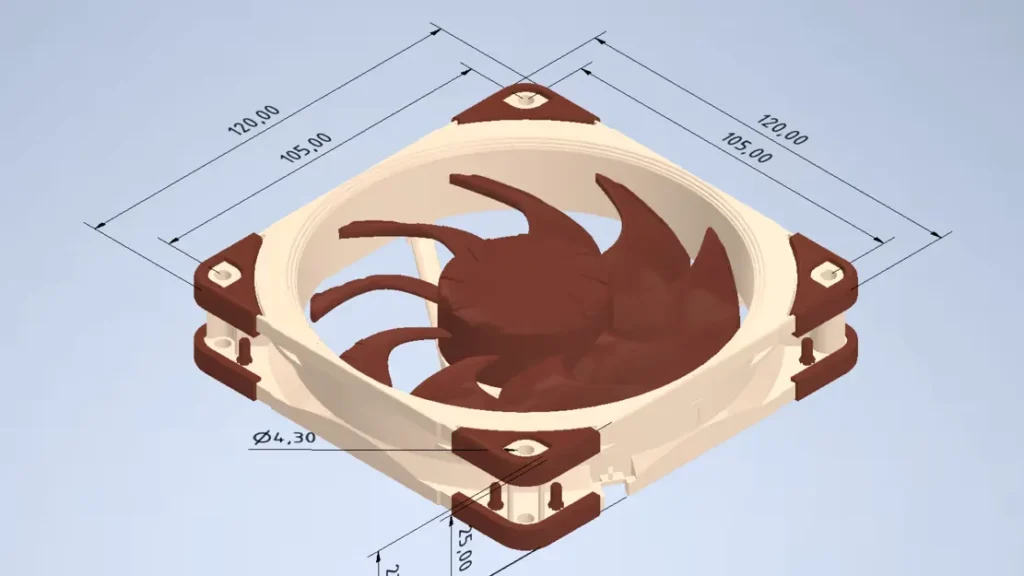
The Color Conundrum: Why Aesthetics Are an Engineering Battleground
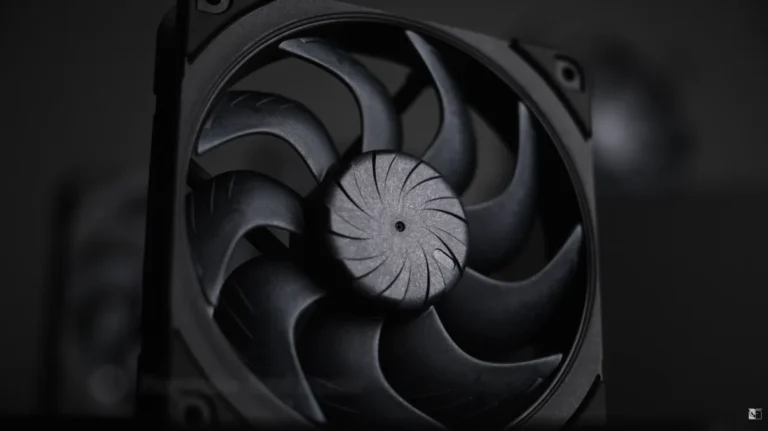
The perennial question from the community – “Why no more colors?” – often belies the profound engineering challenges involved. Introducing a new color to a precision-engineered component like the NF-A12x25 is far from a simple dye job. As Noctua’s Jakob Dellinger explains, “Every color is a new challenge.” The pigments fundamentally alter the melt viscosity, heat absorption, and crystallization behavior of the Liquid Crystal Polymer during the injection molding process. This necessitates the creation of entirely new injection molding tools and an exhaustive fine-tuning of process parameters for each specific color. The validation process alone is a rigorous, time-consuming endeavor, involving accelerated lifetime tests that can span three months, followed by extensive preparation and analysis. In a best-case scenario, bringing a new color to market can take up to half a year for tooling creation and validation. The delayed release of the black NF-A12x25 chromax.black.swap, for instance, was further compounded by unprecedented production volume and supply chain limitations during the pandemic, underscoring that aesthetics, at this level of engineering, truly become an intricate battleground.
Noctua’s Jakob Dellinger states, ‘Every color is a new challenge,’ because pigments fundamentally alter material properties during injection molding. This demands new tooling, fine-tuning, and months of accelerated lifetime testing, making each new color a substantial engineering and financial undertaking.
The NF-A12x25 G2: Pushing the Envelope (Again)
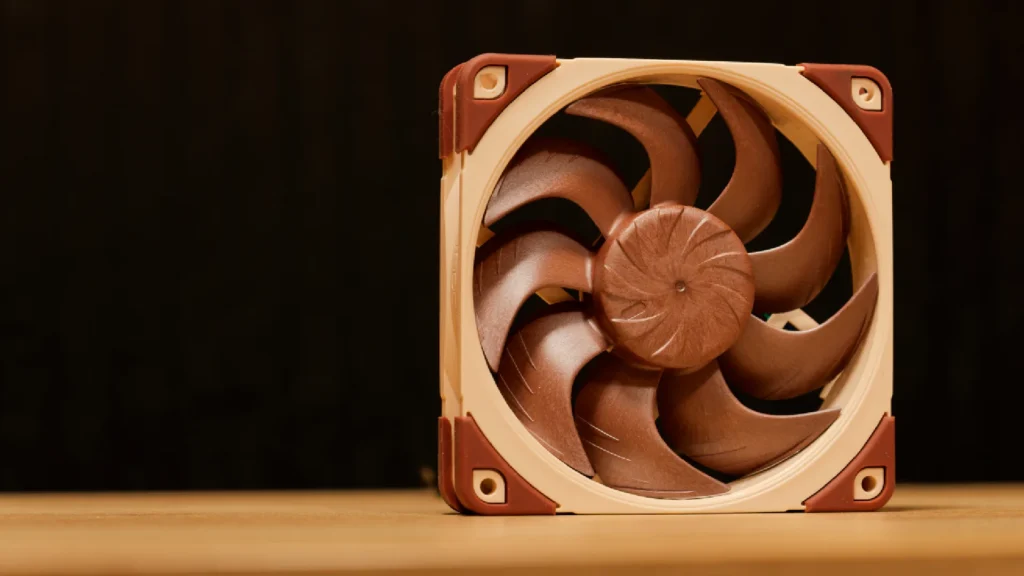
Six years after its initial groundbreaking release, Noctua once again pushed the boundaries with the NF-A12x25 G2. This second-generation flagship fan introduces an all-new blade design, further refining the aerodynamic principles established by its predecessor, while retaining the critical 0.5mm tip clearance and the exotic Sterrox LCP material. A significant advancement lies in its updated motor control mechanism, dubbed SupraTorque. This innovative system ensures the fan maintains precise RPMs at specified PWM duty cycles, irrespective of the load or resistance it encounters – a critical feature for consistent cooling performance whether in free-flow or against a dense radiator. Demonstrating an almost obsessive attention to detail, the NF-A12x25 G2 is also available in unique Sx2-PP two-packs. These bundles include one fan (PPA) that spins 25 RPM faster and another (PPB) that spins 25 RPM slower than the standard model. This allows for perfect acoustic harmony when multiple fans are grouped together on a single header via a splitter, effectively eliminating potential resonant frequencies and ensuring a remarkably smooth, integrated airflow experience.
Beyond Beige: Competitors & Niche Innovators
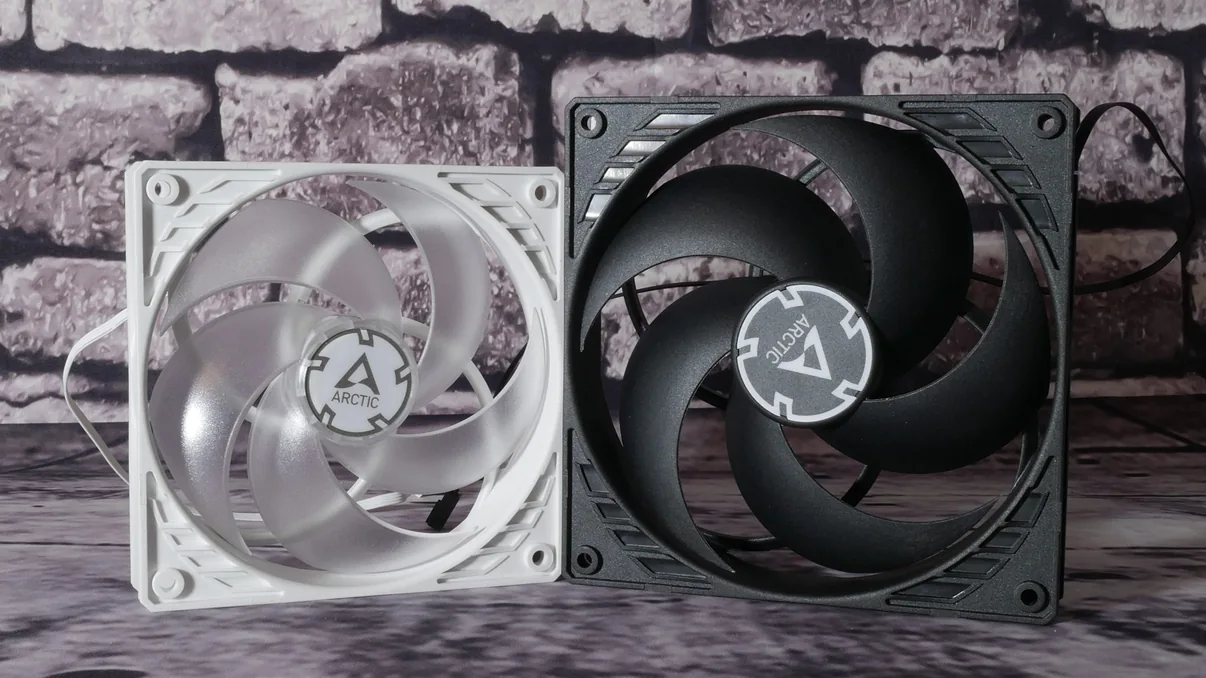
While Noctua sets a formidable standard in quiet performance, the broader PC cooling landscape is rich with innovation and diverse philosophies. Arctic, for instance, has carved out a significant niche by consistently delivering exceptional price-to-performance ratios with models like their P12 PWM PST fans, making high-quality cooling accessible to a wider audience. Phanteks, on the other hand, excels in marrying robust thermal performance with striking visual flair, exemplified by their D30-120 fans, which feature brilliant D-RGB integration and clever daisy-chaining capabilities to simplify cable management. Beyond these, brands like Corsair, be quiet!, MSI, and Seasonic continue to contribute to a vibrant ecosystem, each offering unique selling points ranging from advanced software control to specialized blade designs and unique form factors.
| Feature | Noctua NF-A12x25 G2 | Arctic P12 PWM PST | Phanteks D30-120 (Regular) |
|---|---|---|---|
| Fan Size | 120mm x 25mm | 120mm x 25mm | 120mm x 30mm |
| Max RPM | 2000 RPM (Standard) / 1100 RPM (LS) | 1800 RPM | 2000 RPM |
| Max Airflow (CFM) | 60-63 CFM (approx) | 56.3 CFM | 61.5 CFM |
| Max Static Pressure (mmH2O) | 2.3-2.5 mmH2O (approx) | 2.2 mmH2O | 2.69 mmH2O |
| Noise Level (Max dB(A)) | 22.6 dB(A) (Standard) | 0.3 Sone (approx. 20.6 dB(A)) | 28 dBA |
| Bearing Type | SSO2 (Self-Stabilising) | FDB | FDB |
| Key Material/Tech | Sterrox LCP | PST (Daisy-Chain) | D-RGB, Daisy-Chain |
| RGB/A-RGB | No | No | Yes (D-RGB) |
| Approx. Price (USD) | $30-35 | $8-12 | $25-30 |
The Silent Killer: Understanding Fan Resonance and Acoustics
Beyond mere decibel readings, the true quality of a fan’s acoustic profile lies in its ability to avoid resonance – a “silent killer” that can transform a quiet hum into an irritating drone. Fan noise is not solely a function of rotational speed; it’s deeply intertwined with vibrational harmonics and the natural frequencies of the fan’s components and surrounding chassis. As detailed in analyses by Igor’s Lab on Arctic P12/P14 fans, certain RPM ranges can inadvertently hit these natural frequencies, causing an amplified, unpleasant humming or rumbling. This phenomenon is particularly noted with the Arctic P12 PWM PST, which exhibits “tonal peaks” in both low-frequency (up to 200 Hz) and mid-frequency (300-450 Hz) ranges. Manufacturers combat this through several engineering avenues: enhancing frame rigidity to shift resonant frequencies, utilizing high-quality bearings like Fluid Dynamic Bearings (FDB) or Self-Stabilising Oil Pressure (SSO2) to reduce mechanical noise, and employing advanced motor designs such as sinus-magnetizing, which in Arctic’s case, reduces motor vibration by 95% compared to conventional DC motors. Understanding these complex acoustic interactions is vital for achieving a truly quiet system.
Building Your Dream Rig: Fan Configuration & Aesthetic Harmony
- Static Pressure vs. Airflow: Choose high static pressure fans for restrictive environments (radiators, dense dust filters) and high airflow fans for open case ventilation.
- Push vs. Pull Configuration: Understand how fan direction impacts performance on coolers and radiators. Noctua’s NF-A12x25 performs better in push, while Phanteks T30 is also strong in push.
- Optimal Placement: Plan intake and exhaust fans for balanced airflow. Typically, front/bottom for intake, rear/top for exhaust.
- Cable Management: Utilize fan hubs or daisy-chaining features (like Arctic PST or Phanteks D30) to reduce cable clutter and simplify connections.
Navigating Fan Headers & RGB Ecosystems
The proliferation of cooling solutions has unfortunately introduced a labyrinth of connectors and compatibility considerations, a common source of builder frustration. Fundamentally, PC fans operate via two primary control methods: PWM (Pulse Width Modulation) fans, identified by their 4-pin connectors, offer precise speed control by modulating power signals; and DC (Direct Current) fans, typically with 3-pin connectors, whose speed is regulated by varying voltage. Motherboards provide various headers, including CPU_FAN, PUMP_FAN, and SYS_FAN, each with specific amperage and wattage limits (often 1A/12W). When daisy-chaining fans, such as the Arctic P12s or Phanteks D30s, it’s critical to calculate the cumulative current draw to avoid overloading a single header. For instance, a Phanteks D30 fan draws approximately 0.15A (1.8W), meaning a standard 1A header could theoretically support up to six fans. Equally perplexing are RGB ecosystems. D-RGB (Digital or Addressable RGB), characterized by its 3-pin, 5V connector, allows for individual LED control, creating intricate lighting effects. Phanteks D30 fans, for example, boast 30 D-RGB LEDs, drawing around 0.45A. In contrast, standard RGB utilizes a 4-pin, 12V connector, where all LEDs display a single, unified color. These two standards are electrically incompatible; attempting to connect a D-RGB device to a standard RGB header (or vice versa) can lead to irreversible damage to your components. Always consult your motherboard manual for header specifications and confirm component compatibility.
Always check your motherboard’s manual for maximum amperage (Amps) per fan header (typically 1A for PWM/DC fans) and maximum power/LED count for ARGB headers (often 3A / 180 LEDs at 5V). Overloading can damage your motherboard!
The Future of Cooling: Beyond the Horizon
As performance demands continue to escalate across all computing sectors, the future of PC cooling promises even more sophisticated innovations. We can anticipate the development of even more advanced Liquid Crystal Polymers or novel composite materials that further enhance blade rigidity and reduce resonance. Self-cleaning fan designs, perhaps utilizing electro-static principles or advanced hydrophobic coatings, could drastically reduce maintenance overhead. Tighter integration with AI-driven system optimization is likely, where intelligent algorithms dynamically adjust fan curves and airflow paths based on real-time thermal telemetry and predictive workload analysis. Furthermore, expect continuous evolution in noise reduction technologies, perhaps integrating active noise cancellation at the component level or leveraging micro-vibration dampening techniques to render cooling solutions virtually inaudible. The relentless pursuit of both raw power and serene operation ensures that the engineering behind your PC’s airflow will remain a captivating frontier.
Frequently Asked Questions
Choosing Your Fan: Trade-offs at a Glance
Noctua NF-A12x25 G2
Pros
- Unrivaled performance-to-noise ratio
- Cutting-edge material science (Sterrox LCP)
- Exceptional long-term reliability
Cons
- High price point
- Limited color options
- No integrated RGB
Arctic P12 PWM PST
Pros
- Outstanding price-to-performance
- Effective cooling for its cost
- PST daisy-chaining
Cons
- Audible resonance at certain RPMs
- Lower build quality vs premium
- No integrated RGB
Phanteks D30-120
Pros
- Integrated D-RGB lighting
- Daisy-chaining bridge connectors
- Reversed airflow models available
Cons
- Higher noise levels than top-tier
- Proprietary connectors
- Thicker 30mm design issues