
The Arduino Uno Q represents a tectonic shift in the maker ecosystem, introducing a sophisticated ‘dual-brain’ architecture that pairs a Qualcomm Dragonwing MPU for high-level Linux processing with an STM32 MCU for deterministic, real-time control. Priced aggressively at $44, it offers a robust alternative to the Raspberry Pi by integrating high-speed 16GB eMMC storage and a unified development workflow through the new Arduino App Lab environment.
The Qualcomm Acquisition: A New Era for Arduino
Qualcomm’s acquisition of Arduino is far more than a corporate footnote; it is a strategic infusion of mobile-grade silicon into the heart of the open-source community. By bringing ‘Snapdragon-class’ processing—specifically the Dragonwing QRB2210—to the Uno form factor, Arduino is effectively bridging the gap between hobbyist prototyping and professional-grade edge computing. For the ‘Pro’ and educational lines, this means access to advanced Image Signal Processors (ISPs) and GPU acceleration previously reserved for high-end industrial modules, all while maintaining the accessibility that defined the original Italian hardware revolution.
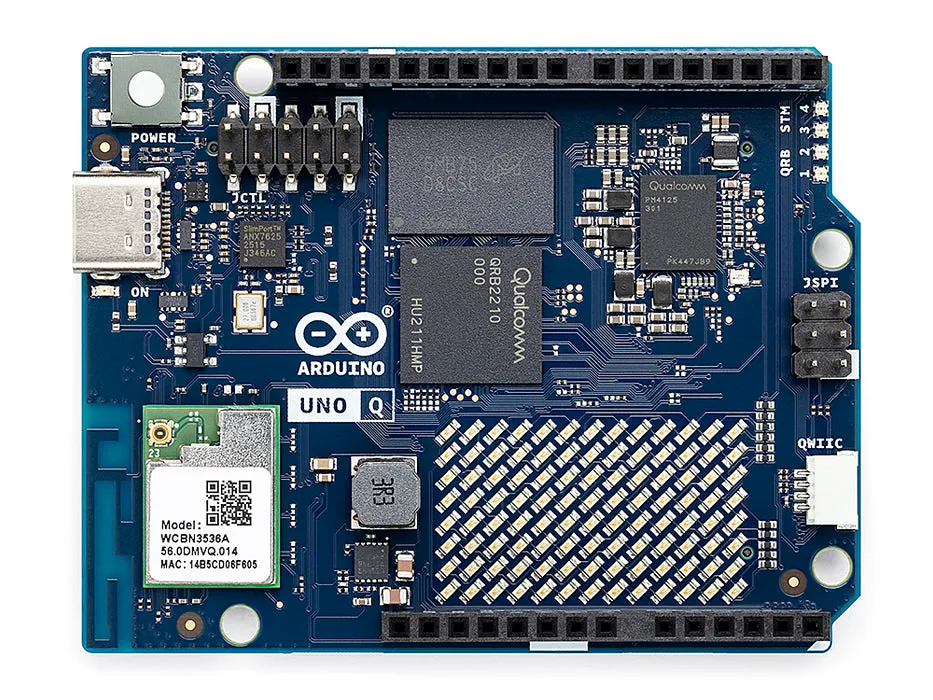
Anatomy of a Hybrid: MPU vs. MCU
| Component | Arduino Uno Q Specs |
|---|---|
| Microprocessor (MPU) | Qualcomm Dragonwing QRB2210 (Quad-core A53 @ 2.0GHz) |
| Microcontroller (MCU) | STM32U585 (Cortex-M33 @ 160MHz) |
| RAM | 2GB LPDDR4 (4GB optional) |
| Storage | 16GB eMMC (32GB optional) |
| Connectivity | Wi-Fi 5, BT 5.1, USB-C (Video Out) |
The Software Ecosystem: App Lab & Debian
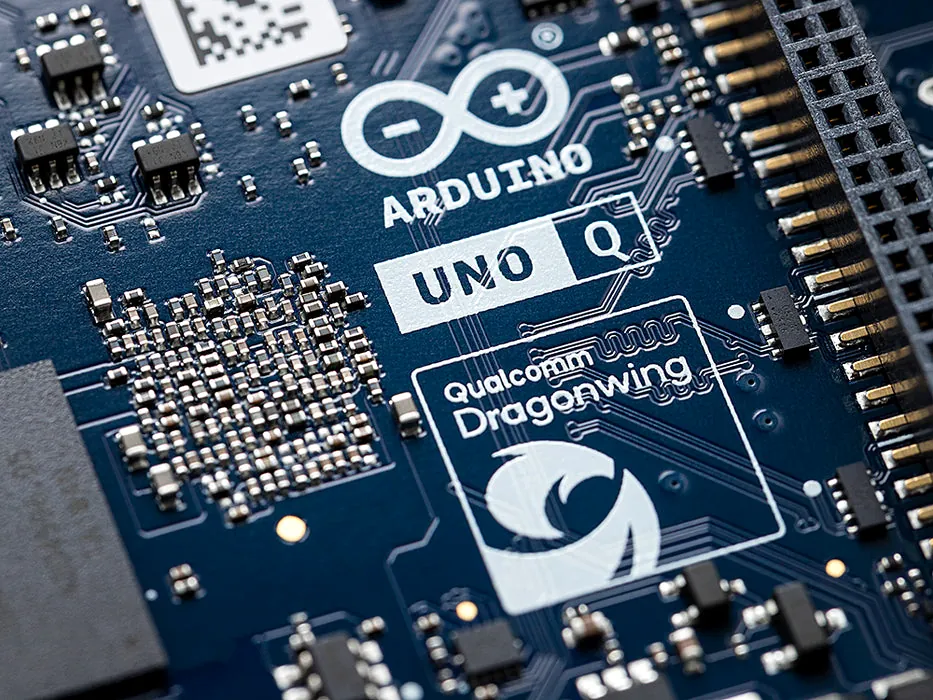
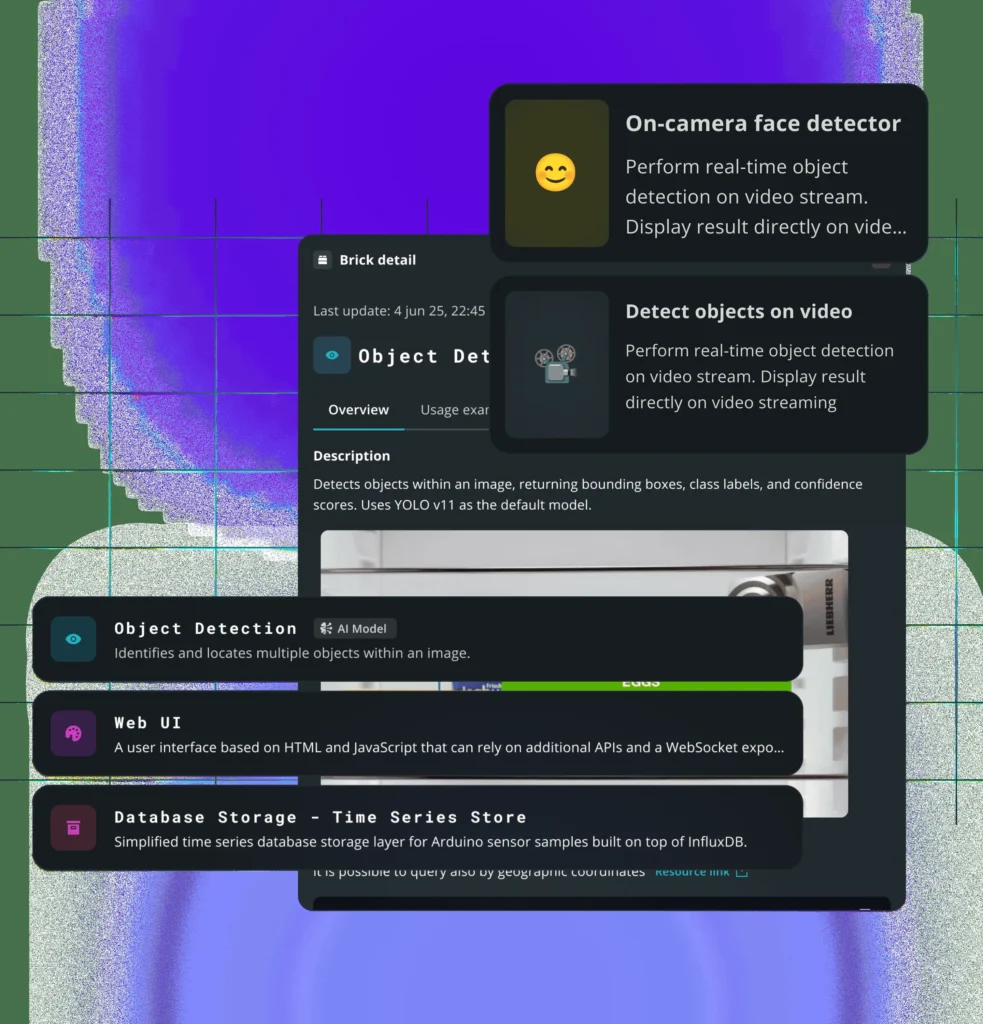
Hardware is only as powerful as its abstraction layer, and the Arduino App Lab environment is the ‘secret sauce’ that makes this hybrid design functional. By running a full Debian Linux environment on the MPU and the Zephyr-based Arduino Core on the MCU, the Uno Q allows developers to manage Python scripts for computer vision and C++ sketches for motor control simultaneously. The system utilizes Remote Procedure Call (RPC) protocols—essentially an inter-processor ‘bridge’—to ensure that high-level Linux applications can trigger low-latency hardware interrupts without the jitter typically associated with single-processor SBCs.
| Criteria | Arduino Uno Q | Raspberry Pi 4 (2GB) |
|---|---|---|
| Price | $44 | ~$35-45 |
| Primary CPU | Qualcomm QRB2210 | Broadcom BCM2711 |
| Real-Time MCU | Yes (STM32) | No |
| Onboard Storage | 16GB eMMC | MicroSD Only |
| OS Support | Standard Debian | Raspberry Pi OS |
Pros
- Hybrid architecture eliminates the need for separate SBC/MCU setups
- Built-in 16GB eMMC is faster and more reliable than SD cards
- Maintains Uno shield compatibility
- Competitive $44 price point
Cons
- App Lab is a new, unproven workflow
- Qualcomm acquisition raises long-term open-source concerns
- Lower raw performance than Raspberry Pi 5
Final Verdict
The Uno Q is a specialized tool that excels where the Raspberry Pi fails: real-time hardware interaction. It is the most sophisticated Arduino ever engineered, but it is a precision instrument for the developer and engineer, rather than a general-purpose toy for the casual hobbyist.