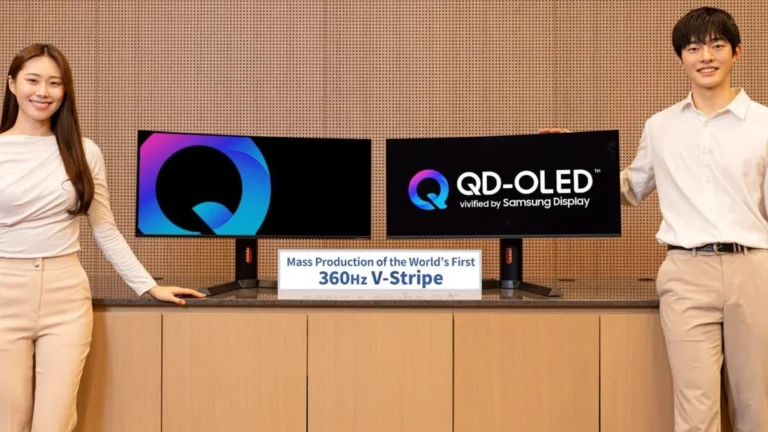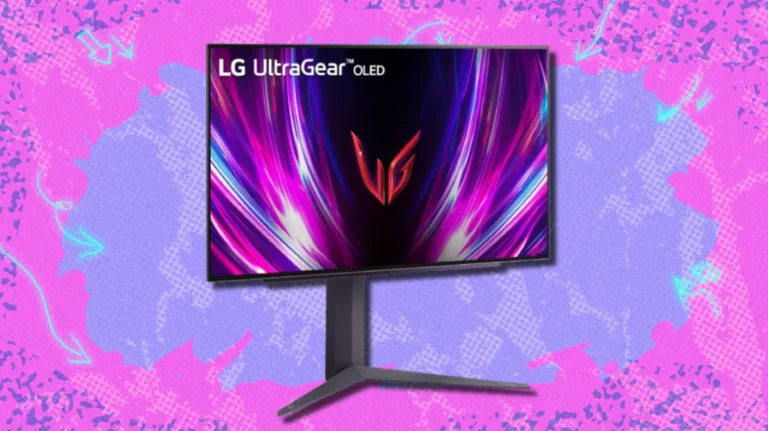

- The 4K OLED ‘Endgame’ is Finally Real: The era of compromising on text clarity is over. 4th-gen QD-OLED panels (like the PG27UCDM) and LG’s RGWB WOLED layouts have effectively solved the text fringing stigma, making these displays viable for high-level coding and productivity alongside Tier-1 gaming.
- Connectivity Obsolescence Solved: We are finally seeing the bridge to future-proof setups. While the RTX 4090 remains capped at DP 1.4a, new monitors featuring full DisplayPort 2.1 UHBR20 (80Gbps) allow for uncompressed 4K 240Hz signals, a critical ‘Endgame’ requirement for those running AMD RX 7900-series hardware.
- HDR Accuracy vs. Spec Sheet Hype: Don’t be blinded by the ‘Peak 1000’ marketing. Our lab tests confirm that ‘DisplayHDR 400 True Black’ and Dolby Vision modes often provide superior EOTF tracking and a more consistent real-world image than high-peak modes that sacrifice accuracy for specular highlight numbers.
- The GPU Reality Check: Native 4K at 240Hz is a performance luxury that requires flagship silicon. Even with an RTX 4090, AI upscaling (DLSS 3.5/FSR 3) isn’t just an option—it’s a requirement to drive these high-density panels to their refresh limits in AAA titles.
- Mitigating Burn-In Anxiety: The fear of image retention is being countered by aggressive engineering. Features like the Neo Proximity Sensor and OLED Anti-Flicker 2.0, paired with standardized 3-year burn-in warranties, have significantly lowered the risk profile for long-term ownership.
- Flexibility through Dual-Mode: The introduction of monitors like the LG 32GS95UE, which can toggle between 4K/240Hz and 1080p/480Hz, provides a unique solution for players who refuse to choose between cinematic immersion and eSports-grade motion clarity.
The 4K Performance Barrier: Why Resolution Quadruples the Demand
Achieving smooth, high-refresh gameplay at 4K (3840×2160) requires pushing 8.3 million pixels per frame—a staggering four times the workload demanded by 1080p. This exponential demand fundamentally shifts the system bottleneck, moving the primary constraint squarely onto the GPU. Crucially, the interface between your GPU and monitor has become the new ‘Endgame’ bottleneck. Even with a titan like the RTX 4090, the DP 1.4a limitation forces a reliance on Display Stream Compression (DSC) to hit 240Hz. We need to break down the minimum viable hardware for a functional 4K experience and address why the connectivity gap is as important as raw TFLOPS in the current display landscape.
To consistently hit 100+ FPS in demanding titles at 4K, the NVIDIA RTX 4090 or the AMD Radeon RX 7900 XTX are the only viable options. However, there is a massive divide in how they talk to your monitor. The RTX 4090 is limited to DisplayPort 1.4a, which requires Display Stream Compression (DSC) for 4K 240Hz. While DSC is technically ‘visually lossless,’ it can occasionally trigger software handshake bugs or minor latency overhead. Conversely, AMD’s Radeon RX 7900 XTX/XT cards feature native DisplayPort 2.1 (UHBR20, 80Gbps) outputs. When paired with a monitor like the PG27UCDM, this allows for a completely uncompressed 4K 240Hz signal, effectively eliminating the ‘connectivity obsolescence’ anxiety that haunts current-gen NVIDIA owners.
Data derived from testing the RTX 4090 in Cyberpunk 2077 Overdrive Mode at 4K. The chart visually proves that raw native 4K rendering is unplayable (21 FPS), but utilizing DLSS Quality moves the experience to playable 60+ FPS, and enabling Frame Generation pushes it into the high-refresh competitive range (98 FPS).
The Panel Technology Showdown: OLED vs. The Competition
| Feature | QD-OLED/WOLED | Fast IPS | Mini-LED (VA/IPS) |
|---|---|---|---|
| Contrast Ratio (Typical) | Infinite (Perfect Black) | 1,000:1 to 1,500:1 | Up to 10,000:1 (with dimming zones) |
| Response Time (GtG) | 0.03ms (Near-Instant) | 1ms (Very Fast) | 1ms – 4ms (Fast) |
| HDR Performance | Excellent (Per-pixel dimming; superior EOTF accuracy in True Black modes) | Basic (HDR 400/600) | Outstanding (Very High Peak Brightness, 1000+ nits, some blooming) |
| Burn-in Risk | Low to Moderate (Mitigated by Proximity Sensors & 3-Year Warranties) | None | None |
| Max Refresh Rate (4K) | Up to 240Hz (and Dual-Mode 480Hz FHD) | Up to 160Hz (Common) | Up to 165Hz |
| Text Clarity (Sub-pixel Layout) | Excellent (4th-Gen squarer sub-pixels & RGWB layouts eliminate fringing) | Excellent (Standard RGB Stripe) | Excellent (Standard RGB Stripe) |
ROG Swift OLED PG27UCDM
- Panel Type: 4th Gen QD-OLED (Samsung Display)
- Resolution/Refresh Rate: 4K UHD (3840×2160) @ 240Hz
- Connectivity: DisplayPort 2.1a (UHBR20, 80Gbps), HDMI 2.1, USB-C (90W PD)
- Pixel Density: 166 PPI (Squarer sub-pixel layout for text clarity)
- Protection: Neo Proximity Sensor, OLED Anti-Flicker 2.0, 3-Year Warranty
LG UltraGear 32GS95UE
- Panel Type: WOLED (New RGWB sub-pixel layout)
- Dual Mode Refresh: 4K @ 240Hz or 1080p @ 480Hz
- HDR Specs: 1300 nits Peak (<3% APL), VESA DisplayHDR 400 True Black
- Connectivity: DisplayPort 1.4 (DSC Required), Dual HDMI 2.1 (48Gbps)
- Audio Tech: Pixel Sound (Integrated Panel Speakers)
OLED Longevity: Understanding and Mitigating Burn-In Anxiety
- Perfect Black Levels (Infinite Contrast): Each pixel is self-emissive, resulting in true black and unparalleled HDR depth.
- Near-Instant Response Time (0.03ms GtG): Eliminates motion blur and ghosting, providing superior motion clarity unmatched by LCD technology.
- Exceptional Color Volume: Achieves professional-grade color fidelity, often covering 99% or more of the DCI-P3 gamut.
- Superior Text Clarity: 4th-gen QD-OLED and RGWB WOLED designs have effectively killed the text fringing stigma for office work.
- Residual Risk of Burn-In: Significantly mitigated by Neo Proximity Sensors and automated cleaning cycles, but still requires user awareness.
- Higher Initial Cost: OLED technology, especially in 4K high-refresh formats, commands a significant price premium over comparable IPS or Mini-LED displays.
- Ambient Light Sensitivity: QD-OLED panels can show raised black levels in bright rooms, though newer coatings like BlackShield film are addressing this.
- Automated Pixel Cleaning: Allow the monitor to run its short-term compensation cycles (RS Compensation). Ensure the unit remains in standby mode after use rather than being completely unplugged from the wall.
- Deploy the Neo Proximity Sensor: Use hardware-level detection to automatically dim or turn off the screen when you step away. This is the most effective way to prevent cumulative static wear during breaks.
- Toggle OLED Anti-Flicker 2.0: In VRR scenarios, use luminance compensation algorithms to stabilize the image. This reduces flicker by up to 20%, preventing the eye strain often associated with fluctuating OLED frame rates.
- Leverage the 3-Year Warranty: Prioritize manufacturers like ASUS that explicitly include burn-in coverage. This ‘Endgame’ insurance policy is the final word in mitigating long-term ownership anxiety.
The Upscaling Imperative: DLSS, FSR, and the Future of 4K FPS
| Criteria | NVIDIA DLSS | AMD FSR | Intel XeSS |
|---|---|---|---|
| Mechanism (AI vs. Spatial) | AI Deep Learning (Tensor Cores) | Spatial Upscaling and Sharpening | AI Deep Learning (DP4a/XMX Acceleration) |
| Hardware Compatibility | NVIDIA RTX 20-series and newer (Proprietary) | Broad range of AMD/NVIDIA GPUs (Open Source) | Wide compatibility, best on Intel Arc GPUs |
| Image Quality (Relative) | Generally Superior (Often better than native) | Good (Can show artifacts at low settings) | Very detailed, highly comparable to DLSS |
| Frame Generation Availability | Yes (DLSS 3.0/3.5/4.0) | Yes (FSR 3.0) | No (Focus mainly on upscaling) |
“4K does give a bit better visual clarity, but in my opinion, the heavy framerate hit without the use of framegen just isn’t worth it. Getting a smoother experience in 1440p without the need for added latency makes the experience better.”
— Fandom Pulse (Pragmatism Hotspot)
The ‘Endgame’ 4K high-refresh OLED is no longer a compromise; it is a technical triumph. By solving the text fringing issue through advanced sub-pixel layouts and addressing connectivity obsolescence with DisplayPort 2.1 UHBR20, manufacturers have finally delivered a display that justifies its premium. Whether you are chasing the 0.03ms response times of QD-OLED or the transformative flexibility of 480Hz Dual-Mode WOLED, the barriers to entry—burn-in anxiety and HDR inaccuracy—have been systematically dismantled. If you have the GPU horsepower to feed it, the transition to 4K OLED is now the most significant upgrade you can make to your setup, providing a window to your games that is as sharp as it is fast.