
Achieving truly stable 4K gaming performance on a tight $1800 budget in today’s unpredictable hardware market often feels like an uphill battle. As the head of LoadSyn’s benchmark lab, I understand the palpable frustration within the community—the endless cycle of perceived non-existent sales, prices that only ever seem to climb, and the ever-intensifying VRAM debate. Gamers are rightfully anxious, questioning the longevity of their investments and struggling to discern genuine value amidst the noise. This article cuts through that noise, offering a definitive analysis of the best strategies to conquer the $1800 4K gauntlet, ensuring every dollar spent brings you closer to immersive, high-resolution gameplay.
Key Takeaways
- For $1800, 4K gaming is achievable, but requires strategic component choices, often favoring AMD’s RX 7900 XT for raw value over NVIDIA’s RTX 4070 Ti SUPER.
- VRAM is a critical concern: 16GB is increasingly becoming the minimum for future-proof 4K gaming, making cards with 12GB a risk for longevity.
- DIY offers better cost-per-frame value but demands time and technical comfort; pre-builts provide convenience and warranty, but at a premium.
- Rising prices for RAM and SSDs, alongside AI server farm demand for GPUs, significantly impact budget builds, necessitating careful market monitoring.
The $1800 4K Gauntlet: Setting the Battlefield
The dream of 4K gaming on a budget often feels like a moving target. With component prices fluctuating wildly and new GPU generations constantly shifting the goalposts, hitting that sweet spot of performance and value at $1800 is a true challenge that demands a rigorous approach. We’ll dissect the current market dynamics, including the pervasive impact of AI demand on GPU pricing and broader component inflation, to chart the most effective and financially prudent path forward for serious gamers.
DIY vs. Pre-Built: The Ultimate Value Showdown
The first major decision for any budget-conscious gamer embarking on a new build is whether to undertake the assembly themselves or opt for a professionally constructed pre-built system. Both avenues present distinct advantages and drawbacks, particularly when the objective is a demanding performance tier like 4K gaming within a strict $1800 budget. We’ll meticulously weigh the cost-per-frame potential, assess warranty considerations, and evaluate the customization freedom each approach offers.
DIY PC Building vs. Pre-Built Gaming PCs for $1800 4K
DIY Advantages
- Superior Cost-Per-Frame Value: Often allows for higher-tier components for the same budget.
- Full Customization: Choose every part to perfectly match your needs and aesthetics.
- Learning Experience: Gain valuable knowledge about PC hardware and troubleshooting.
- Easier Upgrades: Familiarity with the build makes future component swaps simpler.
Pre-Built Advantages
- Convenience: Ready-to-use out of the box, saving build time and effort.
- Comprehensive Warranty: Single point of contact for system-wide issues.
- Professional Assembly & Testing: Ensures components are correctly installed and stable.
- Software & Driver Pre-installation: Reduces initial setup hassle.
Core Components for 4K Glory: CPU & GPU Deep Dive
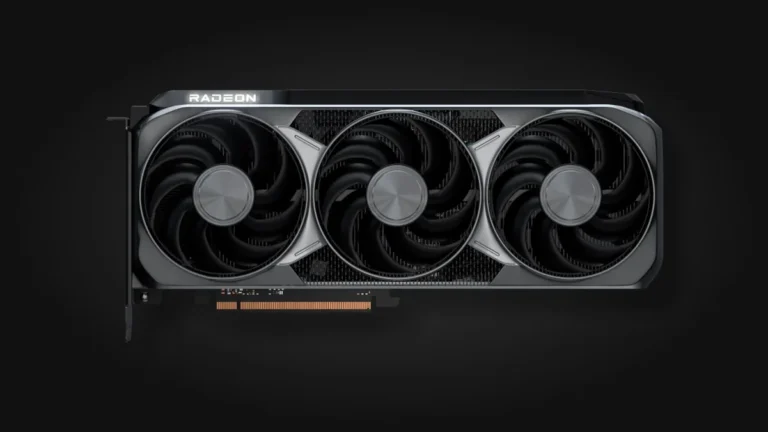
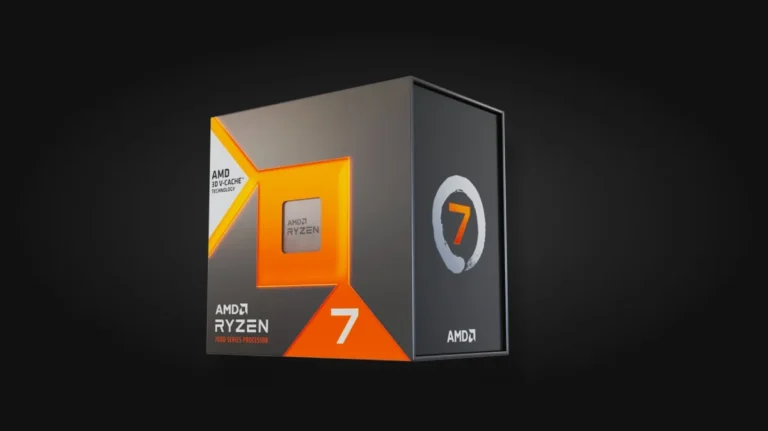
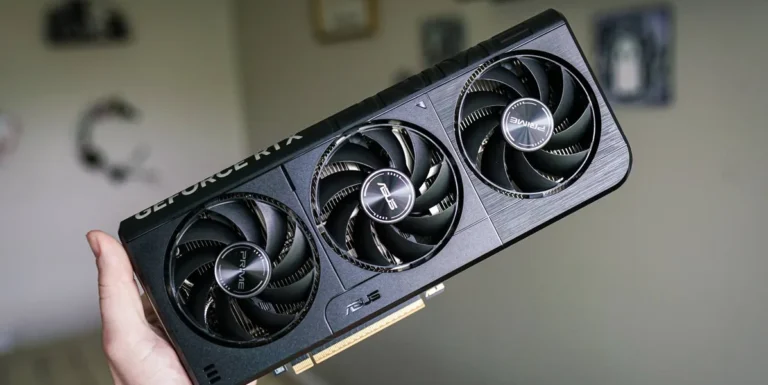
At the very heart of any 4K gaming PC, especially one constrained by an $1800 budget, are the CPU and GPU. For the processor, the AMD Ryzen 7 7800X3D consistently stands out as a gaming CPU powerhouse. Its unique 3D V-Cache technology delivers exceptional performance per dollar, making it an undeniable leader for gaming. On the graphics front, the battle is fierce between NVIDIA’s GeForce RTX 4070 Ti SUPER and AMD’s Radeon RX 7900 XT. Each brings unique strengths to the table, particularly concerning ray tracing capabilities, crucial VRAM capacity, and raw rasterization performance, demanding a detailed comparison to inform your choice.
Key GPU Specifications: RTX 4070 Ti SUPER vs. RX 7900 XT
| Feature | NVIDIA GeForce RTX 4070 Ti SUPER | AMD Radeon RX 7900 XT |
|---|---|---|
| Architecture | Ada Lovelace (AD103) | RDNA 3 (Navi 31) |
| CUDA Cores / Stream Processors | 8448 CUDA Cores | 5376 Stream Processors |
| VRAM | 16 GB GDDR6X | 20 GB GDDR6 |
| Memory Bus | 256-bit | 320-bit |
| Boost Clock (Reference) | 2.61 GHz | 2.4 GHz |
| Memory Bandwidth | 672 GB/s | 800 GB/s |
| TGP (Total Graphics Power) | 285 W (up to 310W for custom designs) | 300 W |
| MSRP (Launch) | $799 | $899 (often found lower) |
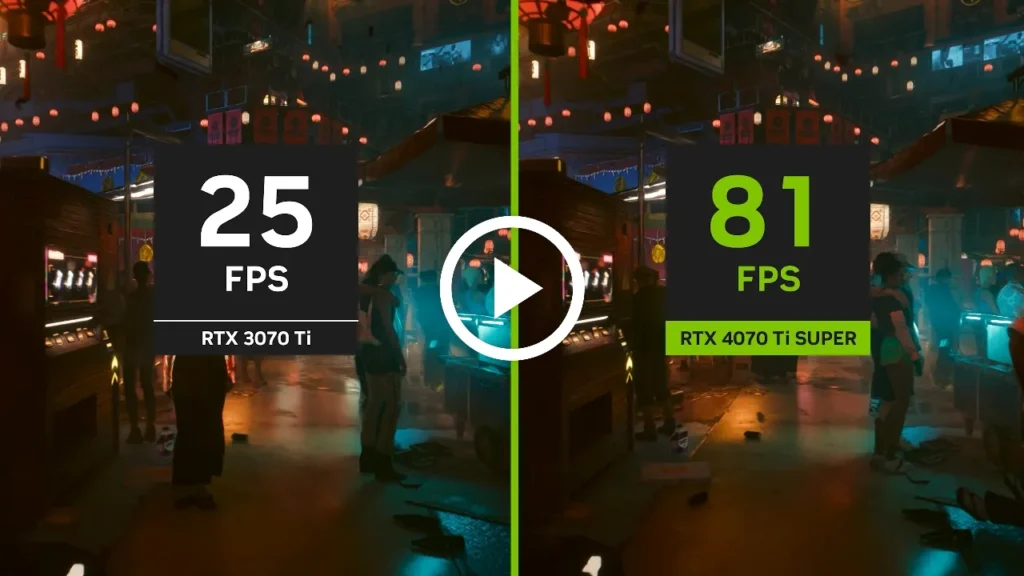
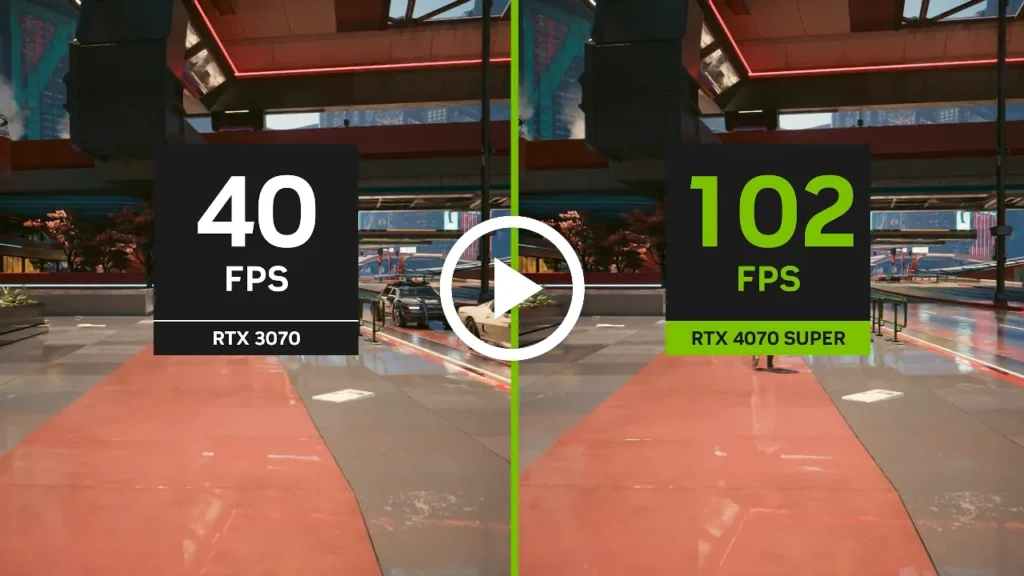
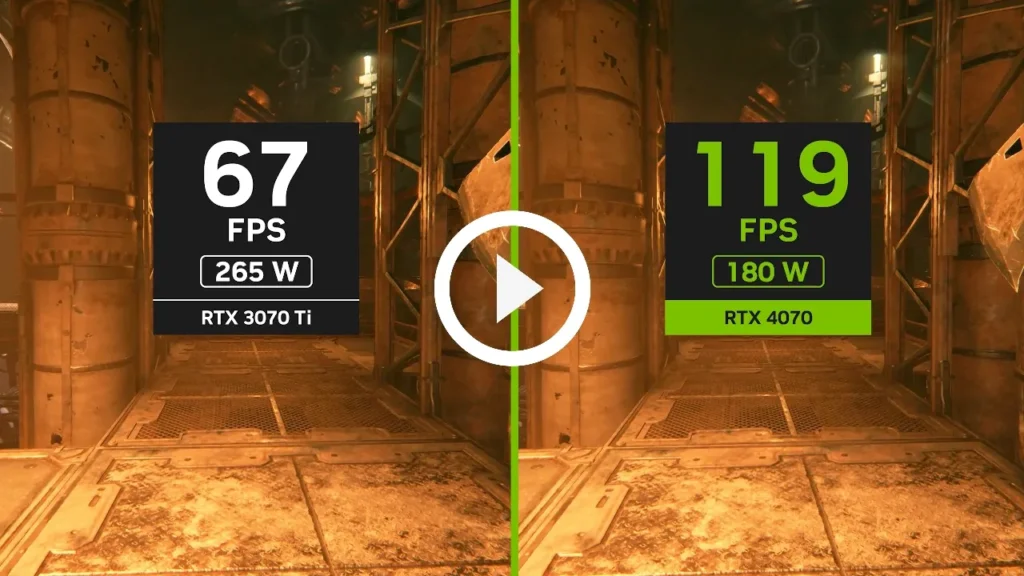

The VRAM Wars: Why 12GB Might Not Be Enough for Tomorrow’s 4K
The debate around VRAM capacity has intensified dramatically, becoming a critical flashpoint, especially for 4K gaming. Modern AAA titles such as Resident Evil 4 Remake, The Last of Us Part I (PC port), and Hogwarts Legacy are pushing memory demands to unprecedented levels, often exceeding what was considered ample just a year or two ago. While 12GB of GDDR6X was once deemed sufficient, many gamers are now grappling with the harsh reality of insufficient 8GB VRAM in new titles and are justifiably anxious about the long-term viability of even 12GB cards. AMD has aggressively capitalized on this, consistently highlighting its more generous VRAM offerings, such as the 20GB on the RX 7900 XT, positioning itself as the ‘future-proof’ choice. Conversely, NVIDIA’s architectural choices, particularly with the AD104 chip used in many of its mid-to-high range cards, often limit VRAM to 12GB unless employing more expensive, complex PCB configurations typically reserved for flagship products, creating a genuine dilemma for budget-conscious 4K builders.
I find 5070s only having 12gb VRAM a really weird/sketchy move Why on earth would Nvidia put less Vram on a more powerful GPU. Felt kinda the same befor purcahsing my old 3070 but still decided to give it a go, now im suffering with insufficient 8 gigs of Vram on almost every new game i try.
Performance Benchmarks: $1800 Builds in Action
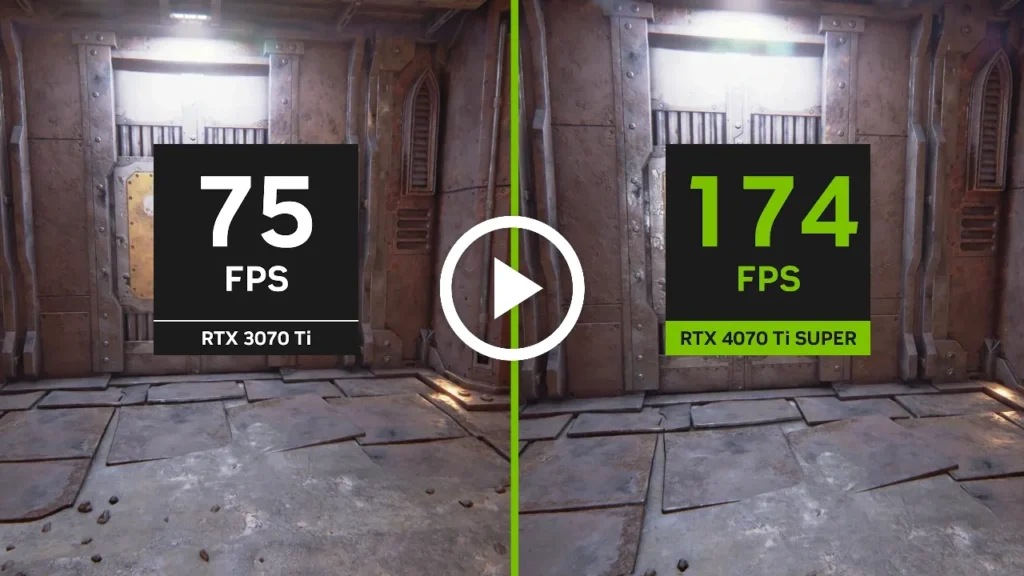
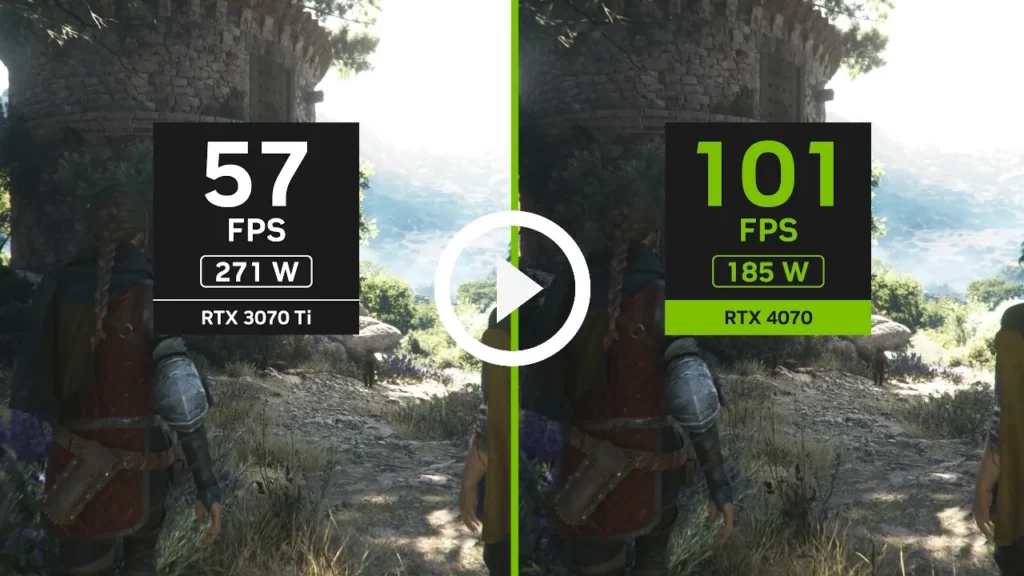
As the head of LoadSyn’s benchmark lab, our commitment is to provide data that reflects the true gaming experience. Our rigorous lab tests meticulously reveal how these configurations stack up in demanding 4K titles. We go beyond mere average FPS, focusing intently on 1% Lows and frame-time consistency to give you a comprehensive picture of gameplay fluidity. While raw rasterization performance often favors AMD at this critical price point, NVIDIA’s advanced DLSS 3 technology and generally superior ray tracing capabilities undeniably offer a different, compelling kind of value for those prioritizing visual fidelity and cutting-edge effects.
4K Gaming Performance: RTX 4070 Ti SUPER vs. RX 7900 XT ($1800 Build)
The Hidden Costs & Market Realities: RAM, SSDs, and the AI Effect
Beyond the headline-grabbing CPUs and GPUs, other essential components like RAM and SSDs have quietly but significantly contributed to price inflation, stealthily increasing the total cost of a DIY build. Furthermore, the insatiable, growing demand for high-end GPUs from AI server farms has had a direct and substantial impact, leading to inflated prices and limited availability for the gaming consumer. This pervasive ‘AI effect’ is a major source of community resentment, driving up hardware costs and making the goal of a truly budget-friendly, high-performance gaming PC increasingly challenging to achieve.
Strategic Patience: The Gamer’s New Weapon
In this volatile market, ‘strategic patience’ is no longer just a suggestion—it’s your most potent weapon. Do not fall for ‘discounts’ that merely bring prices back to MSRP, a common tactic that fuels frustration. Instead, monitor sales closely, but be genuinely prepared to wait for authentic deals or for the next generation of cards with more robust VRAM offerings to stabilize pricing. Avoiding over-provisioning and meticulously matching hardware to realistic usage is far more financially prudent than chasing universal ‘future-proofing’ at current, often inflated, prices.
The LoadSyn Recommended $1800 4K Builds
DIY $1800 4K Gaming PC Build (AMD Focus for Value)
- CPU: AMD Ryzen 7 7800X3D (Approx. $350)
- CPU Cooler: Peerless Assassin 120 SE or similar air cooler (Approx. $35)
- Motherboard: B650 AM5 ATX Motherboard (Approx. $180)
- RAM: 32GB (2x16GB) DDR5-6000 CL30 (Approx. $100 – watch for sales)
- GPU: AMD Radeon RX 7900 XT 20GB (Approx. $700 – target sale price)
- Storage: 2TB NVMe PCIe 4.0 SSD (Approx. $100 – watch for sales)
- Power Supply: 750W 80+ Gold ATX 3.0 PSU (Approx. $80)
- Case: Mid-Tower ATX with good airflow (Approx. $55)
- Total Estimated Cost: ~$1600 – $1700 (leaving room for price fluctuations or a slightly better GPU deal)
Considerations for a Pre-Built $1800 4K Gaming PC
- GPU First: Prioritize systems with an RTX 4070 Ti SUPER 16GB or RX 7900 XT 20GB. Be wary of older generation cards or those with insufficient VRAM, as these will quickly become bottlenecks at 4K.
- CPU Match: Look for systems with a Ryzen 7 7800X3D or an Intel Core i7-13700K/14700K equivalent to ensure balanced performance and avoid CPU bottlenecks.
- RAM & Storage: Ensure at least 32GB DDR5 RAM and a 2TB NVMe SSD. Many pre-builts skimp here to hit attractive price points, which can severely impact overall system responsiveness and game loading times.
- Power Supply & Cooling: Check for reputable PSU brands and adequate cooling solutions; these are often overlooked in budget pre-builts but are crucial for system stability and longevity, especially for 4K gaming’s higher power draw.
- Sales & Promotions: Pre-builts often have aggressive sales around major holidays (Black Friday, Cyber Monday). These can bring them significantly closer to DIY value, making them a worthwhile consideration if you’re patient.
The $1800 4K Gaming PC: A Strategic Investment
Achieving truly satisfying 4K gaming at the $1800 mark is a delicate balancing act, demanding informed choices and strategic patience. While NVIDIA’s RTX 4070 Ti SUPER offers compelling ray tracing capabilities and the performance multiplying benefits of DLSS 3, the AMD RX 7900 XT frequently provides superior raw rasterization performance and, critically, more VRAM. This higher VRAM capacity makes the RX 7900 XT a more future-proof investment at a similar or even lower price point, especially as game textures grow ever more demanding. DIY remains the undisputed king of value, offering the best cost-per-frame, but pre-builts can deliver convenience if you hunt for the right, meticulously spec’d deal during major sales. The current market demands unwavering vigilance against inflated prices and a keen, critical eye on VRAM capacity. Choose wisely, and 4K glory can unequivocally be yours without breaking the bank.
Frequently Asked Questions About $1800 4K Gaming PCs
Is $1800 enough for a good 4K gaming PC?
Yes, $1800 is a challenging but achievable budget for a solid 4K gaming PC, especially if you prioritize value and are willing to build it yourself. You’ll likely need to leverage upscaling technologies like DLSS or FSR for stable frame rates in the most demanding titles to maintain a smooth experience.
Which GPU is better for $1800 4K gaming, NVIDIA RTX 4070 Ti SUPER or AMD RX 7900 XT?
For raw rasterization performance and a more robust VRAM capacity, the AMD RX 7900 XT often offers superior value at this price point, making it arguably more ‘future-proof’ for 4K. The NVIDIA RTX 4070 Ti SUPER excels in ray tracing and DLSS 3, providing a different performance profile. Your choice should align with your specific priorities for visual fidelity versus raw frame rates.
How important is VRAM for 4K gaming?
VRAM is critically important for 4K gaming. Modern AAA games, particularly at high resolutions with ultra texture settings, can easily consume 12GB or more. While 12GB cards can manage today, 16GB or more offers significantly better longevity and peace of mind for future titles that will inevitably push memory demands further.
Are pre-built PCs a good option at this budget?
Pre-built PCs offer convenience, but they often come with a price premium or component compromises (e.g., lower-tier RAM, SSD, or PSU) compared to a DIY build at the same budget. To get good value, look for aggressive sales and carefully scrutinize the full component list before making a purchase.
Why are PC component prices so high right now?
Several factors contribute, including ongoing global supply chain issues, general inflation, and most notably, the massive demand for high-performance GPUs from AI server farms. This intense competition directly drives up prices for key gaming hardware like GPUs, RAM, and SSDs, impacting affordability for consumers.