
The Next Frontier in PC Connectivity: Thunderbolt 5 & OCuLink Explored
In the relentless pursuit of both portability and uncompromising performance, external connectivity has become a critical battleground for PC gamers and content creators. The tantalizing promise of docking a sleek, thin-and-light laptop to a desktop-class GPU or accessing massive datasets at lightning speeds, all through a single cable, hinges on the next generation of connection standards. Leading this charge are two distinct, yet equally compelling, players: Intel’s Thunderbolt 5 and the PCI-SIG’s OCuLink. This LoadSyn.com guide will dissect both technologies, breaking down their engineering principles and real-world implications to help you navigate the complexities and decide which path is right for your ultimate gaming and creative setup.
At a Glance: Next-Gen Connectivity
- Thunderbolt 5 delivers up to 80Gbps (120Gbps with Bandwidth Boost), 240W power, and DisplayPort 2.1, making it highly versatile for docks and displays.
- OCuLink focuses on pure PCIe, offering up to 64Gbps (PCIe 4.0 x4) with lower latency for eGPUs, but lacks integrated display/power.
- For Gamers: OCuLink often shows less eGPU performance loss than Thunderbolt 4, but Thunderbolt 5’s increased bandwidth and PCIe 4.0 support significantly narrow the gap.
- Adoption is Key: Widespread availability of TB5 and OCuLink host devices and peripherals is still evolving, impacting current upgrade decisions.
- Future-Proofing: Both technologies represent significant leaps, but current cost and real-world performance gains for many tasks (especially gaming load times) might not justify an immediate upgrade over PCIe 4.0.
Thunderbolt 5: Intel’s Vision for Universal High-Speed Connectivity
Officially unveiled by Intel in 2023, Thunderbolt 5 represents a monumental leap in peripheral connectivity. Building on the foundation of its predecessors, TB5 doubles the total bi-directional bandwidth of Thunderbolt 4 to a staggering 80Gbps. More impressively, it introduces a ‘Bandwidth Boost’ mode that can dynamically allocate up to 120Gbps unidirectionally for display-intensive tasks. This is achieved through advanced PAM-3 signaling technology, allowing more data to be transmitted over the same number of cycles and fundamentally enhancing throughput. Beyond raw speed, TB5 integrates DisplayPort 2.1, supporting configurations like dual 8K displays or triple 4K displays at 144Hz, and significantly boosts power delivery to a maximum of 240W, potentially eliminating separate power bricks for high-performance laptops and devices. This comprehensive integration is why Thunderbolt aims to be the single-cable solution for a wide array of desktop peripherals.
Thunderbolt 5 Key Specifications
| Feature | Specification |
|---|---|
| Maximum Bandwidth | 80Gbps Bi-directional (up to 120Gbps with Bandwidth Boost) |
| PCIe Throughput | 64Gbps (PCIe 4.0 x4) |
| Power Delivery | Up to 240W (USB PD 3.1, 140W mandatory) |
| Display Support | DisplayPort 2.1, up to multiple 8K displays, three 4K@144Hz, or single 540Hz (FHD) |
| Connector Type | USB-C (backward compatible with TB3/4, USB4, USB 3.x/2.0) |
| Signaling Technology | PAM-3 |
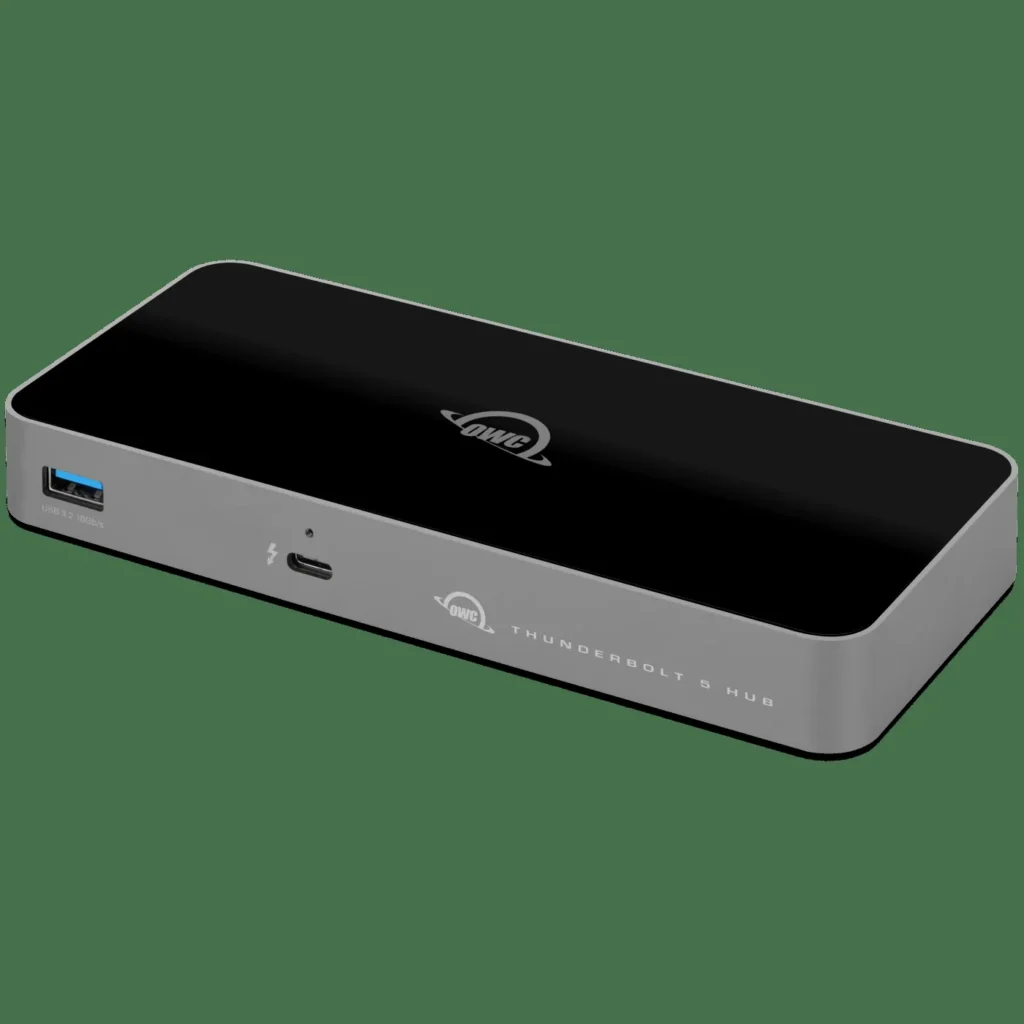
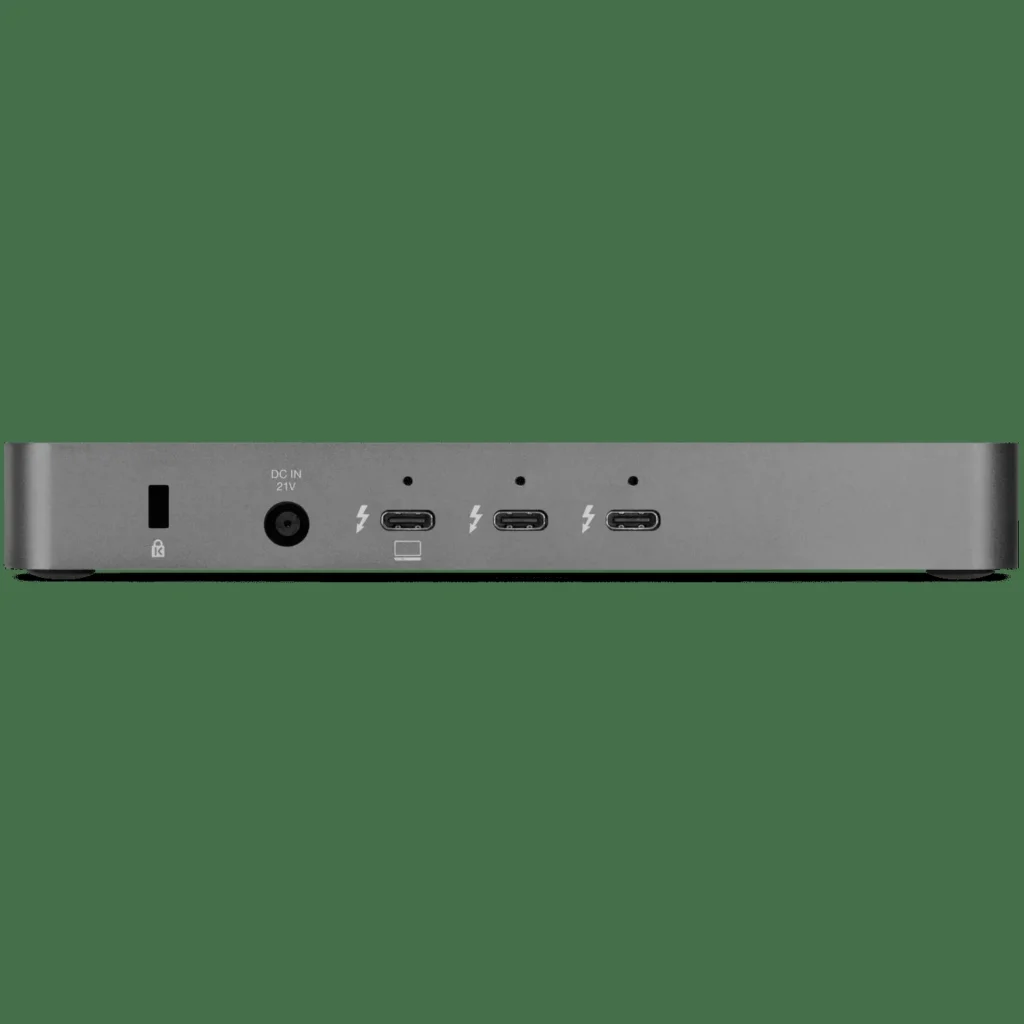
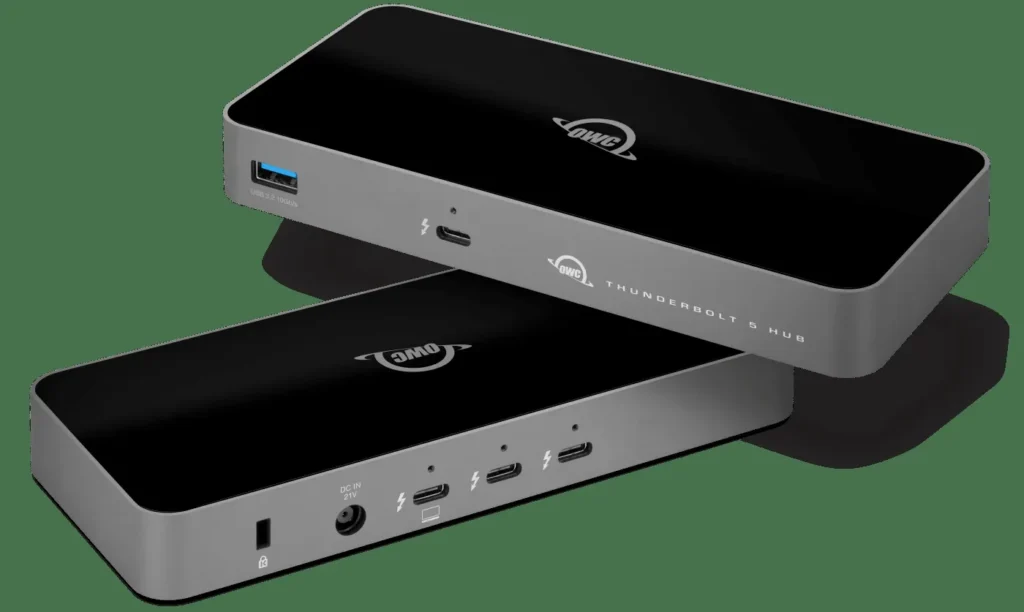
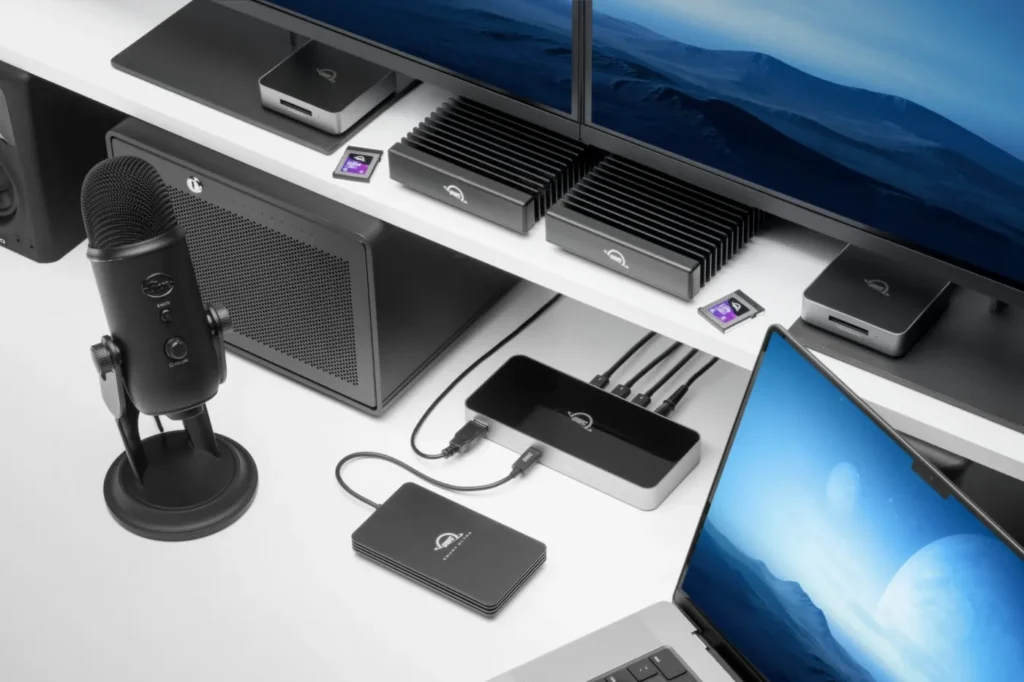
The Dream Build: Unleashing Portable Power
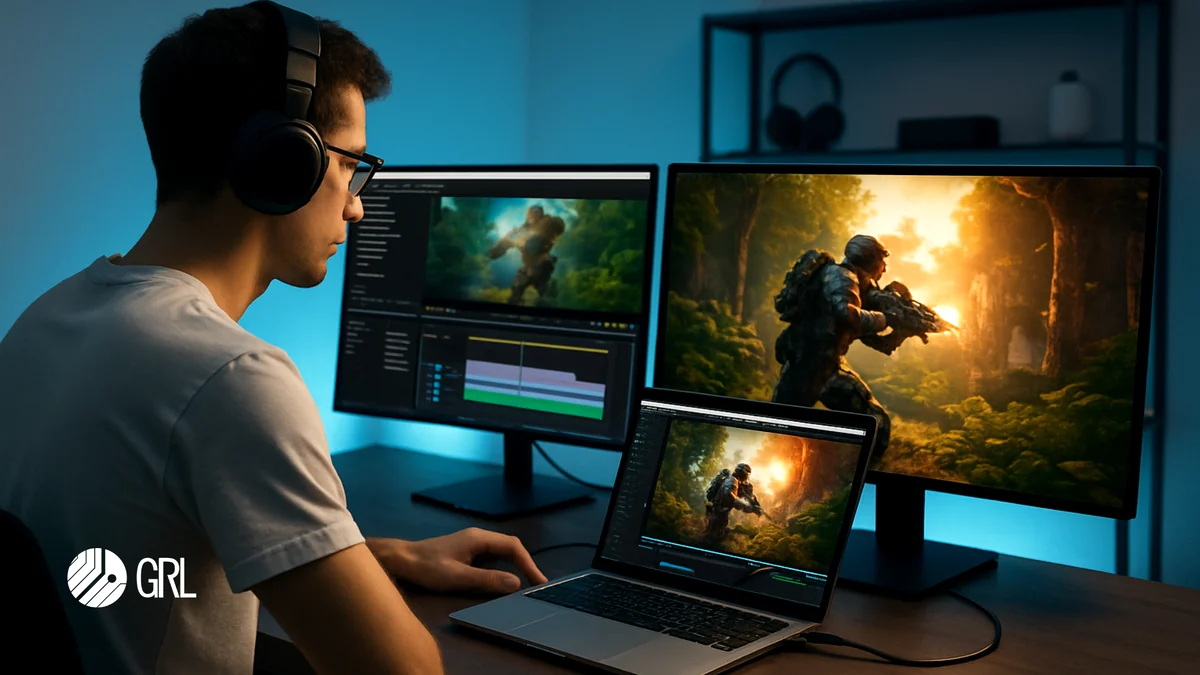
For many, Thunderbolt 5 embodies the ‘dream build’: a lightweight, portable laptop for daily tasks that transforms into a desktop-class gaming or creative workstation with a single cable. Imagine a thin-and-light productivity machine instantly driving triple 4K monitors and a high-end external GPU. This is the promise Thunderbolt 5 aims to deliver, simplifying complex setups and reducing cable clutter for ultimate flexibility.
OCuLink: The Direct PCIe Powerhouse for External Graphics
While Thunderbolt 5 aims for universal integration, OCuLink (Optical-Copper Link) takes a different, more specialized approach. Developed by the PCI-SIG, OCuLink is a connection system specifically designed for PCI Express (PCIe) devices, enabling external expansion via a cable rather than an internal slot. Its defining characteristic is a ‘pure PCIe channel,’ meaning it doesn’t natively integrate DisplayPort video or USB Power Delivery like Thunderbolt. This singular focus allows OCuLink to offer very low transmission loss, making it particularly attractive for external graphics card (eGPU) docks. Supporting up to 4 PCIe lanes, OCuLink can achieve 32Gbps with PCIe 3.0 x4 or a substantial 64Gbps with PCIe 4.0 x4, directly challenging the PCIe bandwidth of even Thunderbolt 5, and notably surpassing older Thunderbolt 3 and 4 versions. This directness is what makes it a favorite among dedicated eGPU enthusiasts seeking to minimize performance overhead.
OCuLink Key Specifications
| Feature | Specification |
|---|---|
| Maximum Bandwidth | 64Gbps (PCIe 4.0 x4) |
| PCIe Lanes | 4 (x4) |
| Integrated Protocols | Pure PCIe (no native DisplayPort or Power Delivery) |
| Connector Types | SFF-8611, SFF-8612 (for host/device) |
| Primary Use Case | External PCIe expansion, eGPUs, high-speed storage |
| Compatibility | Designed for PCIe devices (less universal than Thunderbolt) |
Beyond the Hype: Thunderbolt 5 vs. OCuLink for Gaming & Productivity
| Feature | Thunderbolt 5 | OCuLink |
|---|---|---|
| Max Data Bandwidth | 80Gbps (120Gbps Boost) | 64Gbps (PCIe 4.0 x4) |
| PCIe Throughput | 64Gbps (PCIe 4.0 x4) | 64Gbps (PCIe 4.0 x4) |
| Display Integration | Yes (DP 2.1) | No (Pure PCIe) |
| Power Delivery | Up to 240W | No |
| eGPU Performance | Good (High Bandwidth) | Excellent (Low Latency) |
| Versatility | High | Specialized |
| Compatibility | USB-C Ecosystem | Niche/Specific Ports |
eGPU Performance: Real-World Bandwidth Efficiency
Note: While theoretical bandwidths vary, real-world eGPU tests show OCuLink offering performance very close to a desktop’s internal PCIe slot, often with less overhead than Thunderbolt 4. This is a significant advantage for pure gaming performance. Thunderbolt 5, with its doubled PCIe bandwidth over TB4, dramatically closes this performance gap.
“Occulink > Thunderbolt 5” – A sentiment echoed by many eGPU enthusiasts seeking raw, uncompromised PCIe bandwidth.
The Current Landscape: Products, Adoption, and Future-Proofing
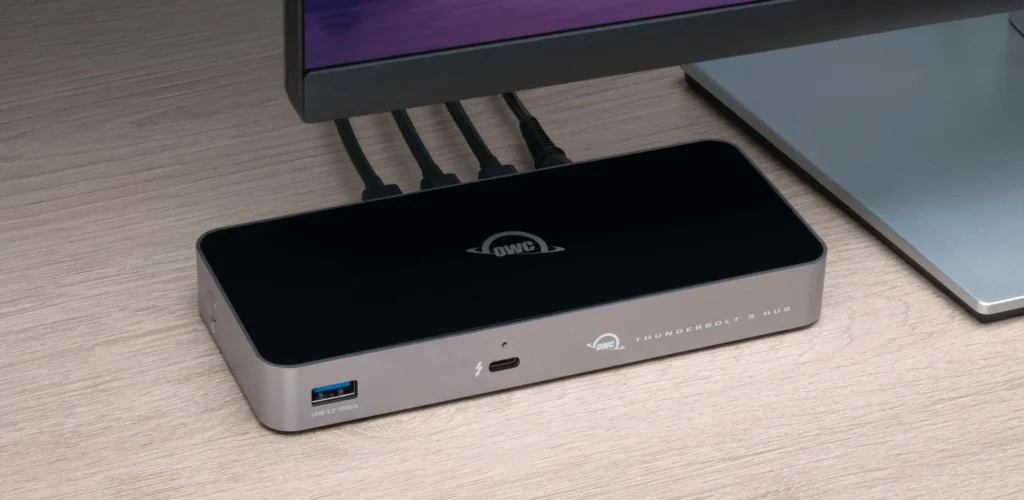
Despite the impressive specifications and theoretical advantages, the true measure of a technology’s impact lies in its adoption. Thunderbolt 5, while officially announced in 2023, saw its first compatible devices emerge in 2024, with more widespread availability expected through 2025 and beyond. Apple’s latest Mac Mini and MacBook Pros now feature TB5, and a growing number of docks (OWC, Razer, ASUS, Plugable) and SSD enclosures are hitting the market. OCuLink, on the other hand, has carved out a niche with specific gaming laptops, mini PCs (AOOSTAR, MINISFORUM), and handheld consoles (AYANEO, GPD).
Devices Leading the Charge:
- Thunderbolt 5: Apple Mac Mini/MacBook Pro (M4 Pro/Max), OWC Hub, Razer Dock, ASUS Master Dock DC510, LaCie Rugged SSD Pro5.
- OCuLink Laptops: Lenovo ThinkBook 14i/16i Gen 6+, ROG Flow series, THUNDEROBOT aibook 15.
- OCuLink Mini PCs: AOOSTAR GEM10/12, MINISFORUM UM780 XTX/AtomMan X7 Ti.
- OCuLink Handhelds: AYANEO FLIP KB/DS, GPD WIN Mini/MAX2, ROG Ally (via XG Mobile).
PCIe 5.0 SSDs: The Internal Debate
Pros
- Blazing Speeds (14GB/s)
- DirectStorage Ready
- Reduced Latency (50µs)
- New Chipset Support
Cons
- Minimal Gaming Impact (<5%)
- Higher Cost (~40% Premium)
- Thermal Challenges (Needs Heatsink)
- Overkill for Average Users
“My disappointment is measurable… The biggest issue I have with Thunderbolt 5 is not performance but adoption. Very few systems come with support for Thunderbolt 5.”
Your Ultimate Decision: Choosing the Right Connectivity
- Assess Your Primary Need: Pure eGPU performance? OCuLink. Single-cable workstation versatility? Thunderbolt 5.
- Check Your Current Hardware: TB5 is backward compatible with USB-C; OCuLink requires dedicated ports or M.2 adapters.
- Consider Your Budget: TB5 peripherals carry a premium; OCuLink is cheaper but more complex (external PSUs).
- Evaluate Future-Proofing: Both are great for 2-3 years out, but PCIe 4.0 remains pragmatic for today’s value.
- Prioritize Ecosystem: TB5 offers plug-and-play across major brands; OCuLink is a specialized/DIY path.
LoadSyn.com Pro-Tip: Navigating Your Upgrade
For the ultimate blend of speed, display versatility, and single-cable convenience, Thunderbolt 5 is the clear choice. However, if your sole focus is a no-compromise external GPU setup for maximum gaming performance, OCuLink presents a compelling, often more cost-efficient, alternative. The ecosystem is maturing—understand your workflow before chasing theoretical maximums.
The Future is Fast, But Choose Wisely
Thunderbolt 5 and OCuLink both push the boundaries of external connectivity, offering unprecedented speeds and capabilities for gamers and creators. Thunderbolt 5 shines with its universal appeal, while OCuLink offers a compelling, low-latency alternative for dedicated eGPU enthusiasts. As the ecosystem matures, these technologies will redefine how we interact with our PCs, but for now, an informed choice tailored to your specific needs is paramount.
Frequently Asked Questions
Yes, with Thunderbolt 4, 3, USB4, and USB-C devices, though speeds will be limited by the older hardware.
No, it is a pure PCIe channel. Video and power must be handled separately.
Yes. TB5 requires certified active cables for full speed. OCuLink uses specific SFF-8611/8612 cables.