
The Elusive Budget Gaming PC: Is the $800 Sweet Spot Real?
For years, the dream of a truly affordable gaming PC hovered around the $650 mark, offering a tangible entry point for aspiring enthusiasts. But as component prices soared and inflation bit, that once-accessible dream seemed to fade into memory, leaving many gamers feeling left behind. Now, in 2025, a new ‘sweet spot’ is tentatively emerging: the $800 prebuilt gaming PC. These systems promise a genuine gateway into modern gaming without completely breaking the bank, often featuring capable GPUs like the NVIDIA GeForce RTX 4060 (or its projected 5060 successor) and robust CPUs such as the Intel Core i5-14400F. But is this new wave of budget-friendly machines a genuine opportunity for widespread relief, or are there hidden compromises lurking beneath the surface, poised to disappoint?
That’s exactly what I would have liked to find brand new for that price. Finally a company that realized that there is a market for this price range and these parts, and not trying to scam everyone.
The RTX 4060/5060 Family: The Engine of the $800 Tier
At the heart of many of these $800 prebuilt systems lies the NVIDIA GeForce RTX 4060 family, including the base RTX 4060 and its Ti variants, all meticulously built on the power-efficient Ada Lovelace architecture. These cards are specifically engineered to deliver substantial performance upgrades, making them ideal for 1080p gamers. The real magic, however, comes from NVIDIA’s innovative technologies like DLSS 3, which masterfully combines DLSS Super Resolution and Frame Generation to multiply frame rates, providing a smoother, more immersive experience. Coupled with NVIDIA Reflex for improved responsiveness, these GPUs ensure competitive and fluid gameplay. The anticipated RTX 5060 is expected to continue this crucial trend, offering similar value propositions and performance multiplication at this pivotal price point. This combination of modern architecture and AI-driven performance is precisely what makes these systems so attractive to budget-conscious buyers, enabling verifiable framerates that truly matter.

The Elephant in the Room: The 8GB VRAM Wall
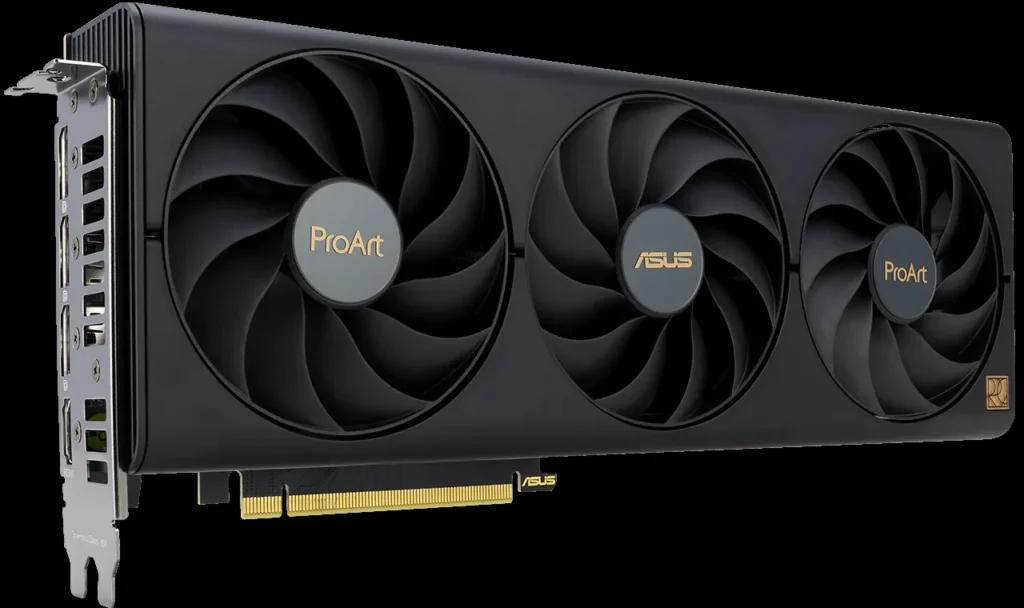
Despite the initial appeal and impressive raw performance, a major point of contention and growing concern within the gaming community is the persistent use of 8GB of VRAM on mid-range GPUs like the RTX 4060 and its expected 5060 counterpart. While 8GB is undeniably sufficient for many 1080p titles today, gamers are increasingly worried about future-proofing their investments. Modern AAA games, especially when pushed to higher settings or resolutions—even 1440p medium—can quickly consume more than 8GB of VRAM. When this VRAM ceiling is hit, performance stuttering, texture pop-in, and overall system instability become unavoidable. This critical limitation casts a long, unsettling shadow over the long-term viability of these otherwise attractive budget builds, leading to significant frustration and worry among savvy buyers.
8gb VRAM is stupid in 2025. Some games will eat up more than 9gb VRAM after playing for an hour even on 1440p medium settings.
VRAM Warning: Know Your Limits
If you plan to play the latest AAA titles at 1440p or higher, or expect to keep your PC for 3+ years without upgrading, an 8GB VRAM GPU might hit its ceiling sooner than you think. Prioritize 12GB+ VRAM if future-proofing is a major concern.
Navigating the Prebuilt Landscape: Brands Offering Value (and the Catch)
The market for affordable prebuilt PCs is intensely competitive, with companies like Green Beast Gaming, AVADirect, and CLX diligently aiming to deliver maximum performance per dollar. Green Beast Gaming, for instance, distinguishes itself through extensive customization, rigorous quality assurance, and a robust 2-year warranty, ensuring customers receive a thoroughly tested, bloatware-free system. AVADirect focuses on ‘value parts’ and strategic component selection to meticulously keep costs down without compromising essential performance. Meanwhile, CLX aims for a ‘best value-to-performance ratio,’ incorporating robust cooling solutions like their QUENCH AIOs and rigorous 72-hour burn-in testing. These brands offer undeniable convenience, pre-installed Windows, and often a comprehensive warranty that DIY builds lack. However, even with these reputable builders, buyers must still be vigilant about component specifics, especially the GPU and its crucial VRAM capacity, to ensure optimal component synergy for their budget.

The Feature Story Twist: Beyond the Initial Price – The Upgradeability Question
A common anxiety for budget-conscious buyers isn’t just the initial cost, but the longevity and potential upgrade path of their new machine. Prebuilt PCs can be a mixed bag here, presenting a crucial point of uncertainty. Some manufacturers, like those prioritizing optimal component synergy, use standardized, off-the-shelf components, making future GPU, RAM, or storage upgrades relatively straightforward. Others, however, might opt for proprietary parts, custom motherboards, or critically, undersized power supplies that severely limit your options down the line. Understanding the build quality and specific component choices is paramount if you hope to extend the life of your $800 investment, transforming initial hope into long-term satisfaction rather than frustration.
Prebuilt Upgradeability: What to Look For
Standardized Components
Check for name-brand, non-proprietary motherboards, power supplies, and cases. These make component swaps much easier.
PSU Headroom
Ensure the power supply unit (PSU) has enough wattage to support a future GPU upgrade. A 600W 80 PLUS Gold is a good baseline.
Case Size & Airflow
A larger, well-ventilated case (like the Cooler Master Q300L mentioned by Green Beast Gaming) offers more space for larger GPUs and better cooling for upgraded components.
RAM Slots & Storage Bays
Look for available RAM slots and M.2/SATA bays for easy memory or storage expansion.
Your $800 Prebuilt Gaming PC Buyer’s Checklist
Essential Considerations for Your Affordable Prebuilt
- VRAM is King (or Queen): While 8GB is sufficient for 1080p today, be aware of its limitations for future AAA titles or higher resolutions. Aim for 12GB+ if possible.
- CPU/GPU Balance: Ensure a solid pairing like a Core i5-14400F with an RTX 4060/5060 for balanced 1080p performance.
- RAM & Storage: 16GB DDR4/DDR5 RAM and a fast NVMe SSD (at least 500GB, ideally 1TB+) are non-negotiable for a smooth experience.
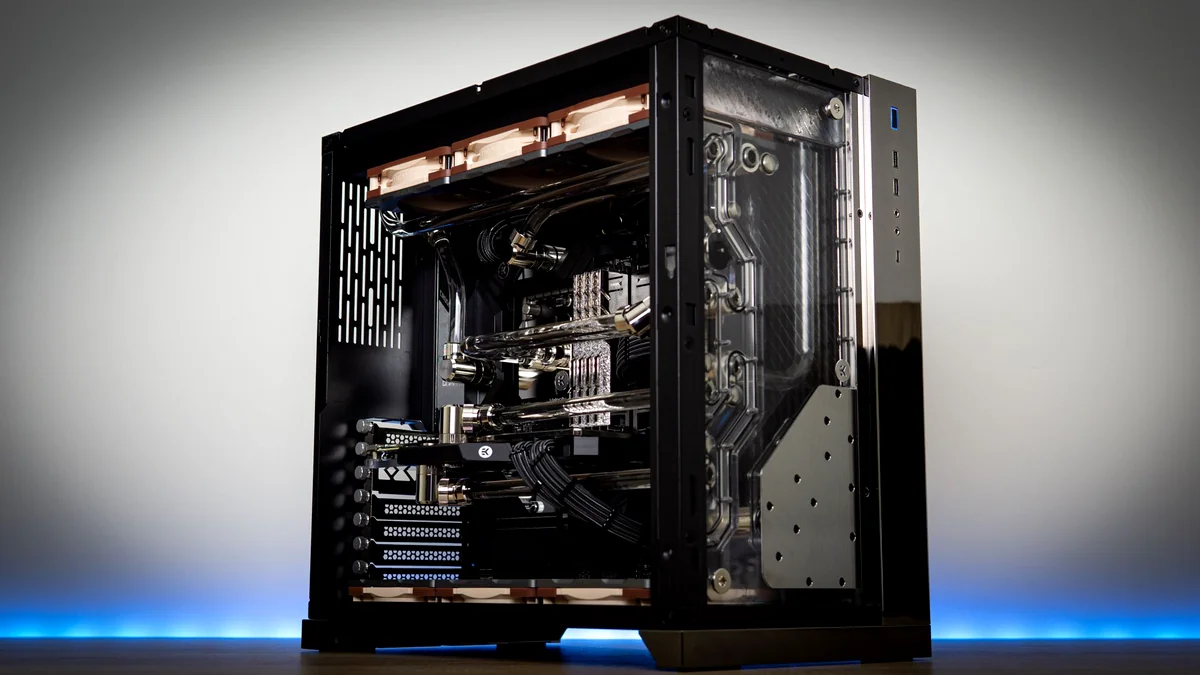
- Build Quality & Cooling: Look for clean cable management, decent cooling solutions (liquid cooling is a bonus), and standardized components.
- Warranty & Support: A comprehensive warranty (2+ years) and responsive US-based technical support are crucial for peace of mind.
Prebuilt vs. DIY at the $800 Price Point
Pros
- Convenience: Ready to game out of the box, no assembly required.
- Warranty: Often comes with a full system warranty and lifetime labor support.
- Professional Assembly: Clean cable management and proper component installation.
- OS Included: Typically ships with Windows 11 Home activated and bloatware-free.
Cons
- Component Choice: Less control over specific brands or models of individual parts.
- Upgradeability: Can be limited by proprietary parts or undersized PSUs.
- Potential for ‘Value’ Parts: Some manufacturers cut costs on less visible components.
- Price Premium: Generally costs slightly more than an equivalent DIY build due to labor.
Your Questions Answered: Affordable Prebuilt PCs
Is 8GB VRAM really a deal-breaker for a $800 PC?
Not necessarily for 1080p gaming today, but it’s a significant limitation for future AAA titles, especially if you aim for higher settings or resolutions. It will likely be the first component to show its age.
How can I tell if a prebuilt PC is ‘upgrade friendly’?
Look for mentions of standardized ATX parts, ample case space, and a power supply with sufficient wattage (e.g., 600W+). Reviews often highlight internal layouts and component accessibility.
What’s the minimum RAM and storage I should accept?
16GB of DDR4 or DDR5 RAM is the standard minimum. For storage, an NVMe SSD of at least 500GB for the OS and main games is crucial, with 1TB being highly recommended.
Do I need to worry about bloatware on prebuilt PCs?
Many reputable prebuilt manufacturers, like Green Beast Gaming, pride themselves on shipping systems with zero bloatware and only essential drivers. Always check reviews or product descriptions for this detail.
The $800 Prebuilt: Cautious Optimism for the Budget Gamer
The $800 prebuilt gaming PC, often powered by an RTX 4060 or its successor, truly represents a compelling entry point into PC gaming in 2025. It offers undeniable convenience, professional assembly, and a solid 1080p experience out of the box, providing a genuine sense of relief for budget-conscious buyers. However, the omnipresent 8GB VRAM limitation demands careful consideration for anyone hoping to future-proof their investment beyond immediate needs. While the relief of finding genuine value is palpable, buyers must proceed with cautious optimism, prioritizing systems with quality, standardized components, decent cooling, and at least some upgrade potential to truly make their budget go the distance. The sweet spot is indeed real, but it invariably comes with a critical caveat that every gamer must acknowledge.