
The current state of the DDR5 memory market is dire, marked by skyrocketing prices and limited availability. In response, many PC builders and gamers are exploring unconventional workarounds, with SODIMM-to-DIMM adapters emerging as a popular, albeit imperfect, solution. Our definitive analysis confirms that these adapters *do* allow laptop DDR5 SODIMMs to function in a desktop, offering significant cost savings. However, this comes with a crucial caveat: expect substantial performance compromises, as motherboards often default the memory to much lower speeds and looser timings. Ultimately, this is a pragmatic trade-off for budget-conscious users: a functional, affordable system at the expense of peak speed.
For PC builders and gamers, the current DDR5 memory market feels less like a marketplace and more like a battlefield. Prices have skyrocketed, availability is fleeting, and the dream of a high-performance, affordable rig seems increasingly out of reach. This dire situation has pushed the community to explore radical workarounds, and among the most intriguing is the resurgence of an old trick: using SODIMM-to-DIMM adapters to bridge the gap between cheaper laptop memory and hungry desktop motherboards. Is this a genuine lifeline or just another false hope in the ongoing memory crisis? LoadSyn delves deep to find out.
The Great Memory Heist: Why Desktop RAM Prices Are Skyrocketing
To understand the appeal of such unconventional solutions, we must first grasp the depth of the DDR5 crisis. This isn’t just a minor fluctuation; it’s a perfect storm of converging factors. Major AI companies are voraciously buying up vast quantities of DRAM, diverting crucial supply away from the consumer market, as noted by KitGuru. Compounding this, governments, particularly the US, are threatening hefty 100% tariffs on memory chips from South Korean and Taiwanese manufacturers unless production shifts to domestic soil. TechRadar highlights this as a direct industrial policy that, if enacted, would dramatically inflate prices for consumers. Furthermore, some key players like Micron, parent company of Crucial, are reportedly scaling back or exiting the consumer memory market entirely to focus on higher-margin enterprise sales, as detailed by PCGamer. These macro-economic shifts, combined with persistent general supply chain issues, directly squeeze the gaming market, making high-speed DDR5 a luxury few can afford.
- AI Demand Surge: Major AI companies are buying up significant DRAM supply, diverting resources from consumer markets.
- Tariff Threats: Potential 100% tariffs by governments (e.g., US) on Asian memory chip manufacturers unless production shifts, threatening further price hikes.
- Micron’s Market Shift: Key manufacturers like Micron (Crucial’s parent) are reportedly pulling out of consumer memory to focus on higher-margin enterprise sales.
- General Supply Shortages: Ongoing component and manufacturing capacity limitations further exacerbate the problem.
Laptop RAM to the Rescue? Understanding SODIMM-to-DIMM Adapters
At its core, the distinction between SODIMM and DIMM memory is one of form factor. DIMMs (Dual In-line Memory Modules) are the larger sticks we typically see in desktop PCs, while SODIMMs (Small Outline DIMM) are the compact versions designed for laptops, mini-PCs, and other space-constrained devices. Electrically, DDR5 is still DDR5, regardless of its physical footprint. This is where the passive adapter comes into play. These ingenious, if simple, devices physically convert the 262-pin SODIMM form factor to fit into a standard 288-pin desktop DIMM slot. While originally designed for memory testing purposes by vendors, allowing them to validate SODIMM modules using standard desktop motherboards (as observed in product listings and articles from HotHardware and Tom’s Hardware), consumers are now repurposing them out of pure necessity, seeking a pathway to affordable DDR5.
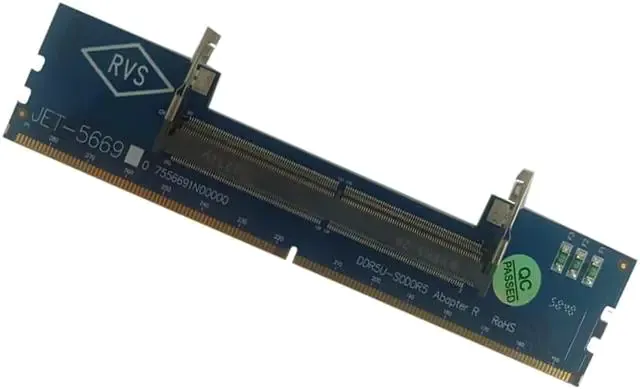
Typical SODIMM-to-DIMM Adapter Specifications
| Feature | Details |
|---|---|
| Form Factor Conversion | DDR5 SODIMM (262-pin) to DDR5 DIMM (288-pin) |
| PCB Layers | Often 6-layer design |
| Primary Use Case (Original) | DDR5 SO-DIMM module testing for vendors |
| Supported Frequencies | Supports DDR5-4800MHz and above (though real-world performance varies) |
| Electrical Characteristics | Passive conversion, no active voltage regulation on most models |
“lol, RAM adapters making a comeback, I did not see that happening. I remember similar adapters in the 90s when converting from 30-pin RAM to 72-pin.”
— Reddit User, ‘The $15 Solution to the DDR5 Price Crisis?’ comments
The LoadSyn Lab Test: Real-World Performance & Pitfalls
Our Senior Technology Editor, Ben Carter, personally embarked on this budget-conscious quest, mirroring the real-world experiences documented by outlets like XDA-Developers. Armed with an AMD Ryzen 7 9800X3D and an MSI MPG X870E Carbon WiFi motherboard, the goal was simple: see if these adapters could deliver. The immediate good news was that the system *did* boot successfully. Windows loaded without a hitch, a testament to the basic electrical compatibility. However, the initial euphoria quickly faded. Despite the SODIMM modules (in this case, ADATA 16GB DDR5 with SK Hynix A-die chips) boasting a JEDEC-rated profile for DDR5-5600 MT/s – meaning they shouldn’t require XMP/EXPO for their advertised speed – the motherboard consistently defaulted them to a paltry DDR5-3200 MT/s. This is the base speed for DDR5, a clear sign the motherboard was treating these modules with extreme caution. The technical reasons behind this clamping are multifaceted: modern motherboards perform complex memory training at boot, calibrating signal timing and negotiating voltages. Introducing a passive adapter, as KitGuru points out, inherently degrades signal integrity due to the additional physical interface and altered trace lengths. More critically, as XDA-Developers highlighted, the BIOS-level detection tools, like MSI’s MEMORY-Z, recognize these as SODIMMs. It’s highly probable that the motherboard’s firmware, not validated for such a configuration, defaults to a “safe” speed, refusing any attempts to manually increase the clock to even the JEDEC-rated 5600 MT/s, let alone higher.
While SODIMM adapters can make your system boot, expect significant performance degradation. Motherboards often default laptop memory to much lower speeds (e.g., DDR5-3200) due to signal integrity issues and BIOS-level form factor detection. Do not expect XMP/EXPO-level performance or stability.
DDR5 Memory: Desktop DIMM vs. SODIMM Adapter (Observed)
| Feature | Typical Desktop DDR5 (e.g., 6000MT/s CL30) | SODIMM via Adapter (Observed) |
|---|---|---|
| Cost (32GB Kit + Adapter) | ~$350-$450+ | ~$200-$300 (module dependent) |
| Rated Speed | DDR5-6000 MT/s+ | DDR5-4800 MT/s+ (JEDEC) |
| Observed Speed (in test) | DDR5-6000 MT/s+ | DDR5-3200 MT/s (often clamped) |
| Timings | CL30-CL36 (tight) | CL40-CL46 (looser) |
| Performance (Gaming/CPU Intensive) | Excellent | Subpar (due to speed/latency) |
| Stability | High (with proper tuning) | Variable (can require downclocking) |
| Availability | Limited / High Prices | More Accessible / Cheaper (especially used) |
SODIMM Adapters for Desktops: The Trade-offs
Pros
- Significant Cost Savings: Laptop SODIMMs are generally much cheaper than equivalent desktop DIMMs, especially on the used market.
- Workaround for Scarcity: Provides a viable option when desktop DDR5 is scarce or exorbitantly priced.
- Repurposing Old Hardware: Allows users to reuse spare laptop memory, reducing waste.
- System Functionality: Can make a system boot and become usable, even if not at peak performance.
Cons
- Reduced Performance: Often results in lower clock speeds (e.g., DDR5-3200) and looser timings, creating a bottleneck.
- Signal Integrity Issues: The adapter’s additional physical interface can degrade signal quality, impacting stability.
- Compatibility Lottery: Success and actual speeds can vary greatly depending on the motherboard and CPU’s memory controller.
- Not for High-End Gaming: Not recommended for enthusiasts seeking peak gaming performance or overclocking.
- Limited Overclocking Potential: Motherboards may refuse to apply higher XMP/EXPO profiles, or even JEDEC speeds, to SODIMMs.
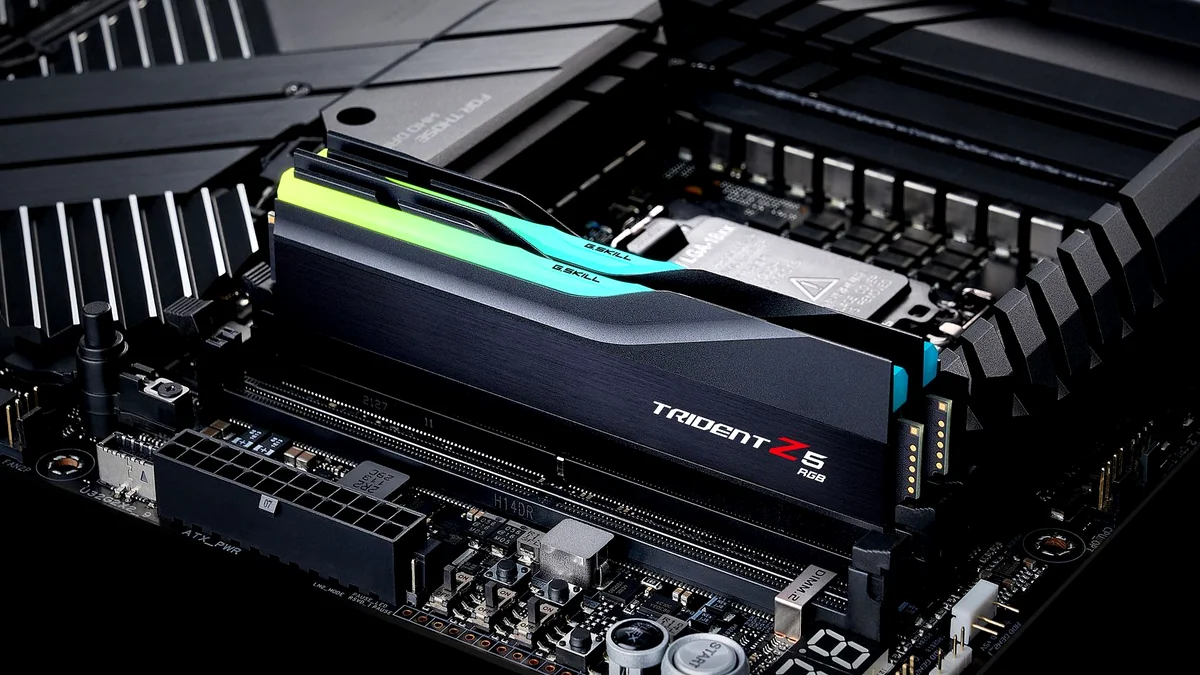
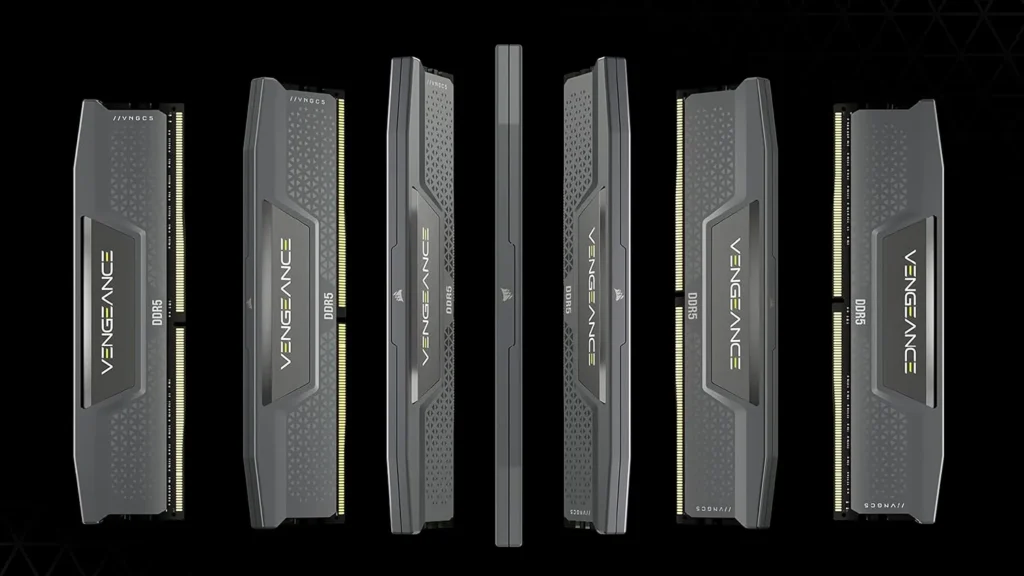
The ideal desktop RAM for gamers, now often out of reach.
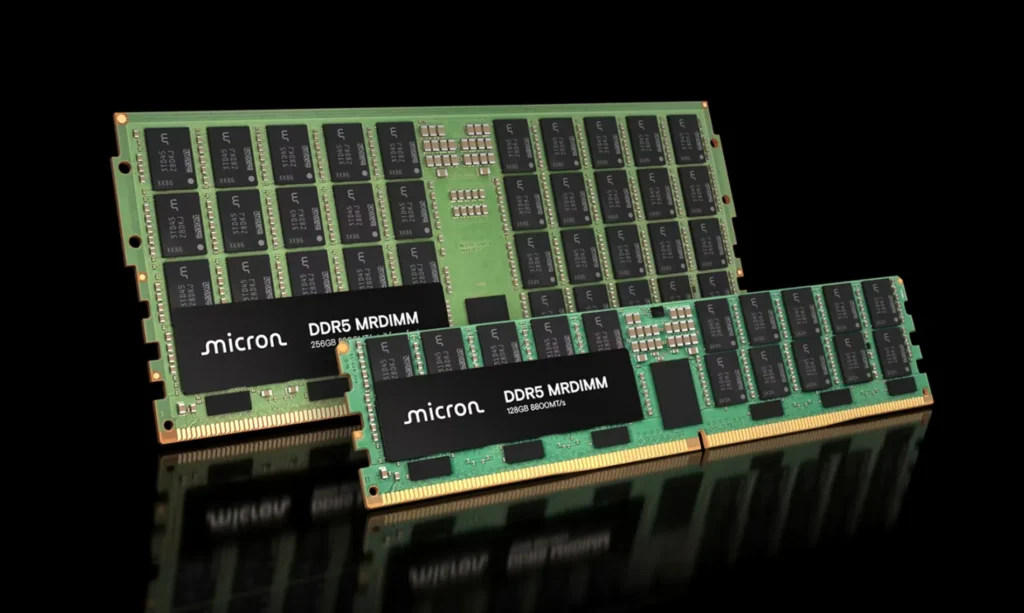
The core components driving the memory market.
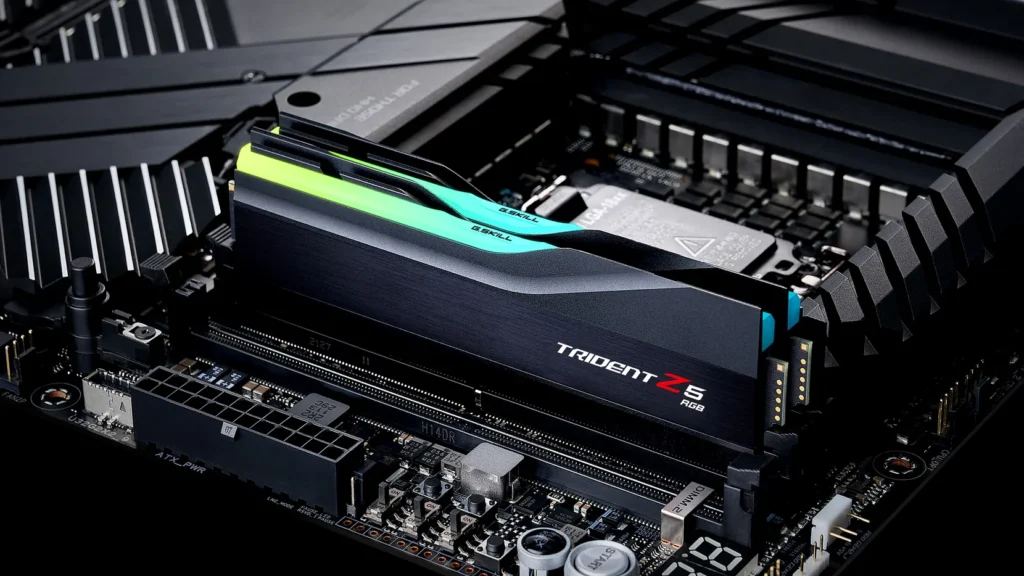
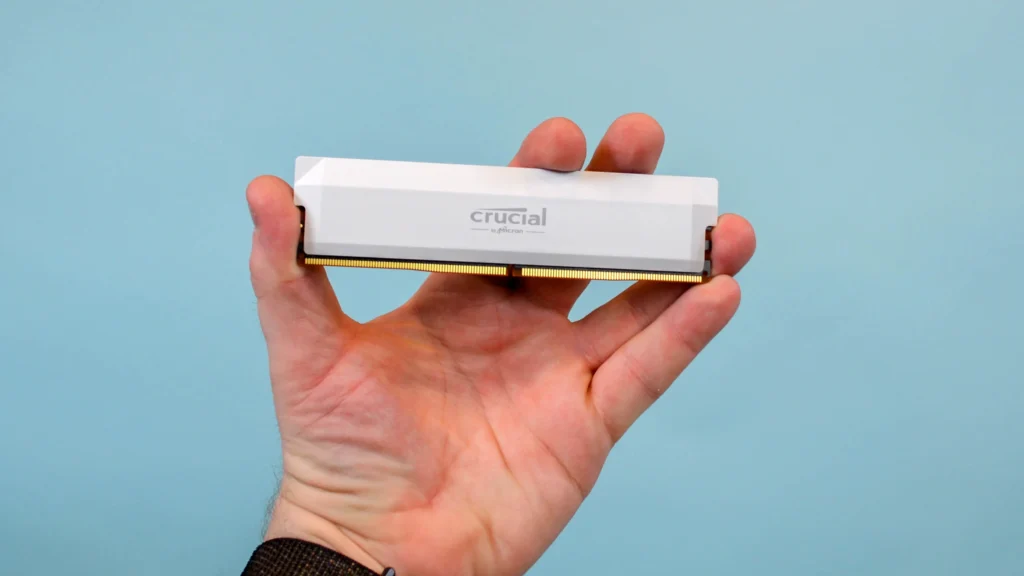
Premium DDR5 is becoming a rare sight in budget builds.
The Bottom Line: Are SODIMM Adapters Truly a ‘Cheap DDR5’ Solution for Gamers?
So, after dissecting the market, the technology, and the real-world performance, what’s the definitive word on SODIMM-to-DIMM adapters for gamers? While they undoubtedly offer a pragmatic, cost-effective entry point into the DDR5 ecosystem for builders constrained by budget, they are emphatically not a performance panacea. For those simply needing a functional DDR5 system—perhaps for light productivity or older, less demanding games—these adapters provide a viable, affordable path. However, for competitive gamers, content creators, or anyone running high-end CPUs like AMD’s X3D chips, which thrive on fast, low-latency memory, the performance compromise is significant. Being stuck at DDR5-3200 MT/s, as our tests and others have shown, effectively bottlenecks your CPU, leaving considerable performance on the table. This isn’t a solution born of optimization or a desire for cutting-edge speed; it’s a functional workaround, a testament to ingenuity in the face of an unforgiving market, allowing users to get a system up and running when traditional DDR5 is simply out of reach.
“Conclusion as expected: It will work, but at reduced speeds.”
— YouTube Commenter, ‘The $15 Solution to the DDR5 Price Crisis?’
Final Verdict: A Budget Lifeline, Not a Performance Upgrade
SODIMM-to-DIMM adapters are a testament to gamer ingenuity in the face of an unforgiving hardware market. For those desperately needing a functional DDR5 system on a tight budget, or repurposing old laptop RAM, these adapters offer a viable, albeit compromised, path. You’ll save money, and your system will boot. However, expecting peak DDR5 performance, especially for demanding games or CPU-intensive tasks, will lead to disappointment. Consider this a temporary bridge over troubled waters, not a destination for optimal performance. Your mileage will vary, but for around $10-$25 per adapter, it’s a low-risk experiment that might just get your PC running.
Frequently Asked Questions
Are SODIMM-to-DIMM adapters safe to use?
Generally, yes. They are passive adapters, meaning they don’t actively convert voltage, but typically route signals. The main ‘risk’ is usually performance instability or the motherboard defaulting to lower speeds, not component damage, assuming compatible DDR generation (e.g., DDR5 SODIMM in a DDR5 DIMM slot).
Will my gaming performance be affected?
Significantly. While your system will boot, most motherboards will likely clamp the SODIMM memory to much lower speeds (e.g., DDR5-3200 MT/s) and looser timings than standard desktop DDR5. This will result in reduced frame rates and increased latency, especially in CPU-bound games.
Can I mix SODIMM via adapter with regular DIMM modules?
This is generally not recommended due to potential voltage differences, timing discrepancies, and signal integrity issues. It’s best to use a matched set of SODIMMs with adapters for optimal (albeit compromised) stability.
What kind of cost savings can I expect?
Depending on the market, you could save 30% to 50% or more compared to purchasing new, high-performance desktop DDR5 DIMMs. This saving comes from the lower price of SODIMM modules (especially used) and the relatively low cost of the adapters themselves.