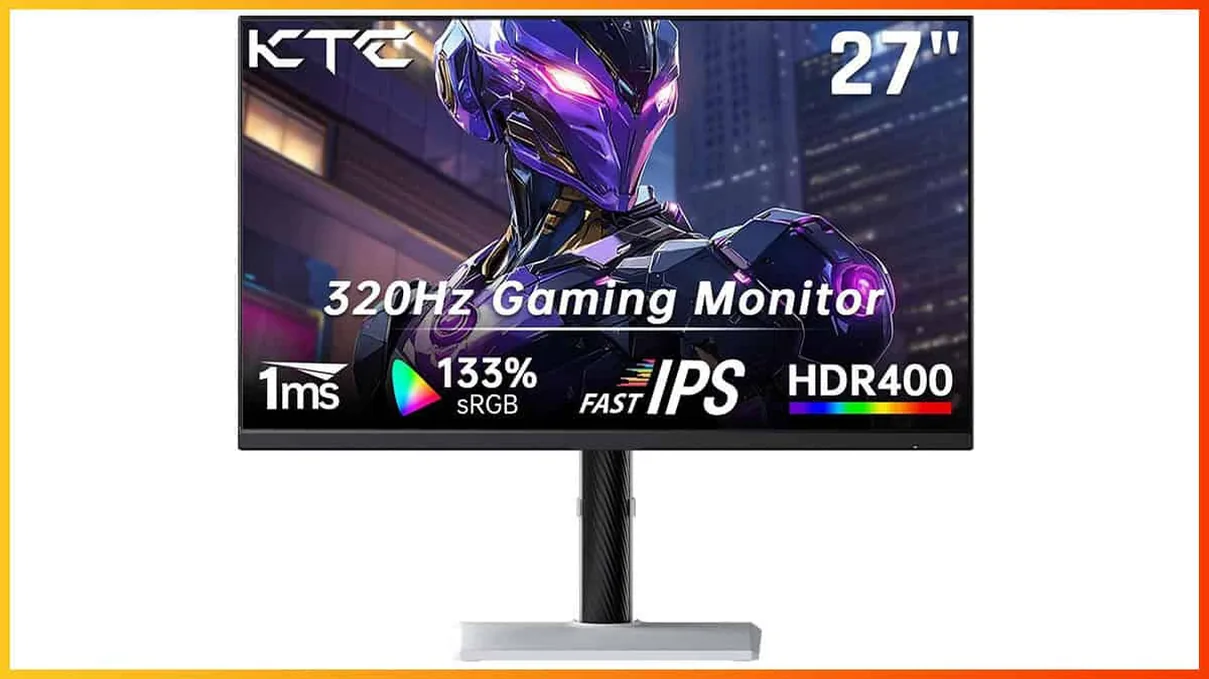

KTC H27E6: The Budget 320Hz QHD Beast — Hype or Hard Reality?
The KTC H27E6 has ignited a significant buzz within the competitive gaming community, promising an almost unbelievable combination of high-end specifications at a budget-friendly price point. With a 27-inch QHD Fast IPS panel boasting a native 300Hz refresh rate, reliably overclockable to a blistering 320Hz, alongside a claimed 1ms response time and Adaptive-Sync support, it’s easy to see why. Priced aggressively between $220 and $270, this monitor stands out as a potential market disruptor. However, the gaming world, ever wary of budget claims, remains cautiously optimistic. My role here at LoadSyn is to cut through that hype, and this review will provide a critical, data-driven analysis to determine if the H27E6 truly delivers on its promises or if it’s merely another case of specs on paper not translating to real-world performance.
Quick Verdict
The KTC H27E6 is a remarkable value proposition, delivering a 320Hz QHD Fast IPS experience at an unprecedented price. Its exceptional speed, vibrant color reproduction (after calibration), and fully ergonomic stand are major wins for competitive gamers. However, users should be prepared for out-of-the-box calibration needs, some minor ghosting with aggressive overdrive, and the absence of integrated speakers or a full-featured USB hub. For its target audience of performance-focused gamers on a budget, it represents an outstanding investment, provided you’re willing to fine-tune its settings.
Pros
- Unbeatable Value: High-end specs (320Hz QHD IPS) at a budget price ($220-$270).
- Exceptional Speed: 300Hz/320Hz refresh rate and low input lag.
- Vibrant Visuals: Fast IPS panel with wide color gamut (144% sRGB, 98% DCI-P3).
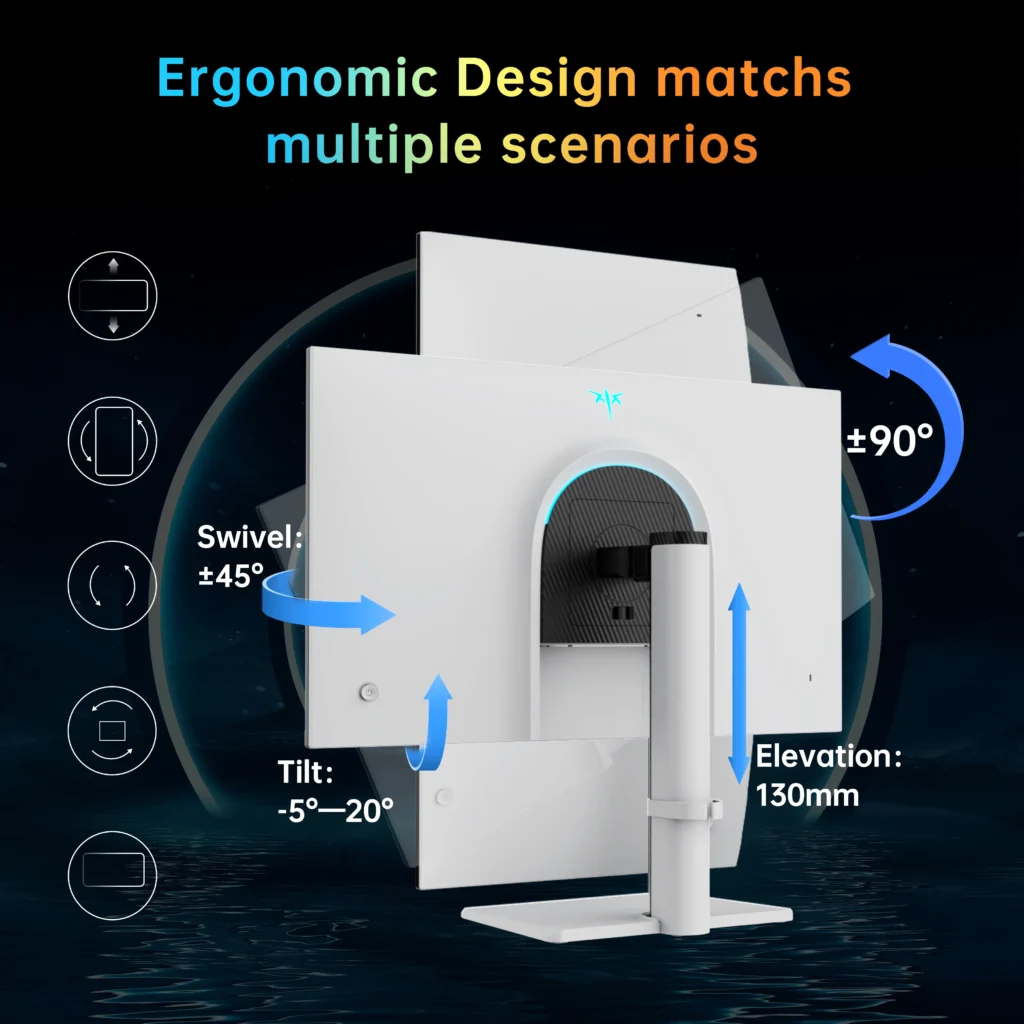
- Solid Ergonomics: Fully adjustable stand with tilt, swivel, pivot, and height.
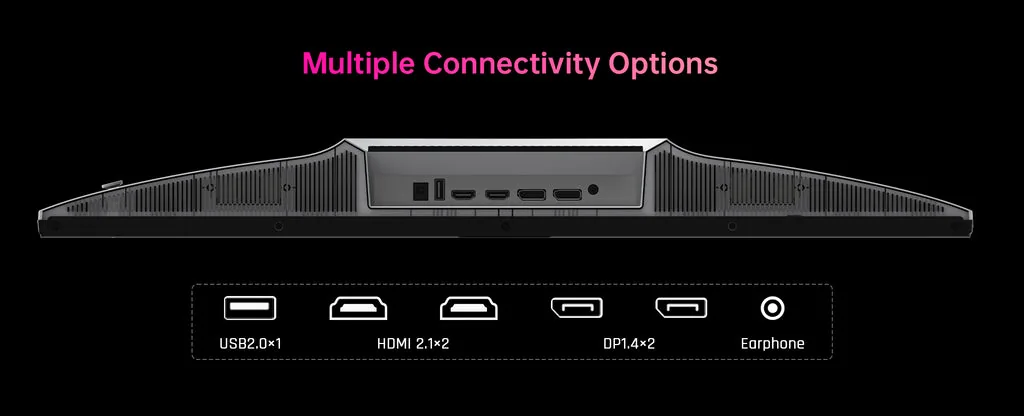
- Connectivity: Dual HDMI 2.1 and DisplayPort 1.4 ports.
- Decent Contrast: Measured up to 1552:1, high for IPS.
Cons
- Calibration Required: Needs tweaking for optimal color and gamma.
- Minor Artifacts: Overshoot noticeable with aggressive overdrive.
- No Speakers: External audio solution required.
- Limited USB: Single port for firmware updates only.
- Entry-Level HDR: HDR400 offers limited dynamic range.
KTC H27E6: The Core Technical Specifications
| Parameter | Details |
|---|---|
| Panel Type / Backlight | Fast IPS / W-LED, edge array |
| Screen Size / Aspect Ratio | 27 inches / 16:9 |
| Max Resolution & Refresh | 2560×1440 @ 300 Hz (320 Hz OC) |
| Adaptive-Sync | FreeSync Premium (48-320Hz), G-Sync Compatible |
| Color Depth & Gamut | 8-bit + FRC / 98% DCI-P3, 144% sRGB |
| Response Time (GtG) | 1ms (0.5ms true claimed) |
| Brightness (Peak) | 450 cd/m² (480-nits measured) |
| Contrast (Static) | 1000:1 (1552:1 measured) |
| HDR Support | VESA DisplayHDR 400 |
| Video Inputs | 2x DisplayPort 1.4, 2x HDMI 2.1 |
| USB Ports | 1x USB 2.0 (Service Only) |
| Ergonomics | Height, Tilt, Swivel, Pivot (90°) |
Visual Fidelity: Clarity, Color, and HDR Realities
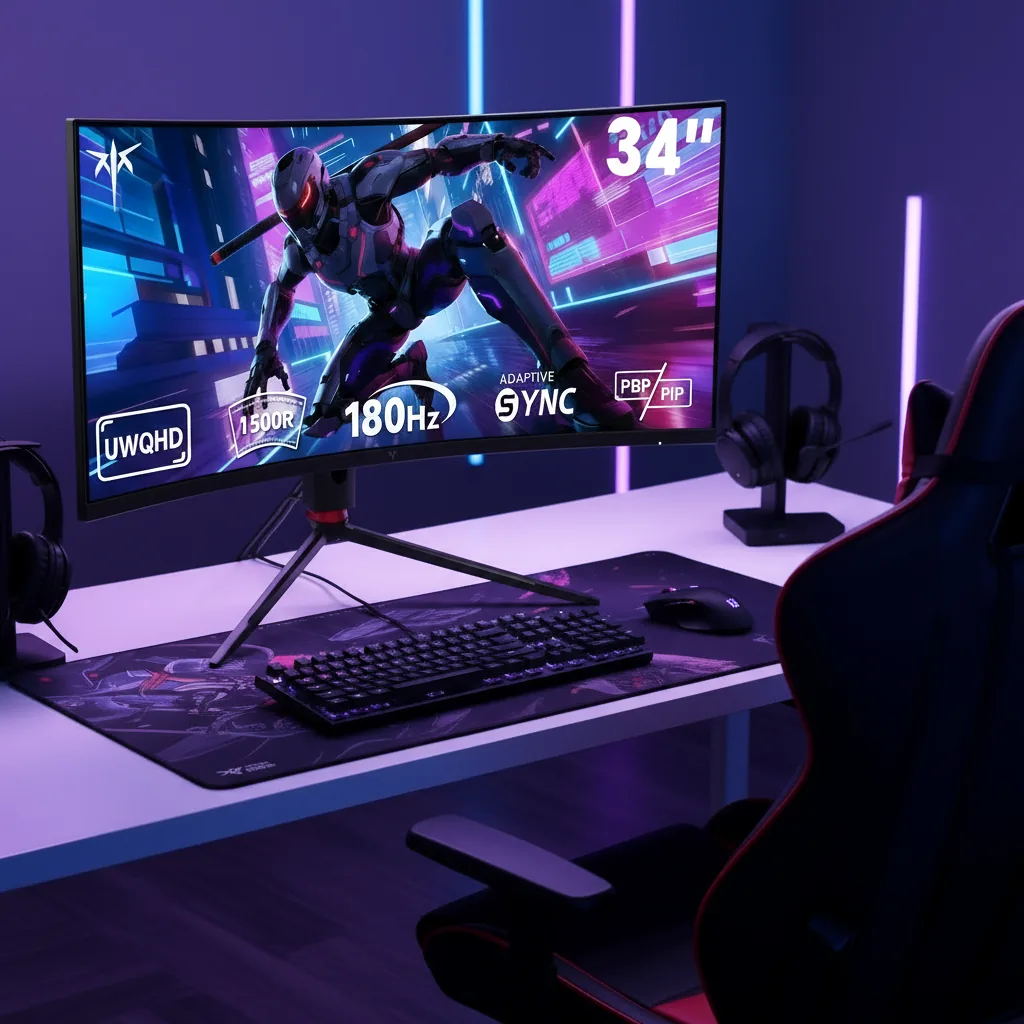
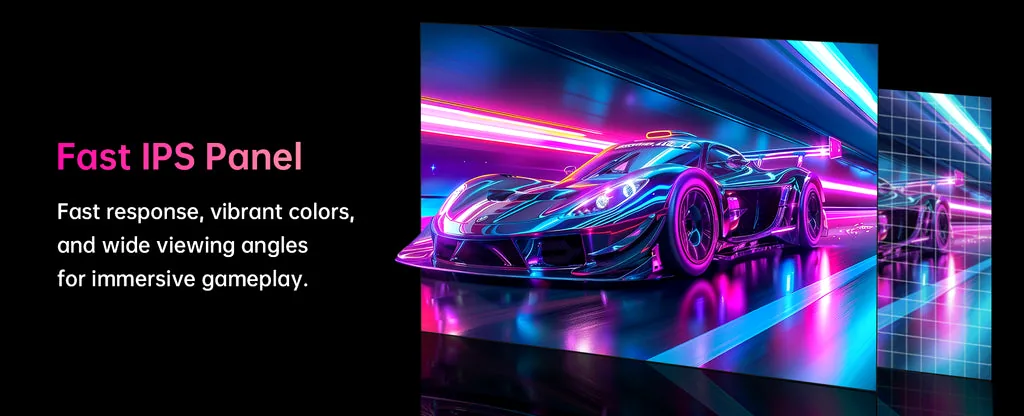
The KTC H27E6 leverages a 27-inch 2560×1440 (QHD) Fast IPS panel, a sweet spot for gaming that balances visual sharpness with performance demands. With a pixel density of approximately 109 PPI, visuals appear crisp and detailed, far surpassing the pixelation often seen on larger 1080p screens. This means text and in-game textures render cleanly, without the need for extreme hardware to drive a 4K resolution. The Fast IPS technology itself is a boon, combining the excellent 178° viewing angles and vibrant color reproduction characteristic of IPS panels with the rapid response times typically found in TN displays.
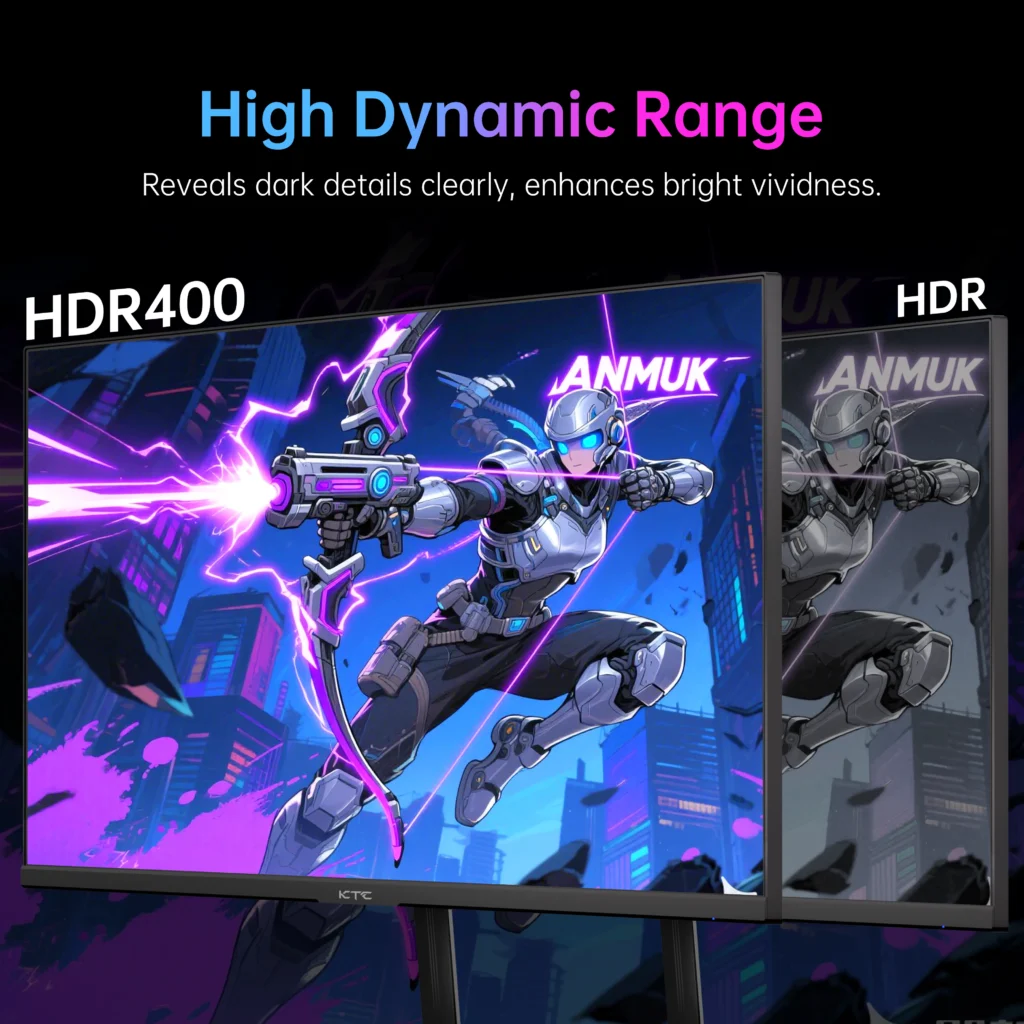
Brightness on the H27E6 is strong, with a peak measured at around 480 nits, making it suitable for even brightly lit rooms. The static contrast ratio, typically 1000:1 for IPS, was measured at an impressive 1552:1 on our unit, which is notably higher than many competitors in its class. While this doesn’t reach the inky blacks of VA or OLED panels, it provides a more dynamic image than average IPS displays. The monitor also supports VESA DisplayHDR 400. While it lacks local dimming, the ability to calibrate white balance in HDR mode allows for a noticeable improvement in perceived contrast and color accuracy after some tweaking.
LoadSyn Lab’s Recommended Settings:
- Professional Mode: Native
- Color Temp: User (R50, G49, B50)
- Gamma: 2.4 (Impactful) or 2.2 (Standard)
- Professional Mode: Display P3 or sRGB
- Color Temp: Warm
- Black Equalize: 50 or 30
Unleashing Speed: Gaming Performance and Responsiveness
When it comes to raw speed, the KTC H27E6 makes a bold statement. Its native 300Hz refresh rate, reliably pushing to 320Hz with a simple OSD overclock, is a game-changer for competitive titles. Such high refresh rates translate directly into a tangible competitive advantage through buttery-smooth motion clarity and reduced input latency.
Real-World FPS Performance (RTX 4070 Super)
Data sourced from testing at 1440p with G-Sync enabled. Stutter counts consistently low (<1-2/min).
The H27E6 offers five overdrive modes. At 320Hz, ‘Advanced’ mode provides the best balance, though some minor overshoot (approx 5% error) is present. Interestingly, running at 300Hz instead of 320Hz can slightly reduce these artifacts. For VRR gaming, we recommend ‘Off’ for 60-180FPS and ‘Standard’ for 180-320FPS. OSRTT measurements confirm excellent display latency: 8.81ms at 60Hz and 4.79ms at 120Hz, ensuring a highly responsive experience.
KTC H27E6 vs. Common Gaming Monitor Tiers
| Parameter | 144Hz 1080p (Typical) | KTC H27E6 (Current) |
|---|---|---|
| Pixel Density (PPI) | 82 | 109 |
| Max Refresh Rate | 144 Hz | 320 Hz OC |
| Response (GtG) | 1ms (MPRT) | 0.5ms (True) |
| Motion Clarity | Medium | Very Good |
| Typical Price | $200-250 | $220-270 |
Hardware Demands: Driving 320Hz at 1440p
Driving 300+ FPS at 1440p demands serious GPU horsepower. For esports titles like Valorant, an RTX 4070 Super or RX 7800 XT is recommended. For AAA titles, an RTX 4080/4090 or RX 7900 XTX is necessary to saturate this refresh rate. For console gamers, the H27E6’s HDMI 2.1 ports fully support 1440p@120Hz on PS5 and Xbox Series X.
Design & Connectivity: More Than Just a Pretty Face
Connectivity is robust, featuring dual HDMI 2.1 and dual DisplayPort 1.4 inputs. All four ports support 1440p at 300Hz+. Note: the single USB 2.0 port is for firmware updates only, and there are no internal speakers.
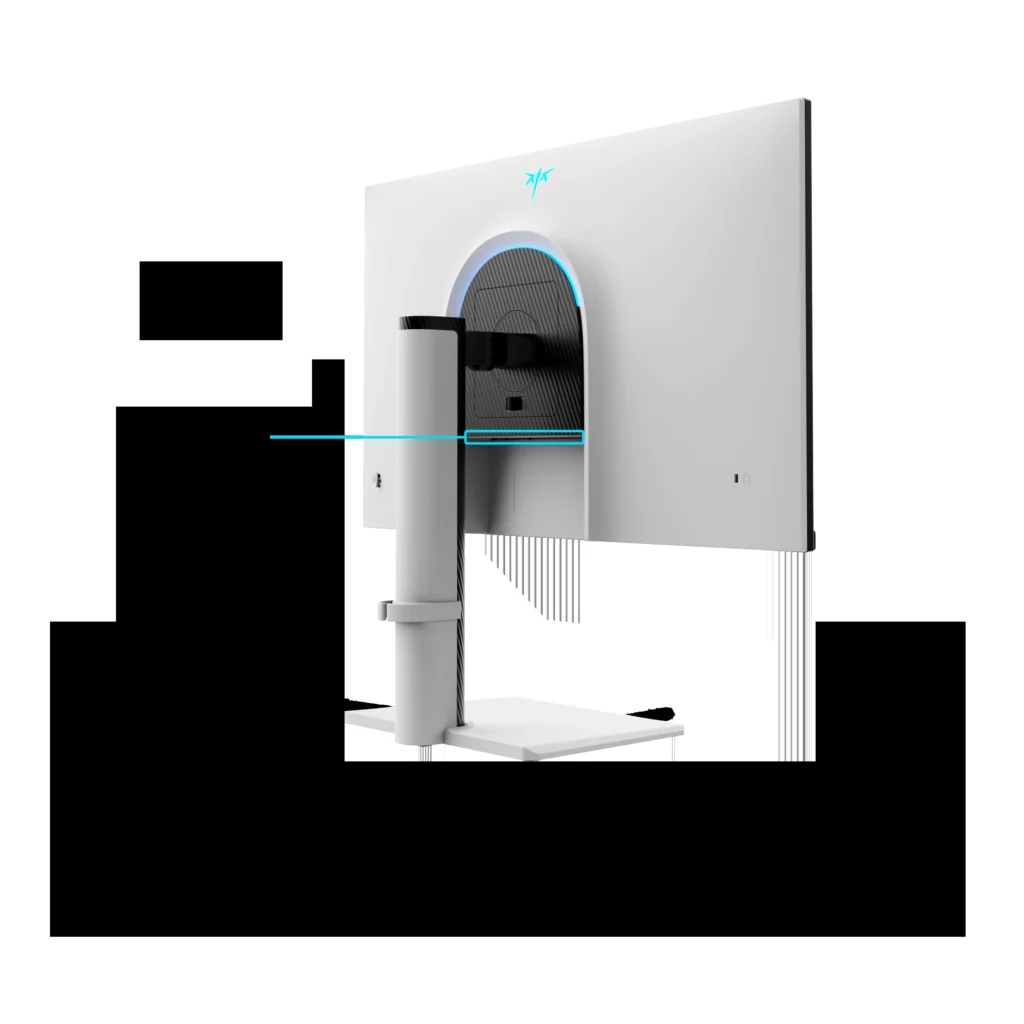
The white-and-black two-tone design fits minimalist or gaming setups. The stand is a highlight: 130mm height adjustment, swivel, tilt, and a full 90° pivot. Subtle RGB lighting on the rear adds ambiance, controlled by an intuitive OSD joystick.
Final Verdict
The KTC H27E6 stands as a formidable contender in the budget gaming monitor space, offering an almost unbelievable combination of a 27-inch QHD Fast IPS panel with a 320Hz refresh rate for under $300. While it demands a powerful GPU to truly unlock its full potential and benefits from some calibration, its raw speed, vibrant colors, and solid ergonomic design make it an exceptional value for competitive gamers. It’s a definitive game-changer.
Frequently Asked Questions
What video card is needed to take advantage of 300 Hz at 1440p?
Typically requires an NVIDIA GeForce RTX 4070 Super or AMD Radeon RX 7800 XT and above for esports titles. For AAA games, an RTX 4080/4090 or RX 7900 XTX is recommended.
Is the KTC H27E6 monitor suitable for console gaming?
Yes, its HDMI 2.1 ports fully support 1440p@120Hz, the maximum performance of PS5 and Xbox Series X at this resolution.
Does the KTC H27E6 monitor have built-in speakers?
No, it does not. Audio can be output via the 3.5mm headphone jack to external speakers or headphones.
What does ‘Fast IPS’ technology mean?
‘Fast IPS’ combines the color quality and viewing angles of traditional IPS with ultra-low response times (1ms GtG) usually found in TN panels.
Can the KTC H27E6 monitor be used in vertical (portrait) mode?
Yes, the stand offers a ±90° pivot function, ideal for coding or reading documents.
Are KTC monitors reliable?
Objective engineering analysis suggests minimal reliability concerns. KTC employs rigorous QA procedures with return rates comparable to major Western manufacturers.
What does ‘beyond 100% sRGB’ mean?
It means the monitor displays more vibrant and saturated colors than standard displays, beneficial for HDR content and creative work.